ScanMaster for ELM327 OBD-2
ScanMaster for ELM327 OBD-2 Summary
ScanMaster for ELM327 OBD-2 is a mobile iOS app in Business by SMART Technologies GmBH. Released in Dec 2017 (8 years ago). It has 230 ratings with a 4.06★ (good) average. Based on AppGoblin estimates, it reaches roughly 1.1K monthly active users . Store metadata: updated Dec 11, 2017.
Store info: Last updated on App Store on Dec 11, 2017 .
4.06★
Ratings: 230
Screenshots

App Description
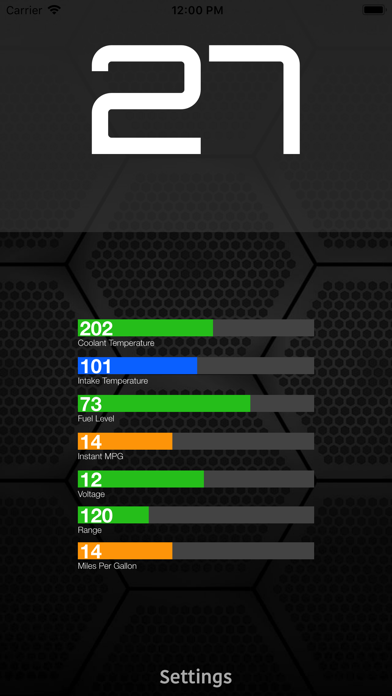
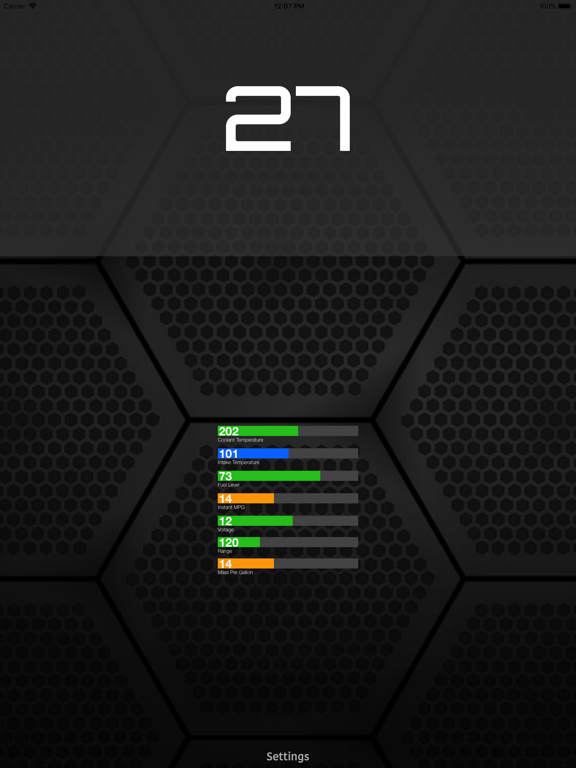
ScanMaster is an application for vehicle diagnostics to OBD-2 standards, communicates with an OBD2 / OBDII / ELM car interface device
How to use:
1. Plug ELM327 WIFI Scanner into vehicle's OBD2 port. (Port is usually found on the driver side dashboard under the steering wheel.)
2. Turn ON ignition. (This is one step before engine is powered.)
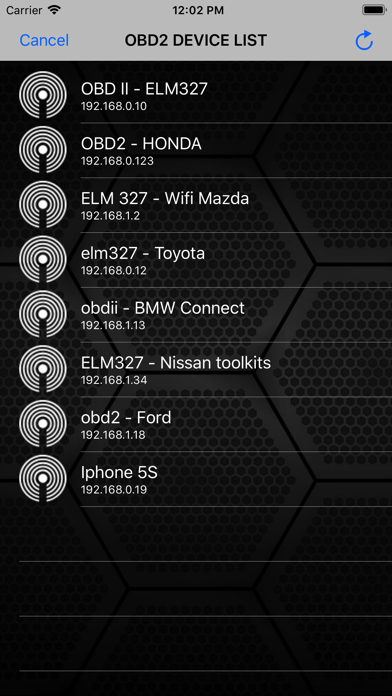
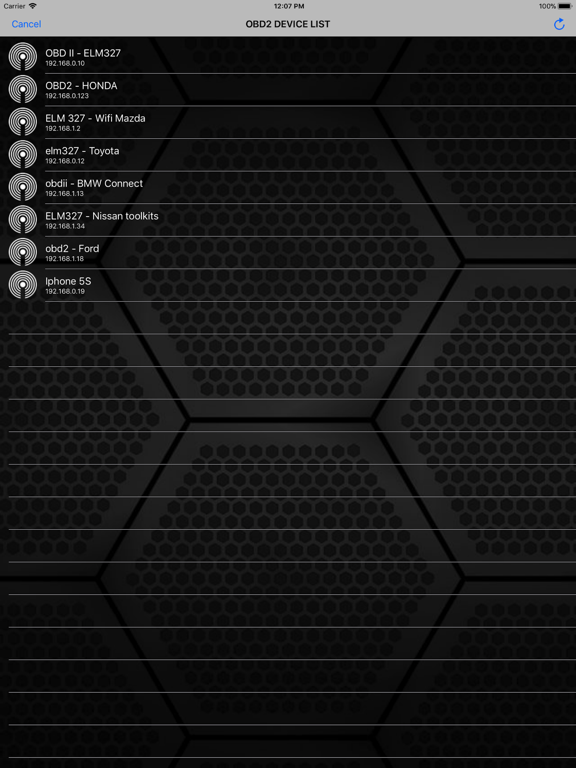
3. Launch your ScanMaster App. Click "Settings" for scan list OBD2 device and select correct your OBD device for diagnostics. (default is 192.168.0.10 or 192.168.0.123)
We would greatly appreciate the feedback on the app. Please send us an email about your experiences, opinions or suggestions.