PhotoDj: In-Person Slideshow

PhotoDj: In-Person Slideshow Summary
PhotoDj: In-Person Slideshow is a with in-app purchases iOS app in Photo And Video by AnswerSolutions LLC. Released in Jan 2018 (8 years ago). It has 7.00 ratings with a 3.57★ (average) average. Based on AppGoblin estimates, it reaches roughly 2.00 monthly active users and generates around $<10K monthly revenue (100% IAP / 0% ads). Store metadata: updated Nov 28, 2023.
Store info: Last updated on App Store on Nov 28, 2023 .
3.57★
Ratings: 7.00
Screenshots

App Description
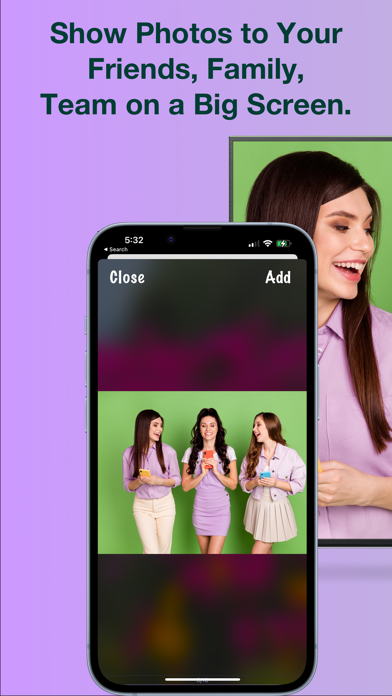
With PhotoDj, you have the power to effortlessly showcase your cherished photos directly on Smart TVs, PCs, Macs, Tablets, and even other phones. The best part? No accounts, no registrations – just seamless sharing!
Perfect for PechaKucha and Beyond:
PhotoDj isn't just for personal use; it's a versatile tool for professional presentations as well.
Save your slides as photos in your phone gallery and then share your visual ideas, designs, or team projects on the big screen with ease and convenience.
Protecting Your Privacy:
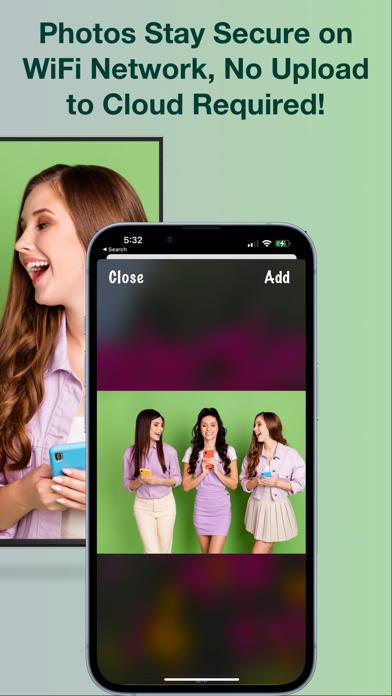
Rest assured, PhotoDj takes your privacy seriously. Your photos are never sent to a server or cloud, and no traces are left on the presentation device or elsewhere. You have full control, and your photos only stay on the screen as long as you want them to.
Cross-Device Compatibility:
Whether it's a Smart TV, PC, Mac, Tablet, or another phone, PhotoDj has you covered. Any device with a modern Internet browser can join the party, making sharing photos a breeze.
Unlimited Predefined Albums:
Unlock the power of PhotoDj Pro with a subscription, and gain access to unlimited predefined albums. Prepare your presentations in advance and impress your audience with a well-curated collection of photos.
Effortless Setup:
Getting started is a breeze:
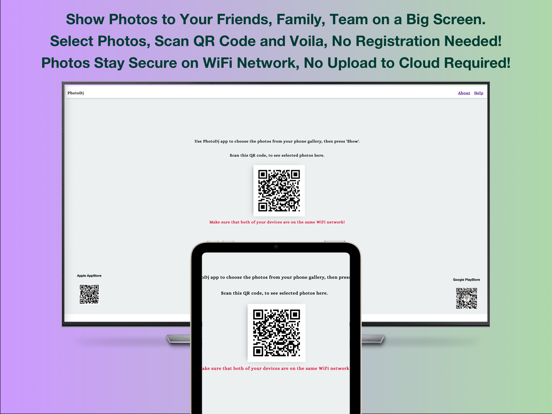
1. Open PhotoDj on your chosen web platform (smart TV, PC, Mac, Tablet) at https://photodj.me.
2. Select your desired photos from your Gallery.
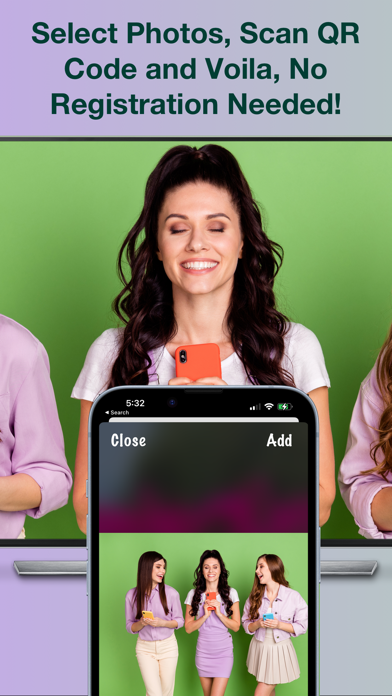
3. Press "Show/Present" and scan the QR Code.
4. Swipe through the photos on your phone to display them magnificently on the big screen.
Apple TV Companion App:
Don't forget to explore the PhotoDj companion app available on Apple TV, making it even easier to share your photos and presentations.
Experience the ultimate in photo sharing and presentation capabilities with PhotoDj. Elevate your visual storytelling today!
Have a question, suggestion, or issue? Please email us at support@answersolutions.net