Video Stopwatch SC
Video Stopwatch SC Summary
Video Stopwatch SC is a with in-app purchases iOS app in Tools by Seconds Count Timing Systems LLC. Released in Jan 2018 (8 years ago). It has 427 ratings with a 4.45★ (good) average. Based on AppGoblin estimates, it reaches roughly 1.7K monthly active users and generates around $<10K monthly revenue (100% IAP / 0% ads). Store metadata: updated Jun 30, 2020.
Recent activity: 1.00 new ratings this week View trends →
Store info: Last updated on App Store on Jun 30, 2020 .
4.45★
Ratings: 427
Screenshots



App Description
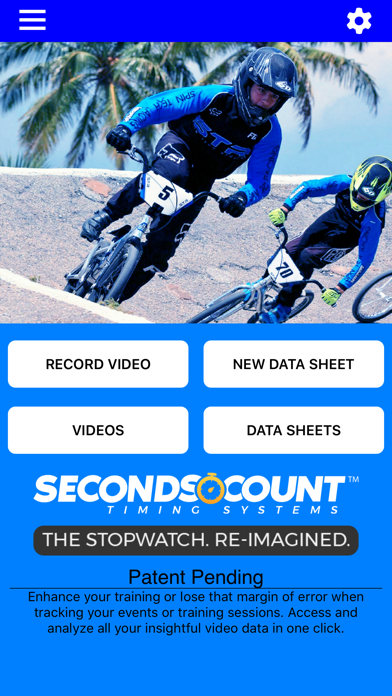
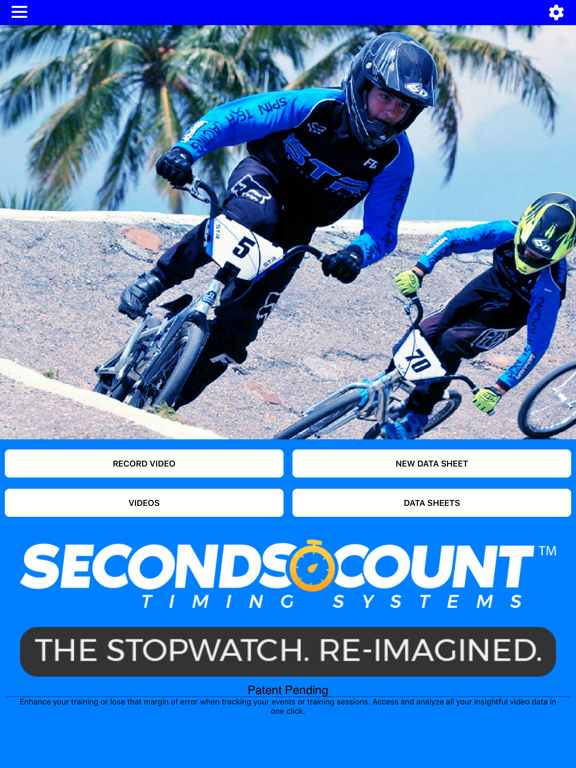
Video Stopwatch
The world’s most versatile and comprehensive mobile timing and training application. Feature rich and simple to use. Patent Pending technology allows you to record, track, save, compare and analyze all of your critical time and performance data. Record your event and set timing markers after to gain greater precision. Save your timing data in data sheets to stay organized. The compare videos tool allows you to compare 2 videos side by side. Videos always begin at the start marker which makes synchronizing videos a breeze.
Patent pending video stopwatch allows you to record an event or training session and then review frame by frame to precisely mark the start, lap and/or multiple finish times. If you are recording a race, Seconds Count can mark the finish points of all competitors and display each finish time and the time distance between each competitor.
Data Sheets
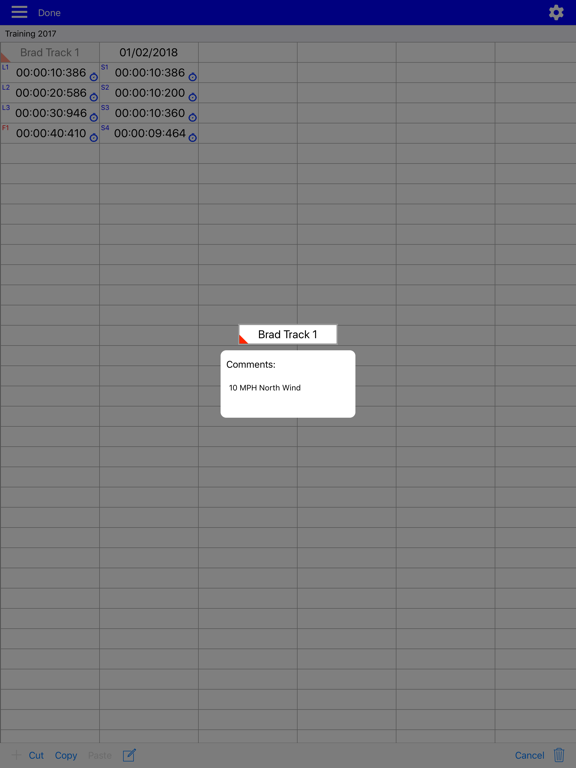
Store lap and finish times from manual and video timing in datasheets. Add text, dates and comments to cells to keep information organized. With thousands of columns and rows on each data sheet, there is plenty of room to store all of your records
Manual Logging Stopwatch
A manual stopwatch function can be deployed when video is not needed or used that will automatically log the results in a data sheet. Additional Labels and dates can be added to give these times organization as well.
Solo Training Tool: Pro Subscription Required (1 Month Free Trial Available)
A solo training function allows user to set app to automatically record multiple videos with a user selectable rest period in between each video allowing the user to repeatedly record themselves and later analyze their performance. Developing consistency is one of the keys to success.
Compare Videos Tool: Pro Subscription Required (1 Month Free Trial Available)
Improve your form and technique analysis with the compare videos tool. Videos are locked to move synchronously or can be unlocked to move independently. Videos always begin at the start marker which makes synchronizing them a breeze.
Pro Subscription - Annual Pro Subscription ($5.99 per year)
Subscription includes:
- Introductory 1 Month Free Trial
- Solo Training Tool
- Compare Videos Tool
- 60fps and 120fps Video Frame Rate Capability
- Time Scroller Opacity Setting
- Video Stabilization Setting
- Video Brightness Control
- Video Trimming Too