Safe VPN Vpn Fast Secure Proxy

Safe VPN Vpn Fast Secure Proxy Summary
Safe VPN Vpn Fast Secure Proxy is a ad-supported, with in-app purchases iOS app in Productivity by Gowalk Inc.. Released in Mar 2018 (8 years ago). It has 5.1K ratings with a 4.48★ (good) average. Based on AppGoblin estimates, it reaches roughly 14.5K monthly active users and generates around $<10K monthly revenue (26% IAP / 74% ads). Store metadata: updated Jul 31, 2025.
Recent activity: 3.00 new ratings this week View trends →
Data tracking: SDKs and third-party integrations were last analyzed on Apr 14, 2025.
Store info: Last updated on App Store on Jul 31, 2025 .
4.48★
Ratings: 5.1K
Screenshots

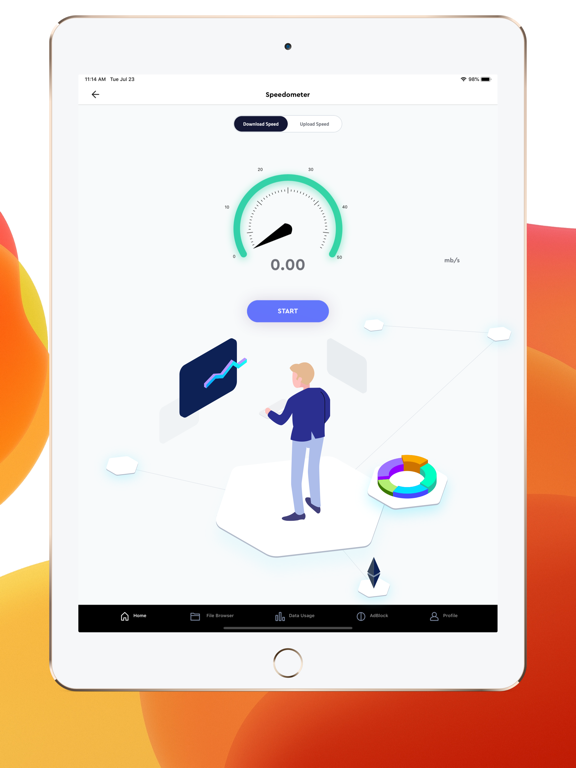
App Description
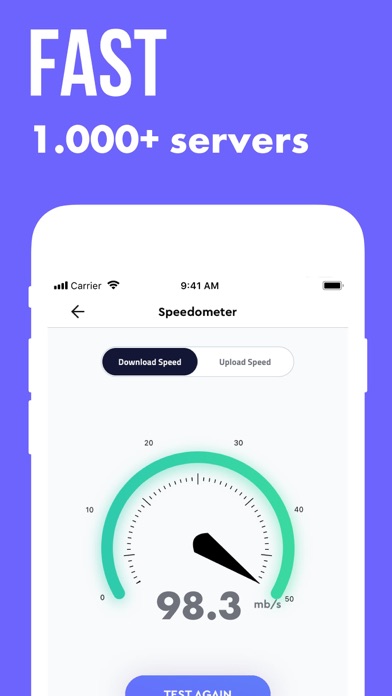
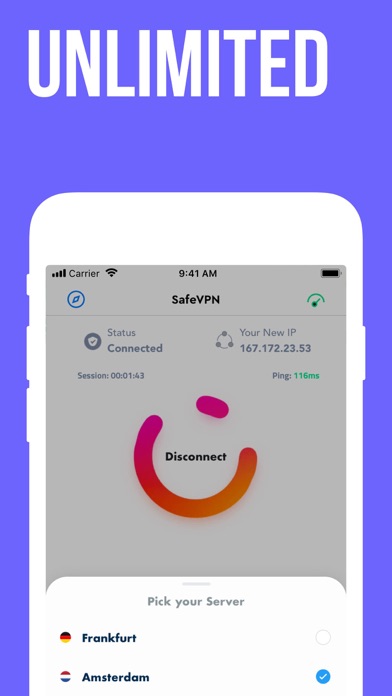
Safe VPN provides you unlimited VPN connection to access apps and websites from your devices. SafeVPN is completely anonymous and it provides to you a private and secure data transmission.
Features of Safe VPN
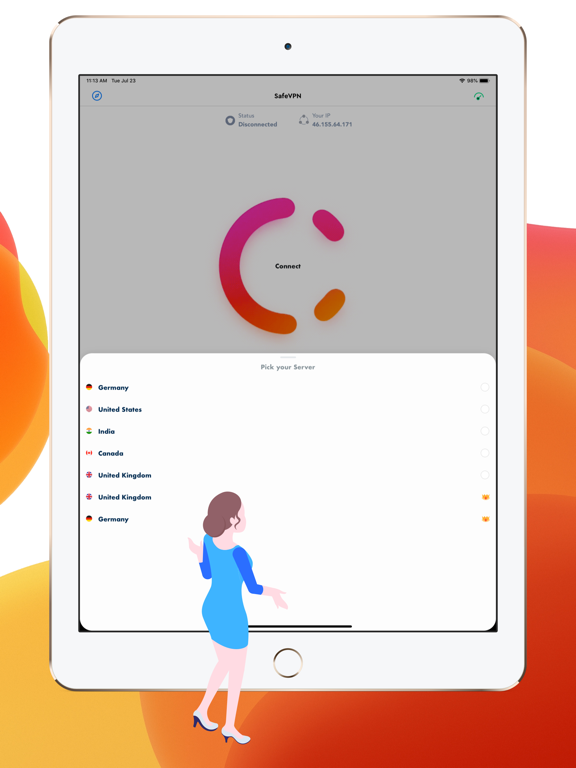
- More than 30 countries for VPN connection
- You don't need any Registration and Login.
- You can use Premium features free for 3 days.
- We never log or share your real IP addresses.
- All your traffics are encrypted.
- Simple usage, just tap and connect to VPN
- Works with WiFi, LTE, 3G.
If you want faster connection just be premium user. To be premium member, tap "Upgrade" and select which subscription you want.
Premium Membership:
- SafeVPN offers 1 membership options with no free trial: 1 year. Also SafeVPN offers auto-renewable memberships: 1 week and 1 month with 3-days free trial.
End of trial and subscription renewal:
- This price is for United States customers. Pricing in other countries may vary and actual charges may be converted to your local currency depending on the country of residence.
- Payment will be charged to iTunes Account at confirmation of purchase.
- Subscription automatically renews unless auto-renew is turned off at least 24-hours before the end of the current period.
- Account will be charged for renewal within 24-hours prior to the end of the current period, and identify the cost of the renewal.
- Subscriptions may be managed by the user and auto-renewal may be turned off by going to the user’s Account Settings after purchase.
- Any unused portion of a free trial period, if offered, will be forfeited when the user purchases a subscription to that publication, where applicable.
Canceling trial or subscription
- You can turn off the auto-renew for the subscription whenever you want to through iTunes. Check https://support.apple.com/zh-cn/HT202039.
- You can cancel from phone:
- Tap "iTunes & App Store".
- Tap "Apple ID" -> "View Apple ID".
- Tap "Subscriptions".
- Select SafeVPN and cancel subscription.
Terms of Use: https://www.apple.com/legal/internet-services/itunes/dev/stdeula/
Privacy Policy: https://shorturl.at/Mp7nw