ClinicalKey Student Bookshelf

ClinicalKey Student Bookshelf Summary
ClinicalKey Student Bookshelf is a mobile iOS app in Medical by Elsevier Inc.. Released in Feb 2018 (8 years ago). It has 5.2K ratings with a 4.73★ (excellent) average. Based on AppGoblin estimates, it reaches roughly 20K monthly active users . Store metadata: updated Apr 2, 2026, version 4782.
Recent activity: 1.00 new ratings this week View trends →
Data tracking: SDKs and third-party integrations were last analyzed on Apr 3, 2026.
Store info: Last updated on App Store on Apr 2, 2026 (version 4782).
SDKs, Trackers & Permissions
ClinicalKey Student Bookshelf was last scanned for SDKs 2026-04-03. Below is the overview of third party companies detected in the app. The full list of raw SDKs, app permissions and unknown SDKs is available here.
AppGoblin saw ClinicalKey Student Bookshelf uses 4 Development Tools
 ReactiveX
 Airbnb Engineering
 nanopb
 Google
AppGoblin saw ClinicalKey Student Bookshelf uses 1 Analytics: Product
 Firebase
App Details
App Store
Ads & App-Ads.txt
AppGoblin SDK Scans
4.73★
Ratings: 5.2K
Screenshots
App Description
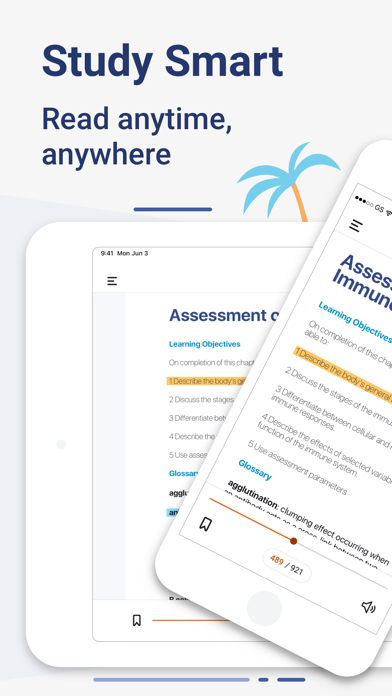
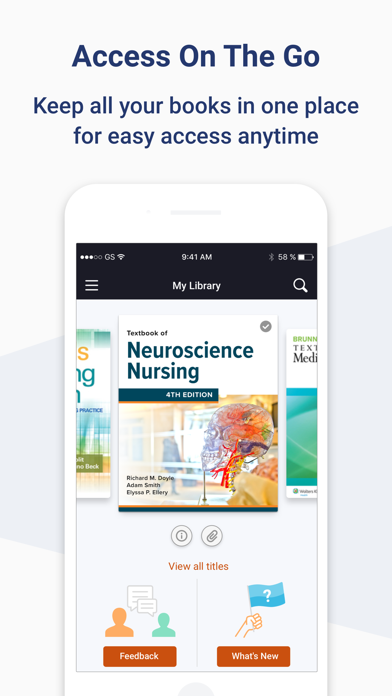
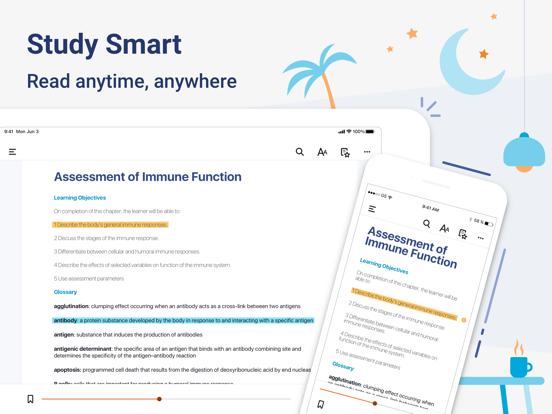
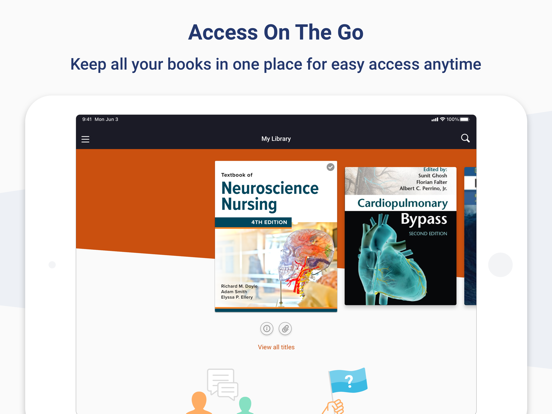
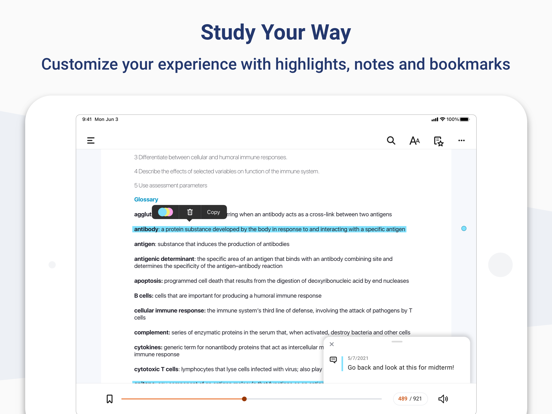
Download the ClinicalKey Student Bookshelf app to access your personal bookshelf across all devices whenever you need it. Enhance your study experience with tools designed to build and improve your medical knowledge; making and sharing notes, highlighting key text and creating flashcards.
Requirements:
• iOS 17+
• ClinicalKey Student account
• The app is available in the following languages: English, Spanish, French, German, Portuguese
How to Access:
• Download the app for free and open it.
• On the welcome screen, click Sign In with your CK Student email and password. NOTE: The first time you log in, you must be on your university network.
• If you have been given a Registration ID to create your account, go to https://www.clinicalkey.com/student/register and follow the steps on-screen. You can then use your login to sign into the Bookshelf app.
• Launch any title you want to add to your bookshelf on the CK Student website. The app will synchronise any books you have added from CK Student. NOTE: You must be online to synchronize your book collection.
For Support and FAQs, go to https://service.elsevier.com/app/home/supporthub/ckstudent/