Instant Camo - Video Recording

Instant Camo - Video Recording Summary
Instant Camo - Video Recording is a with in-app purchases iOS app in Photo And Video by Boris Milanov. Released in Feb 2018 (8 years ago). It has 498 ratings with a 4.10★ (good) average. Based on AppGoblin estimates, it reaches roughly 238 monthly active users and generates around $<10K monthly revenue (100% IAP / 0% ads). Store metadata: updated Aug 1, 2020.
Store info: Last updated on App Store on Aug 1, 2020 .
4.1★
Ratings: 498
Screenshots
App Description
An extremely simple yet unbelievably capable video recording and editing app!
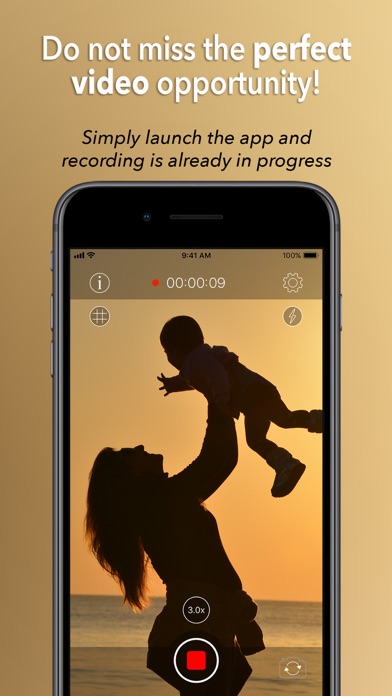
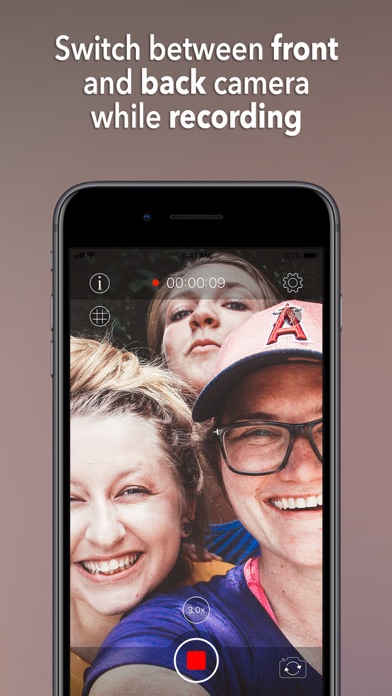
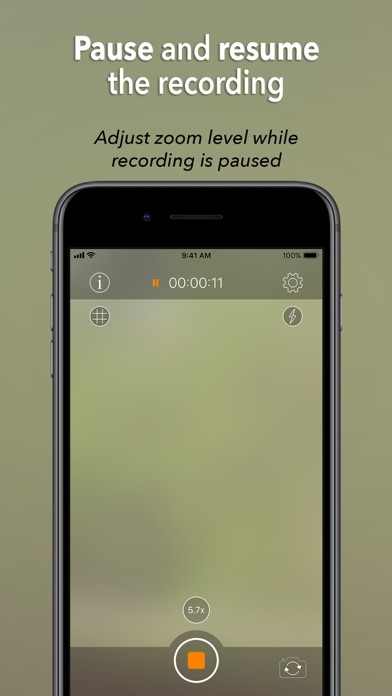
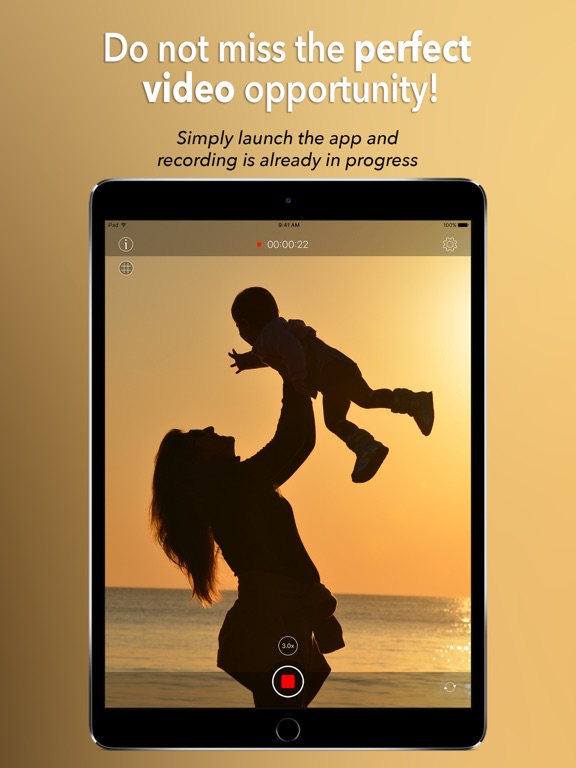
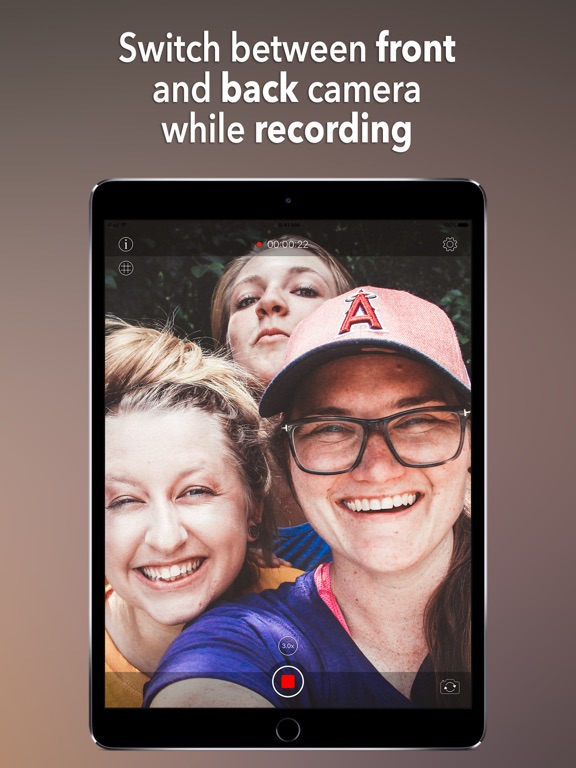
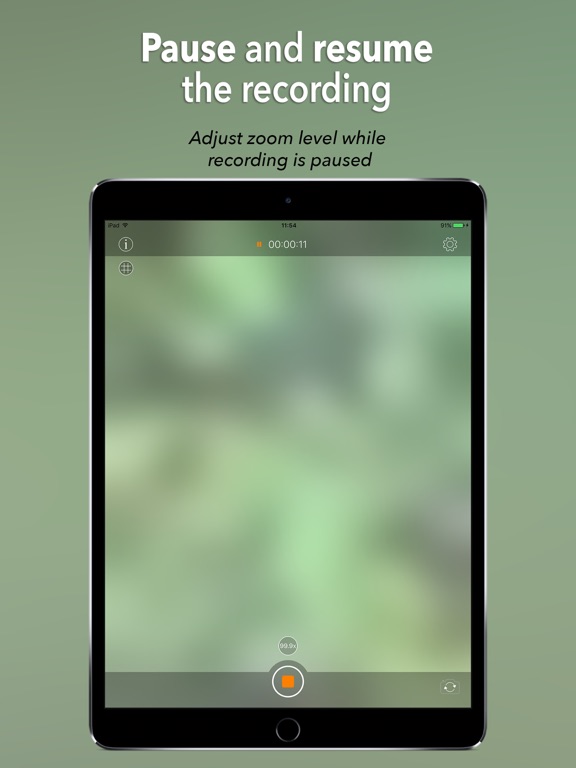
Whether you have an iPhone 4S, or an iPhone 11 Pro, you will never miss a moment that is worth being captured on video. Just launch the app and recording is already in progress, no need to swipe or press additional buttons. Easily pause and resume the recording, or switch between front and back cameras while filming. When you are done, simply close the app and the video will be waiting for you in the Camera Roll.
MAIN FEATURES:
• Record instantly as soon as you launch the app.
• Automatically save the video upon exit, either to the Camera Roll (by default), or to the app documents folder (for additional privacy).
• Record in 4K at 60 frames per second. Or film a slow motion video in 1080p at 240 fps. It is all up to you. Simply choose the resolution and frame rate that you prefer.
• Create vlog style videos with no effort.
• Pause and resume the recording - just press and hold the record button or tap the video duration indicator.
• Resume recording your last saved video.
• Switch between front and back cameras while recording.
• Easily select the desired camera using the Today Screen Widget straight from the lock screen and recording will start immediately.
• Select a different recording screen for extra privacy.
• Edit your recording from within the app - rotate, trim, cut and rearrange selected parts of the video. You can also zoom into any given area in the video for a selected period of time.
PREMIUM FEATURES (available via an In-App Purchase):
• No limit on the recording duration.
• No ads.
ADDITIONAL FEATURES (also available in the free version):
• Record in any resolution and frame rate that you desire - 720p/1080p/4K at 24/25/30/48/50/60 fps.
• Record with 3 levels of video stabilization - Standard, Cinematic and Extended Cinematic.
• Record in HEVC format for reduced video file size. In addition, you can also adjust the video bitrate in order to fine-tune the quality and file size of your recording.
• Zoom while recording up to 99.9x (depends on the actual device) using either Pinch to Zoom, or Swipe Up/Down gestures. If your device has a telephoto camera, you can use it to achieve a higher quality zoom effect.
• Adjust zoom level directly or have it gradually ramp up to the desired level.
• Use the flashlight while recording with