iComfort Home Companion App

iComfort Home Companion App Summary
iComfort Home Companion App is a free iOS app in Tools by Lennox Industries. Released in Jul 2018 (8 years ago). It has 38 ratings with a 1.79★ (poor) average. Based on AppGoblin estimates, it reaches roughly 64 monthly active users . Store last updated Jul 24, 2018
iComfort Home Companion App SDKs Summary
App not yet scanned for SDKs.
1.79★
Ratings: 38
Screenshots

App Description
The iComfort Home Companion app provides the Lennox users with the an array of Apple HomeKit controls and setup capabilities for the Lennox HomeKit- enabled iComfort S30 /E30 Thermostats.
App Features:
Intuitive, friendly, secure setup
• Add Lennox HomeKit-enabled iComfort S30 /E30 Thermostats to an existing or a new HomeKit Home, using the secure random setup code and the
existing iPhone camera.
• Remove Lennox HomeKit-enabled iComfort S30 /E30 Thermostats from a HomeKit Home
• Assign, add, remove or change the Home
• Assign, add, remove or change the Room
• Assign, add , or rename a user-friendly name to the Lennox HomeKit-enabled iComfort S30 /E30 Thermostats
Intuitive, simple, quick navigation
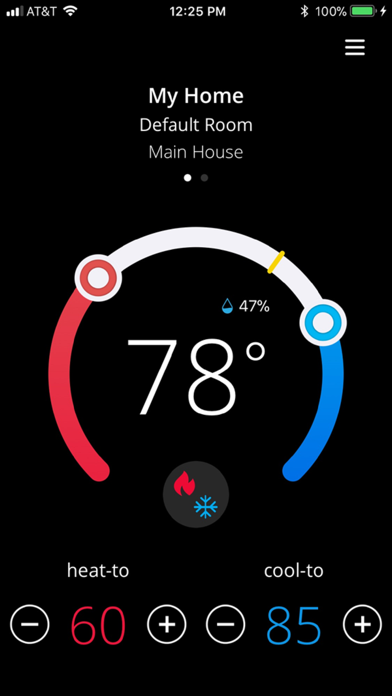
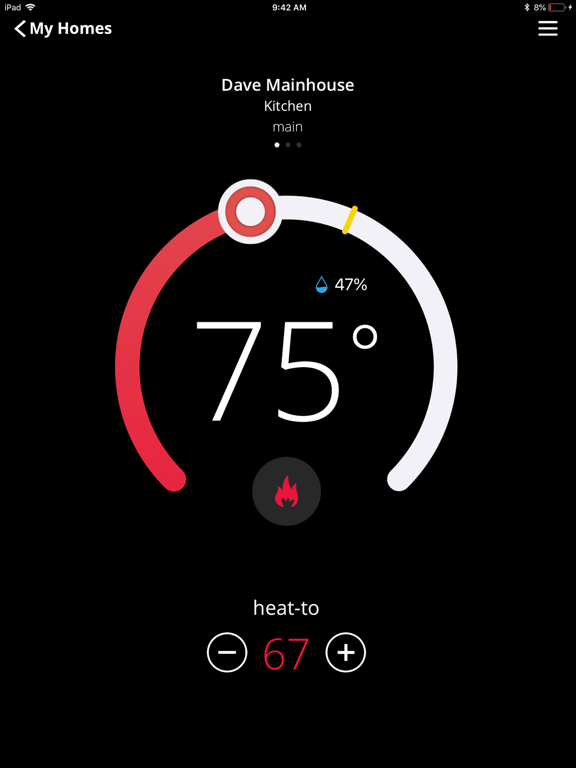
• Home screen , available as first screen, allows immediate view of status and controls
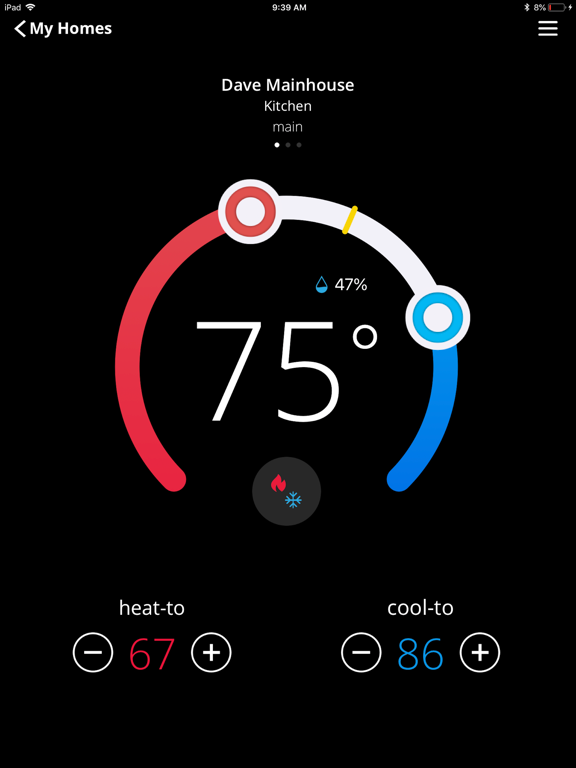
• For homes with more than one Lennox HVAC system, dots above the graphical temperature display appears. With a swiping gesture, user can rove
among them.
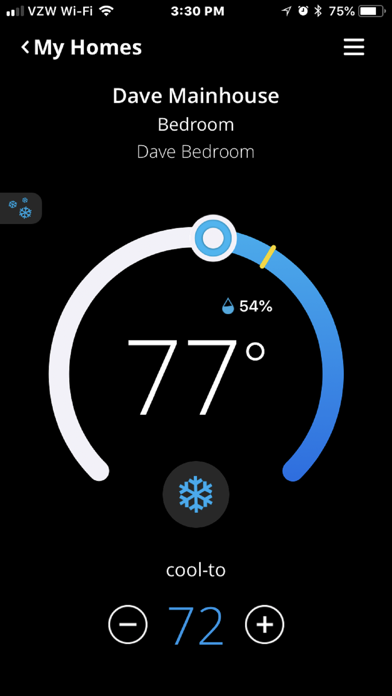
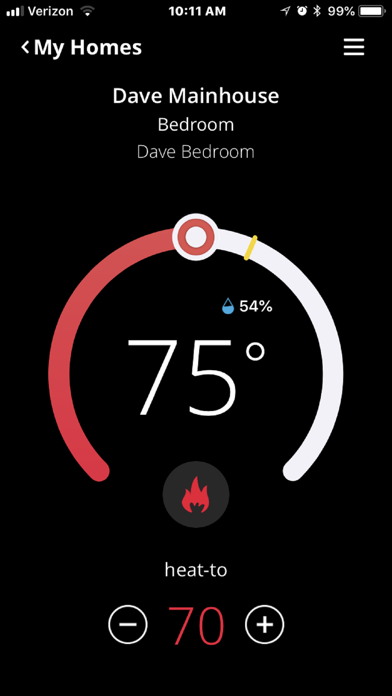
• Thermostat name, Room name, and Home name is headlined together above the graphical display, allowing simple identification • If the user has multiple homes selecting My Homes will allow easy switching between homes
• Relevant settings are accessible from the drop down menu located on the top right of the home screen
• Using Identify feature located under Thermostat Settings, user can immediately locate the thermostat in active use
Precise, responsive, familiar Lennox controls and status display just like the physical thermostat display.
• Precise, touch-enabled graphical set point change
• System mode selection tailored to available installed modes such as Heat-Only, Cool-Only, Auto Modes as well as Off • Easy, at-a-glance display of current system operation (heating or cooling)
• Relative Humidity display at the expected location
NOTE
• This app requires iOS version 10.3.1 or later.
• Access to above HVAC features requires Lennox HomeKit-certified iComfort S30 Ultra Smart Thermostats and HomeKit-certified iComfort E30 Smart
Thermostats. Registered Lennox users automatically obtain the required HomeKit upgrade software over the air
• Controlling this HomeKit-enabled accessory automatically and away from home requires an Apple TV ® with tvOS 10.3 or later or an iPad with iOS
10.3 or later
• With HomeKit you can use Siri ® voice commands to control your thermostat, set configurable ‘s