Photo collage maker & editor

Photo collage maker & editor Summary
Photo collage maker & editor is a with in-app purchases iOS app in Photo And Video by 9ft Learning & Games. Released in Feb 2018 (8 years ago). It has 3.00 ratings with a 1.67★ (poor) average. Based on AppGoblin estimates, it reaches roughly 2.00 monthly active users and generates around $<10K monthly revenue (100% IAP / 0% ads). Store metadata: updated Mar 29, 2018.
Store info: Last updated on App Store on Mar 29, 2018 .
1.67★
Ratings: 3.00
Screenshots


App Description
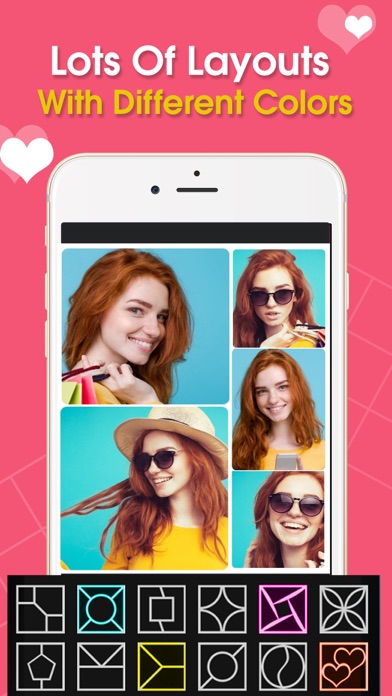
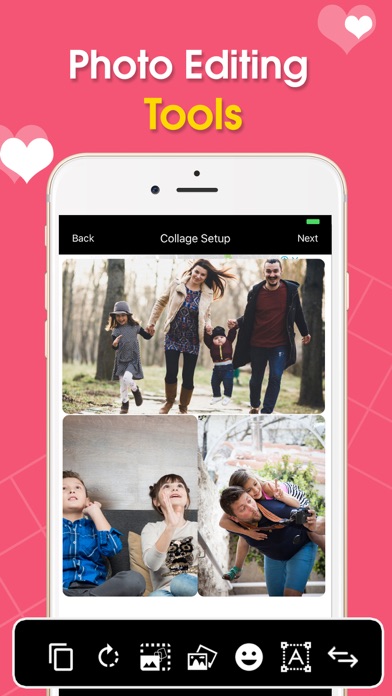
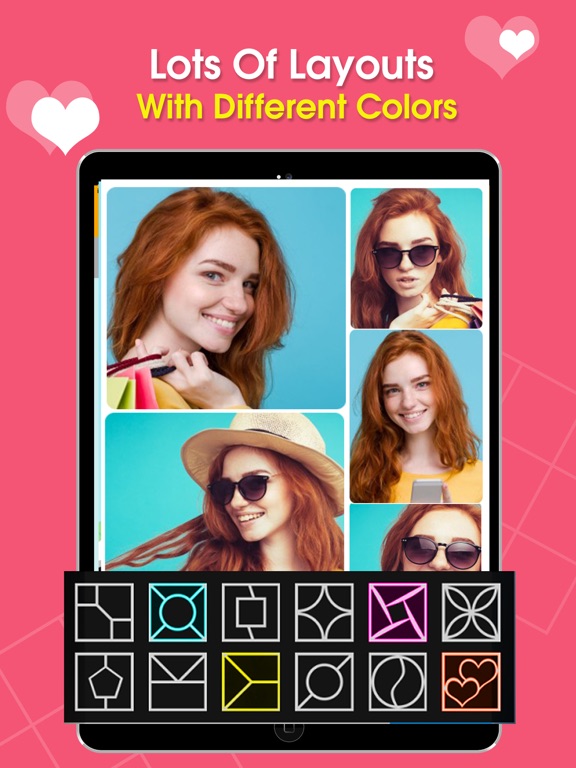
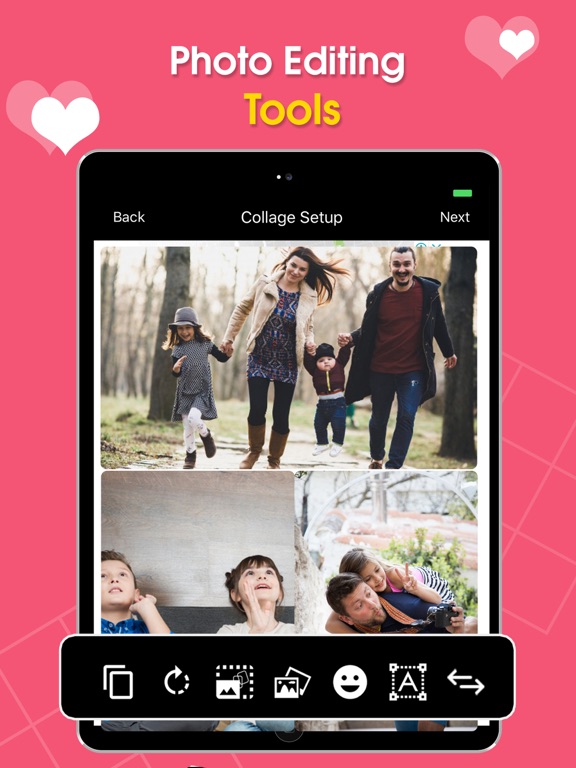
Photo collage maker & editor is designed with best design expertise with very easy to use and simple user experience to make photo collage. Editing features with stickers, frames and filters make it a photo collage with editor where you can apply collage frames, filters, stickers, write text on photo, resize and crop and so many other features. . A lot of layouts are given in the Photo collage maker & editor for two, three, four, five, six and it’s up to nine photos collage to combine in a one picture. Make your birthday party collage, love picture collage, friend’s combine photos, couple photo collage and anniversary photo Grid frame.
Features of this awesome Photo collage maker & editor
• Lots of layouts
• Up to nine picture collage
• Resizing and reshaping images
• Rotate and Flip your image
• Add borders to your photo Grid frame
• Add frames to your picture
• Rounding image border
• Add stickers
• Text on picture in photo collage editor
• Awesome stylish camera filters
• Save and edit again if you want to make some changes.
• Open Previous crated pic and start easily re editing
Photo Grid frame:
Create grid of images by Photo collage maker & editor app. There are many types of grid layout. Select number of images according to the grid layout like for three cells layout, select three images. Click to save and get the best picture collage in your gallery. To create grid of different images is no more a difficult task for you, just select pictures and make your photo Grid frame.
How to use Photo collage maker & editor:
Photo collage maker & editor is very easy to use and just few steps you can create your best pic collage.
• Select the layout for your picture. A lot of layouts are given in the collage maker & photo editor for two, three, four, five, six photos collage and it’s up to nine.
• Select the images to for the pic collage according to the layout.
• Resize layout.
• Rotate image in the right direction.
• Flip image vertical or horizontal
• Put borders
• Rounding of images inside of grid
• Add beautiful frames to photo Grid frame
• Add stickers to your lovely pictures
• Text on your pic collage with different text editing options
• Last but not the least, add Filters to your collage and share with friends and family
Photo Grid frame:
Photo collage editor has a lot of beautiful frames for yo