BeckTabs - Sheet Music Player

BeckTabs - Sheet Music Player Summary
BeckTabs - Sheet Music Player is a with in-app purchases iOS app in Music And Audio by Kiraku Tech Co., Ltd.. Released in May 2018 (7 years ago). It has 3.00 ratings with a 4.67★ (excellent) average. Based on AppGoblin estimates, it reaches roughly 12 monthly active users and generates around $<10K monthly revenue (100% IAP / 0% ads). Store metadata: updated Nov 16, 2018.
Store info: Last updated on App Store on Nov 16, 2018 .
4.67★
Ratings: 3.00
Screenshots


App Description
BeckTabs is a professional sheet music reader, it has the following features:
1. Convenient sheet music file management:
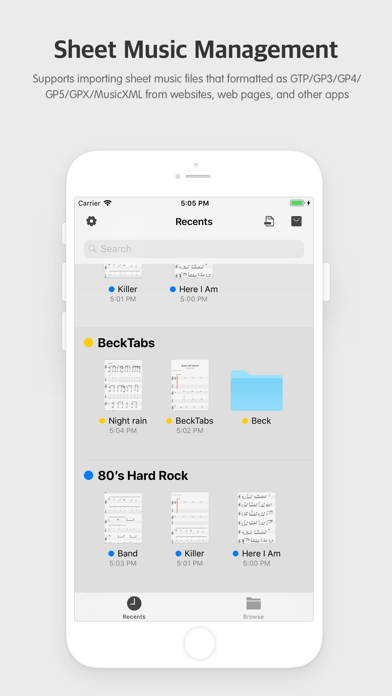
Supports importing musicXML/.gtp/.gpx/.gp3/.gp4/.gp5 files. You can:
* Use the iOS11 folder to synchronize score files to your phone via a cloud drive.
* Select a sheet music from an app like email, chat, etc, and open with BeckTabs.
2. Excellent reading experience:
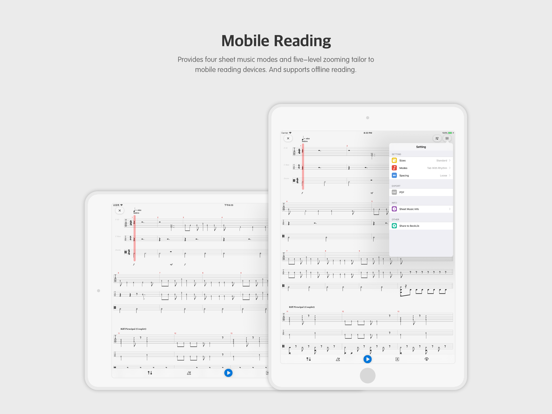
* Support reading on horizontal and vertical screen.
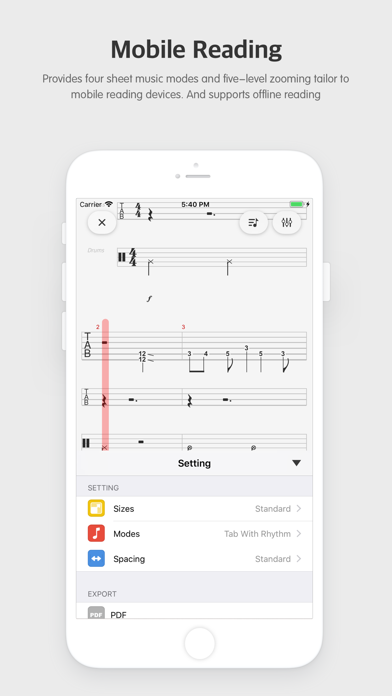
* Four sheet modes: standard staff + tab / staff only / tab only / non-rhythmic tab.
* Adjust the size of the sheet.
3. Sheet music player:
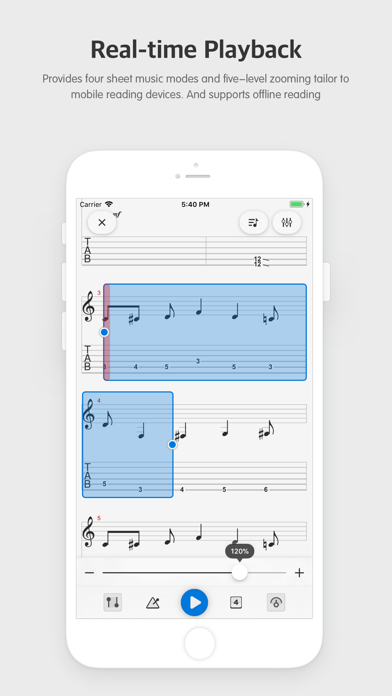
Support sheet music real-time playback. In addition to commonly seen effects like mute, solo and volume adjustments, we originally support volume boost effect.
4. Sharing:
You can share your creations with others via BeckLib as PDF, pictures or audio.
-----
"Beck" is an animation we love.
-----
¥ Subscribe / Purchase BeckTab¥:
Once you subscribe or purchase, you have unlimited access to all the features of BeckTab. Prior to this, we provided a free 24-hour trial, so that you can choose the purchase plan that suits you after trying it out.
Subscription Information:
* Quarterly subscription plan (starting at $2.00, quarterly fee).
* After confirming your purchase, your payment will be carried out through your iTunes account.
* By default, when the subscription expires, it will automatically renew at the same price and same cycle as originally selected. If you need to cancel your subscription, you need to cancel at least 24 hours before the current subscription plan expires.
* You can cancel the subscription plan at any time. This can be done through the subscription settings of your personal iTunes account (On your iPhone, iPad, or iPod touch
Go to Settings > [your name] > iTunes & App Store. > Apple ID > View Apple ID > enter password> Tap Subscriptions > Tap the app. > Tap "Cancel Subscription" button.).
For more information please check https://support.apple.com/en-us/HT202039
Privacy Policy: https://www.91xiaban.com/app/privacy-policy
Terms of Service: https://www.91xiaban.com/app/terms-of-use
-----
Want to give us feedback or opinions?
We are happy to hear your comments, criticisms, suggestions, ... everything!
Email: beck.tab.ios@gmail.com
Facebook: https://www.facebook.com/becktabs
-----
\ rock & roll /