Repost — Video, Story, Photo
Repost — Video, Story, Photo Summary
Repost — Video, Story, Photo is a with in-app purchases iOS app in Photo And Video by Adir Kol. Released in Feb 2018 (8 years ago). It has 7.5K ratings with a 4.30★ (good) average. Based on AppGoblin estimates, it reaches roughly 1.00 monthly active users and generates around $<10K monthly revenue (100% IAP / 0% ads). Store metadata: updated May 12, 2023.
Data tracking: SDKs and third-party integrations were last analyzed on Apr 10, 2025.
Store info: Last updated on App Store on May 12, 2023 .
4.3★
Ratings: 7.5K
Screenshots
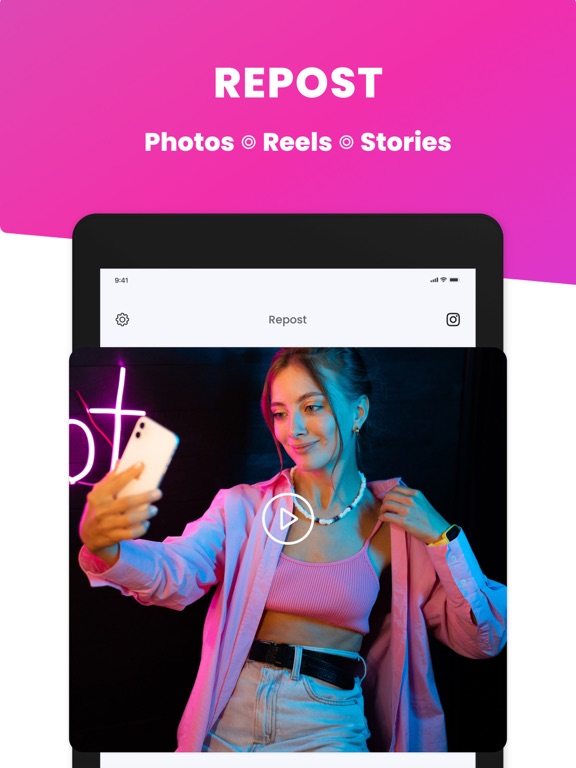
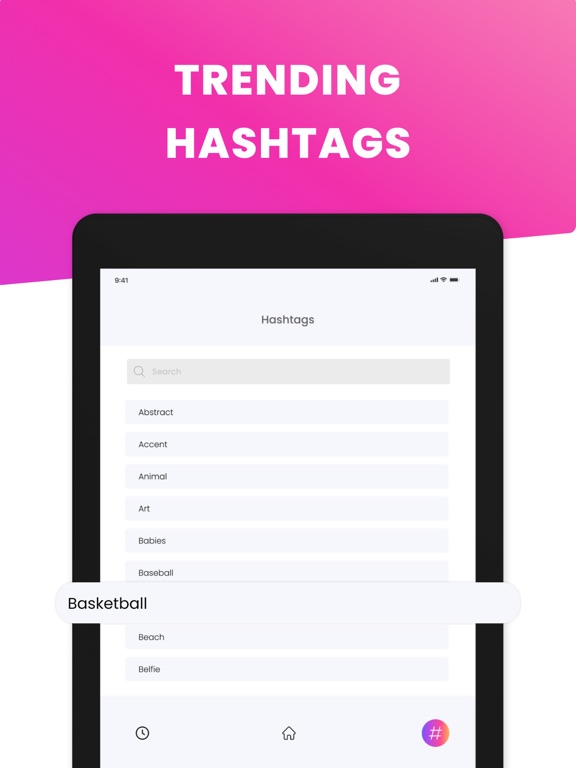
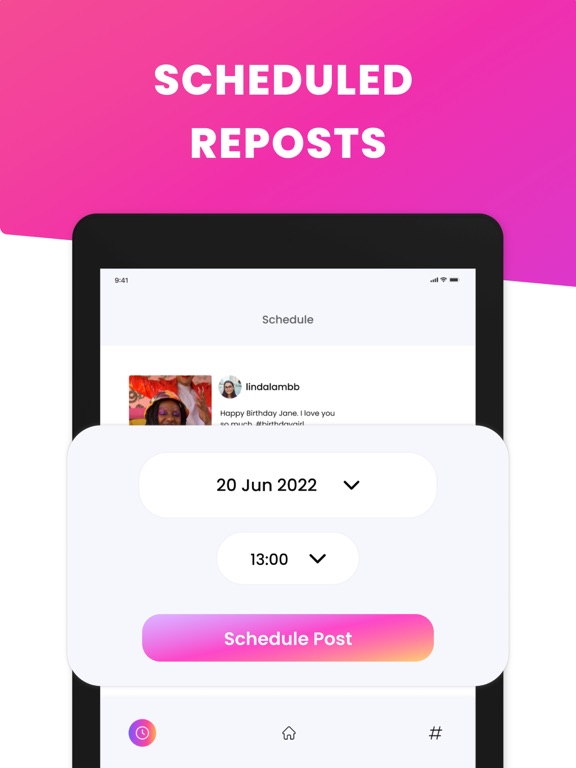
App Description
Schedule & Bookmark Instagram HD videos and photos easily!
Main Features:
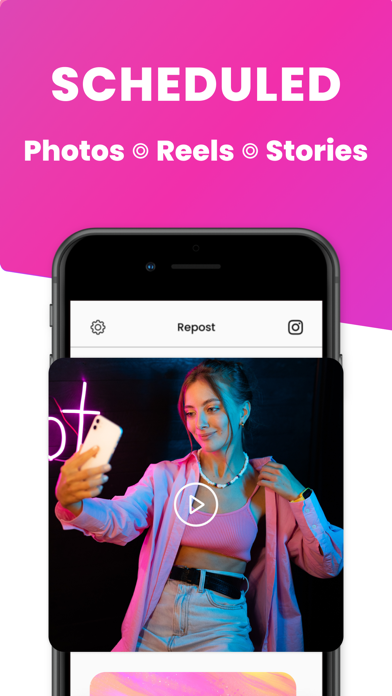
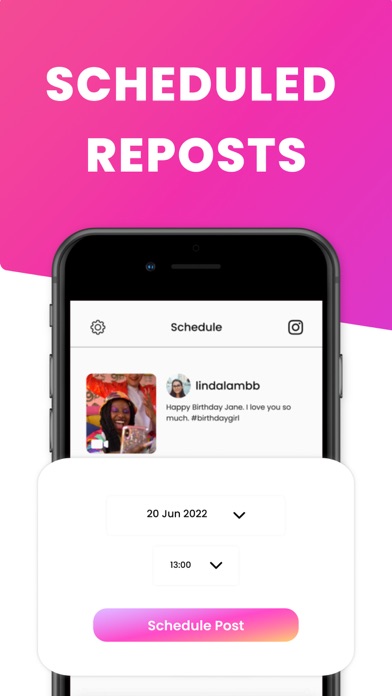
▶ Scheduled Reposts - Plan your posts with reminders.
▶ HD Preview - Videos and Photos scheduled in HD.
▶ Optional Watermark - YOU choose if there will or won't be a watermark!
▶ Posts History - Organize all your saved & scheduled posts in one place!
▶ Caption Auto-copy - Caption can be copied to clipboard (up to you, no pressure!)
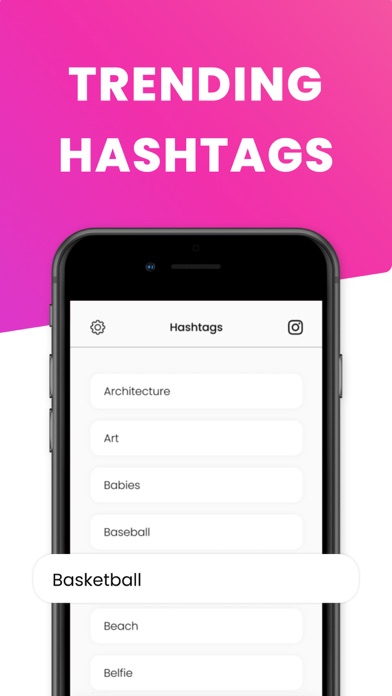
▶ Hashtag - Use our hashtag library to use the most relevant set for your post.
Easy to Use:
1) Open Instagram and find the media you want to schedule or bookmark.
2) Tap on the option button (•••) and select Copy URL.
3) Open the Schedule Reposts app and the post will show automatically! (Magic)
◆ Customer Support
You can reach us at repost@glowvideo.io, and we will do our best to solve any issue you may encounter in our app.
Privacy Policy: https://photomaniafx.me/repostPP
Terms of Use: https://photomaniafx.me/repostTOS
◆ Subscriptions & Terms
The full usage of the Repost app requires a valid subscription plan.
• The payment will be charged to your iTunes Account when you confirm the purchase.
• The subscription automatically renews for the same price and duration period depending on the selected plan (monthly, half-annual or annual) unless canceled at least 24-hours before the end of the current period.
• You can disable the automatic renewal function at any time by adjusting your account settings.
• Any unused portion of a free trial period will be forfeited when the user purchases a subscription.
Instagram™ is Instagram’s trademark. Our app is not affiliated with Instagram, Inc.