Store-Keeper inventory scanner

Store-Keeper inventory scanner Summary
Store-Keeper inventory scanner is a free, with in-app purchases iOS app in Productivity by Aleksandar Mlazev. Released in Feb 2018 (8 years ago). It has 22 ratings with a 3.36★ (mixed) average. Based on AppGoblin estimates, it reaches roughly 33 monthly active users and generates around $<10K monthly revenue (100% IAP / 0% ads). Store last updated Jan 14, 2020
Store-Keeper inventory scanner SDKs Summary
App not yet scanned for SDKs.
3.36★
Ratings: 22
Screenshots
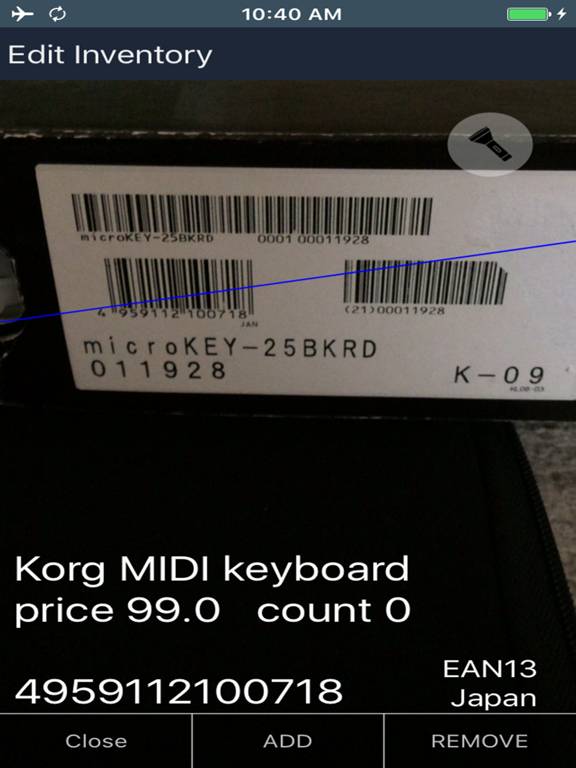
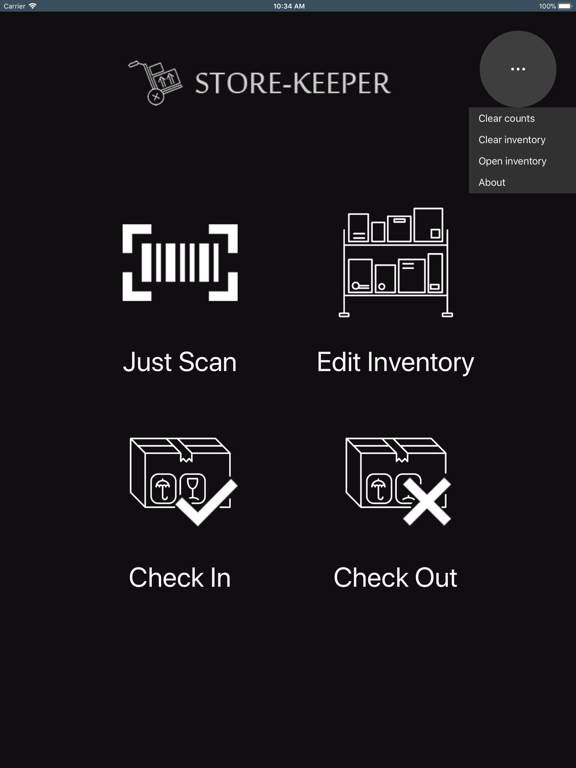
App Description
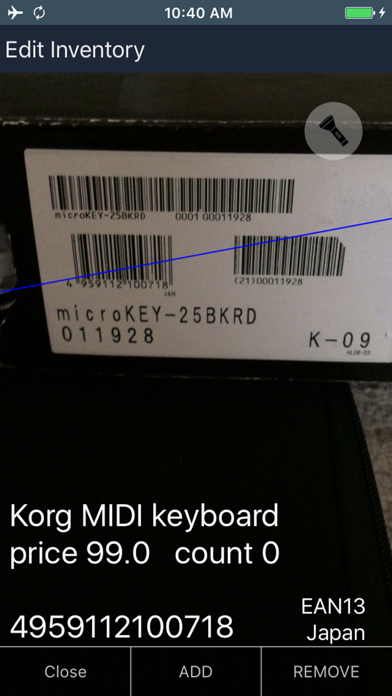
Fast and reliable barcode reader with inventory management functions. It stores and displays product name, price and count. Inventory is in CSV format so it is easy to open and edit it in excel app.
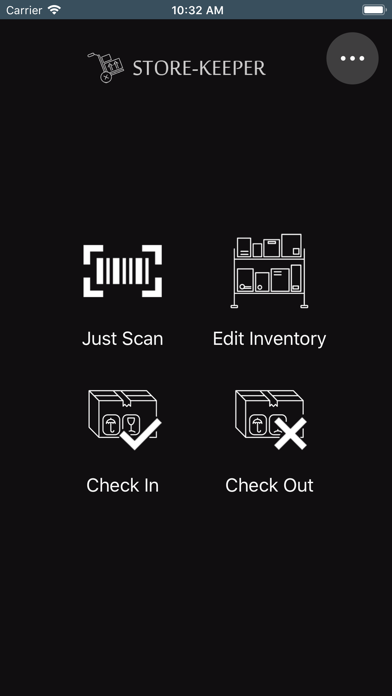
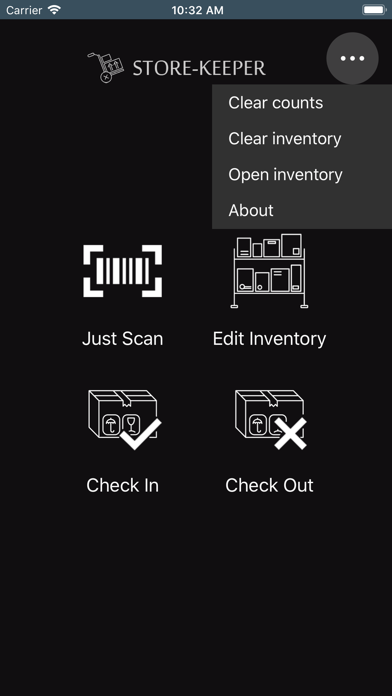
Store-Keeper can operate in 5 modes:
- Just Scan - scan barcodes to get information for the product (name, price and availability)
- Edit Inventory - scan the barcode code and now you can add/edit or remove the product from inventory.
- Check in - scan barcodes for arriving products
- Check out - scan barcodes for leaving products
- Availability check
- Barcode generator for labels with export to PDF
Supported barcode types are : EAN13, EAN8, UPCA, UPCE, Code128, Code39, Interleaved 2 of 5 and more
Should you choose to upgrade to a Pro features, payment will be charged to your iTunes account at confirmation of purchase. Your may choose yearly subscription (paying per year) or one-time payment. (Price may vary by location.) Your subscription renews automatically unless cancelled at least 24 hours prior to the end of the current period and cancellation of the current active subscription period is not allowed.
Auto-renewal may be turned off in your Account Settings in iTunes after purchase. You can also manage your subscriptions in Account Settings after purchase.
Terms of Use:
http://bialamusic.com/store-keeper/tc.html