Google Tasks: Get Things Done

Google Tasks: Get Things Done Summary
Google Tasks: Get Things Done is a free iOS app in Productivity by Google. Released in Apr 2018 (8 years ago). It has 317K ratings with a 4.76★ (excellent) average. Based on AppGoblin estimates, it reaches roughly 857K monthly active users . Store last updated Oct 7, 2026
Recent activity: 506 new ratings this week View trends →
Google Tasks: Get Things Done SDKs Summary
Google Tasks: Get Things Done was last scanned for SDKs on 2026-08-07. No known SDKs were detected. Check the raw list of SDK parts detected here and feel free to request unknown SDKs be added to AppGoblin.
4.76★
Ratings: 317K
Screenshots
App Description
Get more done with Google Tasks. Manage, capture, and edit your tasks from anywhere, at anytime, with to-dos that sync across all your devices. Integrations with Gmail and Google Calendar help you get tasks done—faster.
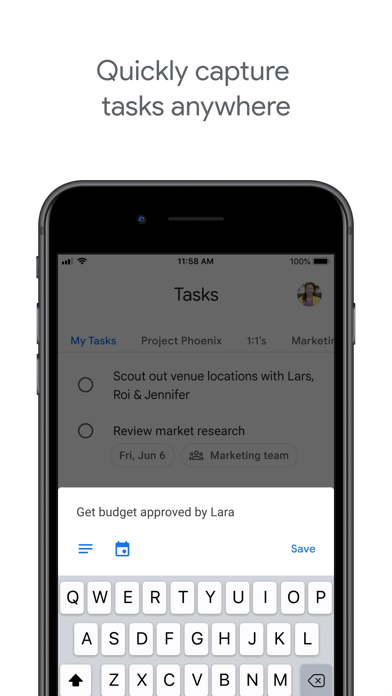
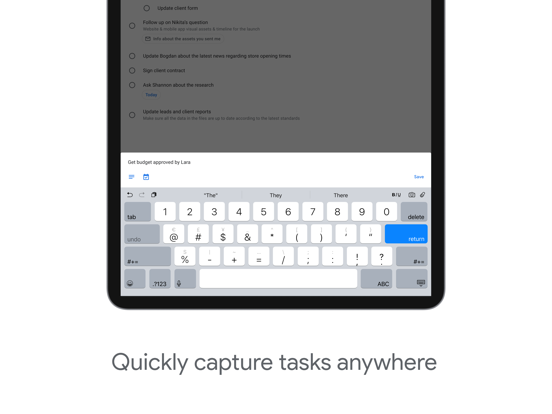
Quickly capture tasks anywhere
• Create task lists with your most important to-dos
• View, edit, and manage tasks on the go, from any device
• Manage tasks created in Gmail or Calendar on the web from your mobile device
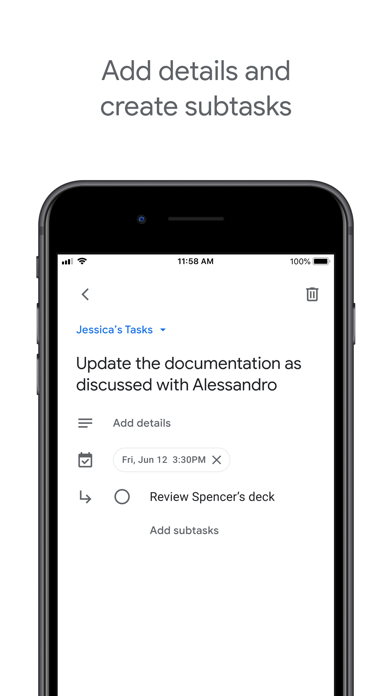
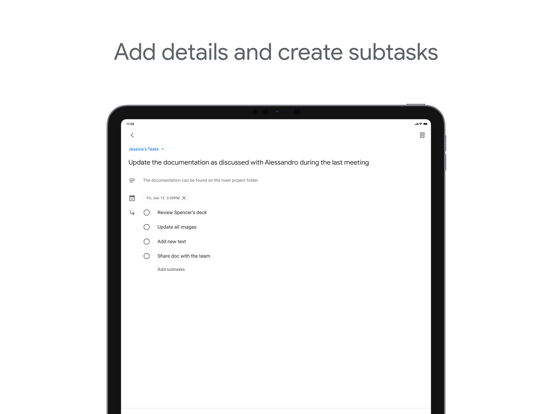
Add details and create subtasks
• Break down your tasks to subtasks
• Add details about the work you need to focus on
• Edit details about any task as your work progresses
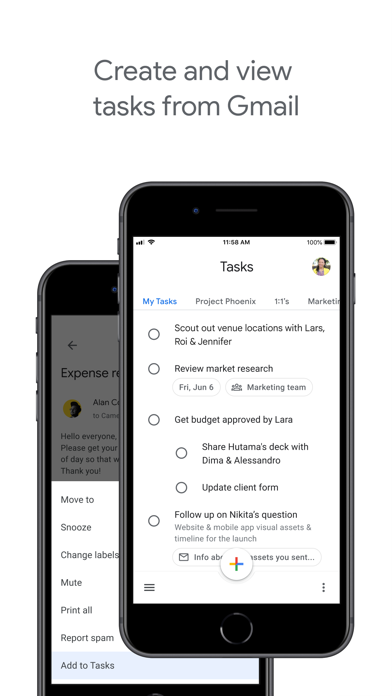
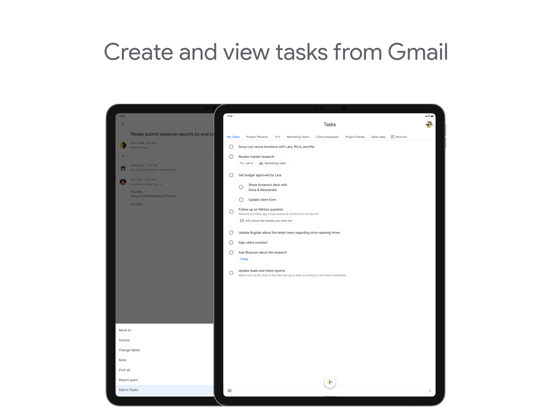
View tasks created from emails
• Create a task directly from an email in Gmail
• View your tasks in the side panel of Gmail
• Trace a task back to its source email
Stay on track with due dates and notifications
• Set a due date for every task to help you achieve your goals
• Organize your tasks by date or prioritize using drag-and-drop
• Receive due date notification reminders to keep your tasks on track
Part of Google Workspace
• Bring Google's suite of powerful, intelligent apps to your business
• Leverage Google’s AI to bring data insights and analysis to every employee
• Connect with your team seamlessly using one suite: Gmail, Tasks, Calendar & more
Take control of your task management and install Google Tasks. Start managing your to-do list on the go with the Tasks planner app from Google.