Key Retrieve

Key Retrieve Summary
Key Retrieve is a mobile iOS app in Productivity by Farren Domenici. Released in Aug 2018 (7 years ago). Store metadata: updated Mar 12, 2026.
Store info: Last updated on App Store on Mar 12, 2026 .
0★
Ratings: 0
Screenshots
App Description
***Important: Key Retrieve requires a login each and every time before using. The login will generate a random lock code in which the correct bitting will need to be provided. If you are not in the locksmith industry you will be unable to use this app.***
Have a customer who lost the combination to their push button lock box? Then this tool will help you retrieve your customer's keys and allow the ability to reuse their lock box.
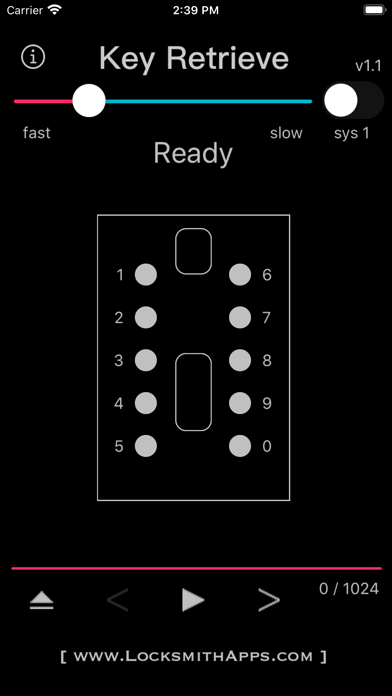
This tool was made specifically for the style lock boxes that have mechanical push buttons numbered one through five along the left side, 6 through zero along the right side, a vertical slider in the top-middle to open, and a vertical slider in the bottom-middle to clear all the buttons that may have been pressed. These lock boxes allow any combination of the ten numbers to be set from simply no combination at all to using all ten numbers, barring that no number can be repeated and the order in which the numbers are pressed do not matter.
There are two different methods in which Key Retrieve uses: lock boxes that cannot be manipulated and lock boxes that can. This tool will not help manipulate nor will it show which method to use, but instead facilitates the process by eliminating wasted attempts and removes possibilities that would never exist.
Overview:
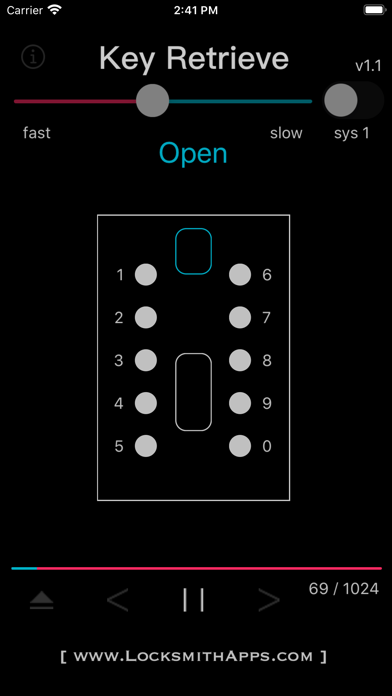
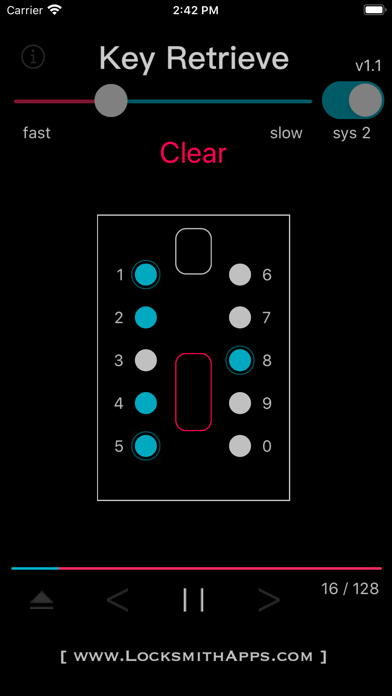
Key Retrieve consists of two different methods for opening which are simply named System 1 and System 2. You can toggle between the systems using the switch in the upper right hand corner. Both systems are executed using the controls at the bottom: Eject resets everything to default. Left Arrow moves back a step. Play begins the sequence automatically. Pause stops the sequence. And Right Arrow moves forward a step. (moving back a step is infinite for System 1 but limited to one step for System 2).
Right above the controls is a progress bar that displays the amount of combinations tried out of the combinations available, as well at the very top is a slider to control the speed when using the automatic sequence (play control). Lastly, in the middle displays the combination to be tried in text as well as a graphic representation of the lock where the corresponding numbers/buttons will highlight to help as a visual aid.
System 1:
This system is only used on locks that cannot be manipulated and/or when no prior knowledge exists. Use System 2 if any part of the combinatio