Skyscraper 4D

Skyscraper 4D Summary
Skyscraper 4D is a with in-app purchases iOS app in Games by Skyscraper 4D LLC. Released in Apr 2018 (8 years ago). It has 1.3K ratings with a 4.34★ (good) average. Based on AppGoblin estimates, it reaches roughly 1.6K monthly active users and generates around $<10K monthly revenue (100% IAP / 0% ads). Store metadata: updated Dec 19, 2023.
Recent activity: 1.00 new ratings this week View trends →
Store info: Last updated on App Store on Dec 19, 2023 .
4.34★
Ratings: 1.3K
Screenshots
App Description
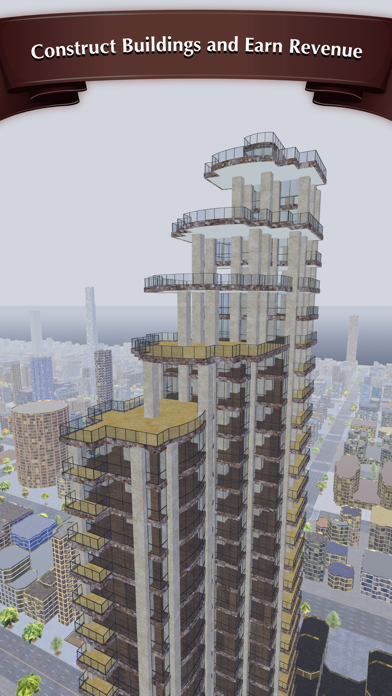
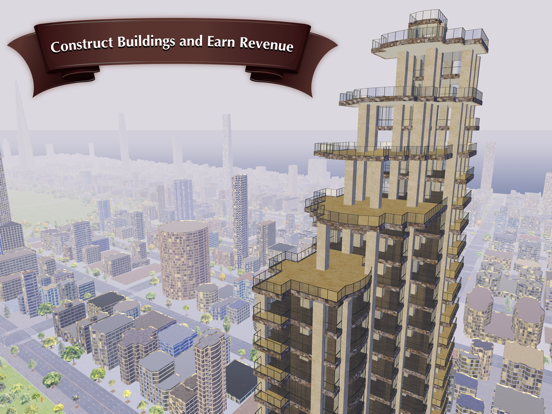
Skyscraper 4D is a new breed of tower building game that lets you design large, complex buildings with remarkable ease.
In this game, you'll serve as architect, engineer, and real estate developer, all at the same time, as you accumulate money and expand the reach of your real estate empire.
You'll control everything from the shape of your buildings, to the placement of columns, walls, elevators, balconies, kitchens, furniture, and more. The tedious work normally associated with construction has been totally automated, letting you focus on the creative side of things!
Skyscraper 4D is easy to pick up, but it strives to stay as close to reality as possible. That means whatever you design needs to be structurally and economically sound. But not to worry, if you run into trouble there are plenty of nifty warning indicators to help you shore things up.
If you like to build things, you've come to the right place!
==============================
Key Features:
• Open World Sandbox Game: Construct as many skyscrapers as you want, in a massive, unrestricted city.
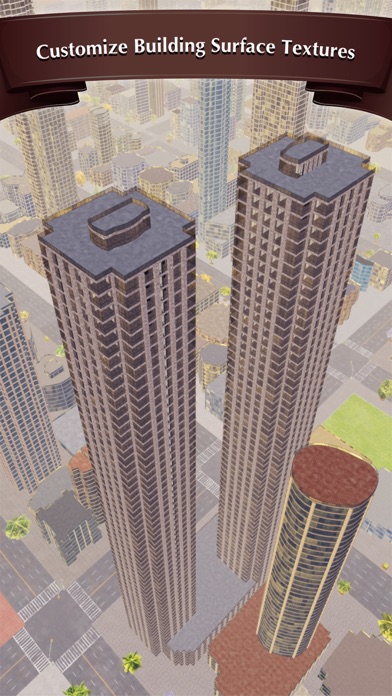
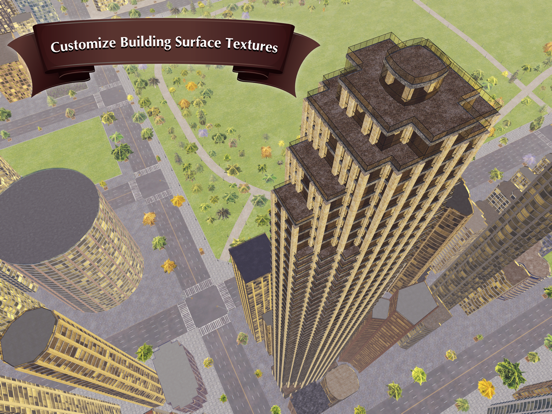
• Total Design Control: In this game, you won’t simply position buildings, you’ll get to design every aspect of the building, including its shape, height, materials, floorplan, and more.
• Intuitive Tutorial: We’ve created a simple and intuitive tutorial to make Skyscraper 4D as easy to learn as possible. No prior building design experience is required!
• Floorpan Tool: You can easily add walls, doors, bathrooms, kitchen appliances, balconies, furnishings, and more to create the floorplan you want.
• Mirroring Tool: We’ve created a tool that lets you quickly design symmetrical buildings by mirroring all of your design actions across the x and/or y-axis of your grid. We also offer an option for mirroring your build actions in a triangular fashion. You can even use them both at the same time!
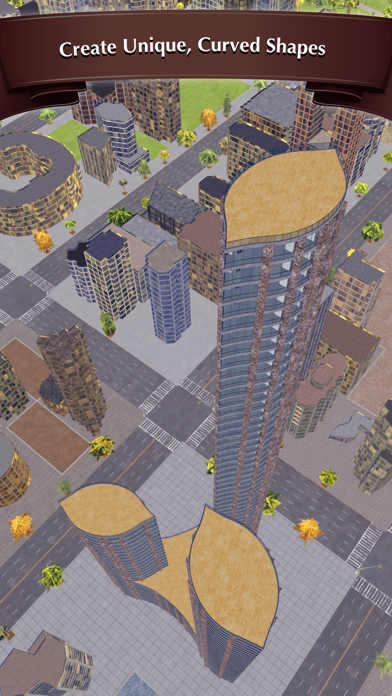
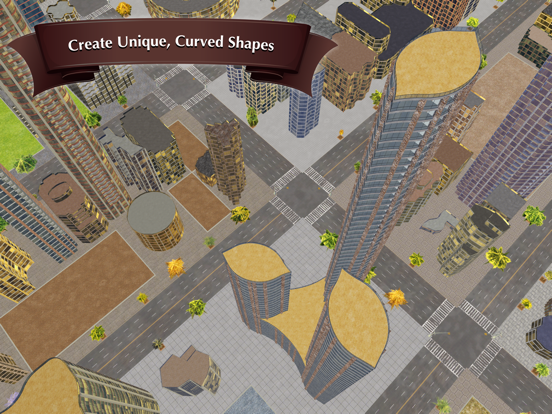
• Bézier Curves: Easily add curved windows or walls to give your building a unique shape. Just tap on the Bézier Curves button in the build menu.
• Helpful Warning Indicators: When you design something structurally unsound, we’ll show you a warning indicator that will explain the problem clearly, and give you options to help resolve the issue quickly.
• Performance: Skyscraper 4D was built using the Metal API for graphics, allowing us to deliver incredible realism and perform