PayPal Honey: Coupons, Rewards

PayPal Honey: Coupons, Rewards Summary
PayPal Honey: Coupons, Rewards is a free iOS app in Shopping by Honey. Released in Feb 2019 (7 years ago). It has 13K ratings with a 3.45★ (mixed) average. Based on AppGoblin estimates, it reaches roughly 39K monthly active users . Store last updated Sep 9, 2026
Recent activity: 3.00 new ratings this week View trends →
PayPal Honey: Coupons, Rewards SDKs Summary
App not yet scanned for SDKs.
3.45★
Ratings: 13K
Screenshots




App Description
Get Honey on It. Shop like you mean it.
Join 17M+ members using PayPal Honey to find deals, uncover savings opportunities, and earn rewards…right at checkout.
Coupons? We make it easy.
Honey automatically tests available coupons and applies working codes at checkout.
No searching. No tabs. No copying and pasting.
Earn rewards with Honey.
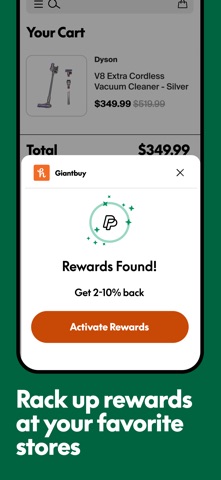
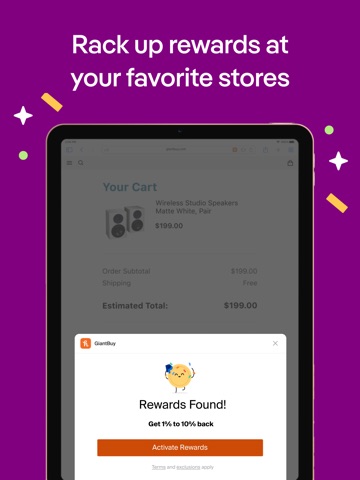
Earn rewards on eligible purchases at well-known sites you know and love! When rewards are available, Honey activates them at checkout and adds them to your PayPal Honey account.
Know the right time to buy
See something you like? Save it to your Droplist and Honey tracks the price in the background. If it drops, you’ll get notified.
Compare Amazon sellers in seconds
Honey compares sellers for you - factoring in shipping costs and your Prime status - so you see the real total before you buy.
Plus you get tracking and price history tools for more chances to save.
Backed by PayPal.
---
By using the PayPal Honey browser extension, you agree to Honey’s terms and conditions. (https://www.joinhoney.com/terms)
When you use PayPal Honey, merchants may pay us affiliate commissions. We share those commissions with our users in the form of rewards.
Disclaimer: This extension uses Google Analytics to collect extension usage statistics to help improve user experience. If you want to opt-out of Google Analytics tracking, please visit http://tools.google.com/dlpage/gaoptout or you can set up a filter in Adblock Plus or similar ad blocker tools like AdBlock, uBlock or Adblock Pro.