Scanning translation

Scanning translation Summary
Scanning translation is a free, ad-supported, with in-app purchases iOS app in Education by 湾湾 胡. Released in Mar 2018 (8 years ago). It has 26K ratings with a 4.86★ (excellent) average. Based on AppGoblin estimates, it reaches roughly 34K monthly active users and generates around $<10K monthly revenue (24% IAP / 76% ads). Store last updated Nov 21, 2022
Recent activity: 1.00 new ratings this week View trends →
SDK intelligence: AppGoblin detected 1 ad networks(e.g. Pangle) integrated into Scanning translation. View full SDK list →
Scanning translation SDKs Summary
Scanning translation was last scanned for SDKs on 2026-08-15. Below is the overview of third-party companies detected in the app. The full list of SDKs, permissions and unknowns is available here.
 Pangle
4.86★
Ratings: 26K
Screenshots


App Description
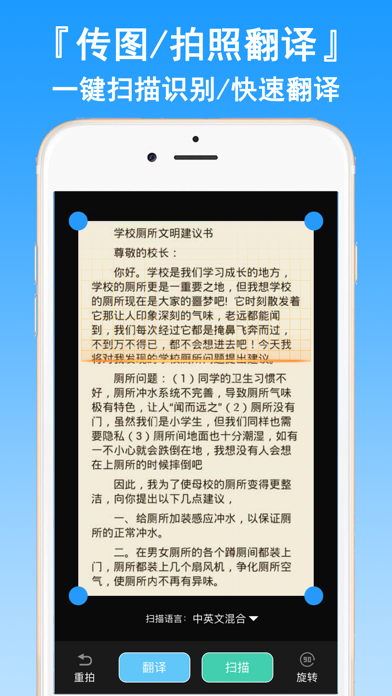
Fast scan translation of picture / document / card / card and other information, accurate identification of translation, simple operation, small size, one key export / read scan results. Professional OCR text recognition scan translation software!
"Scanning translation features"
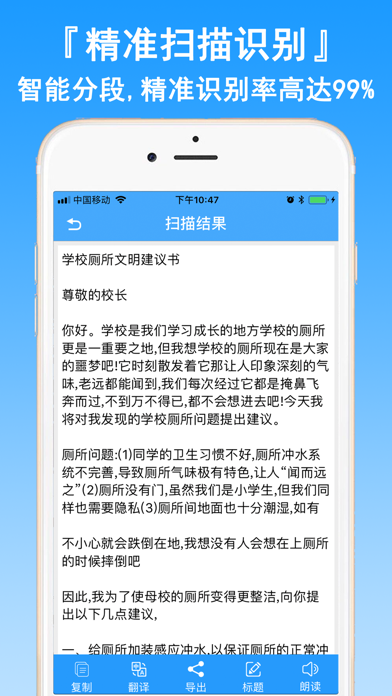
[text extraction master] picture translated text, accurate recognition rate 99%+!
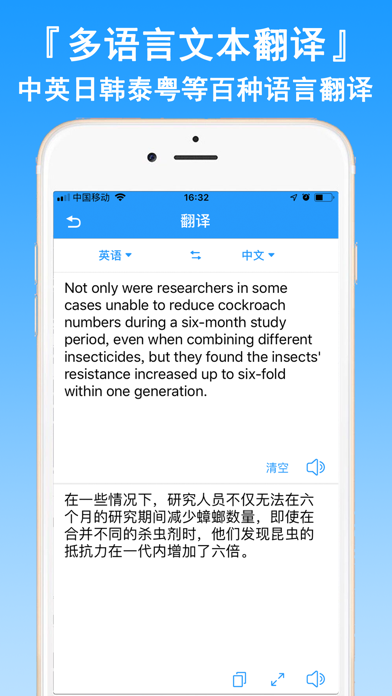
The assistant of foreign language learning can recognize 100+ languages, such as Chinese, English, Japanese and Korean.
(Intelligent collation and export) scanning results intelligent segmentation, one key read / export TXT/PDF
Rapid identification of translation pictures / documents /PDF/ ID card / bank card / business card and so on
[Edit] identification results support the fast scan results to make phone calls, send e-mail, access to web sites, see the calendar of events, check the map, check number, machine number Chabang goods etc.
"use of advice"
To make sure that you can get a clear scan, please take a photo:
* enough light to avoid jitter
* try to make the picture take up the screen