Logo Art

Logo Art Summary
Logo Art is a free iOS app in Business by Himmat Singh. Released in Jul 2018 (8 years ago). It has 308 ratings with a 4.62★ (excellent) average. Based on AppGoblin estimates, it reaches roughly 1.5K monthly active users . Store last updated Oct 11, 2018
Logo Art SDKs Summary
App not yet scanned for SDKs.
4.62★
Ratings: 308
Screenshots

App Description
Logo Art is a DIY (Do it yourself) app for creating Logo’s, you can make your own logo in just few steps without the struggle of figuring out how to do stuff.
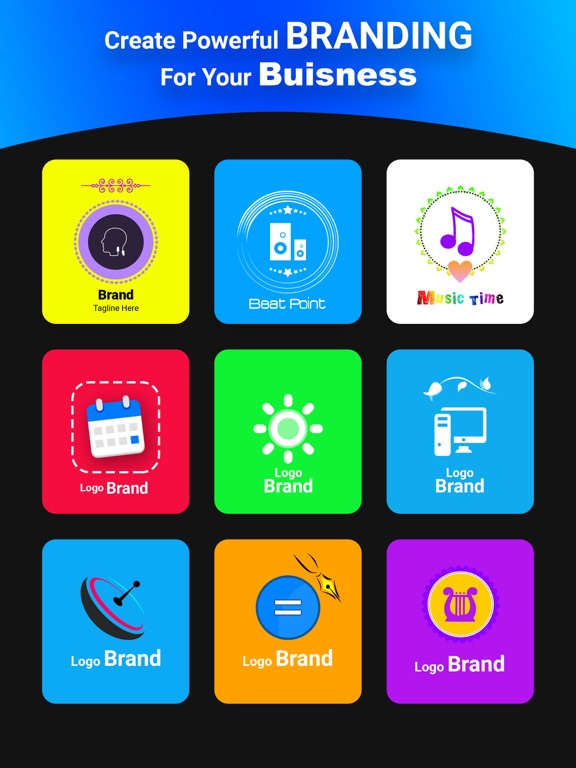
You can design your own professional logo for your business or product or anything that needs an identity. As Business branding is a must these days to have a unique identity.
An original and eye-catching logo not only makes great first impressions — when crafted professionally it also sends the right message to your buyer personas. Try to make your logo flexible, since most likely you will need to use it on your websites, marketing materials, and clothing.
Creating Logo is tedious task even for a Graphic Designer, as first they need to get complete understanding of the product, company or event for which the logo needs to be crafted. Don’t forget the money part, sometimes it costs a fortune.
But not here, Logo Art takes care of most of your need while creating logo.
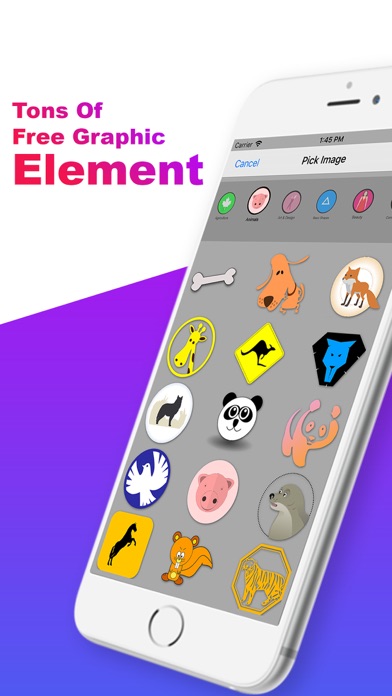
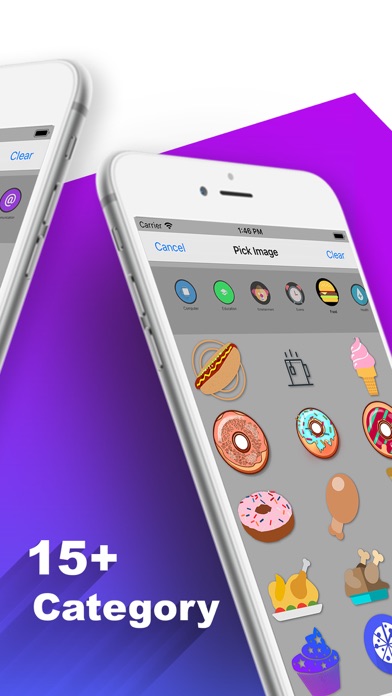
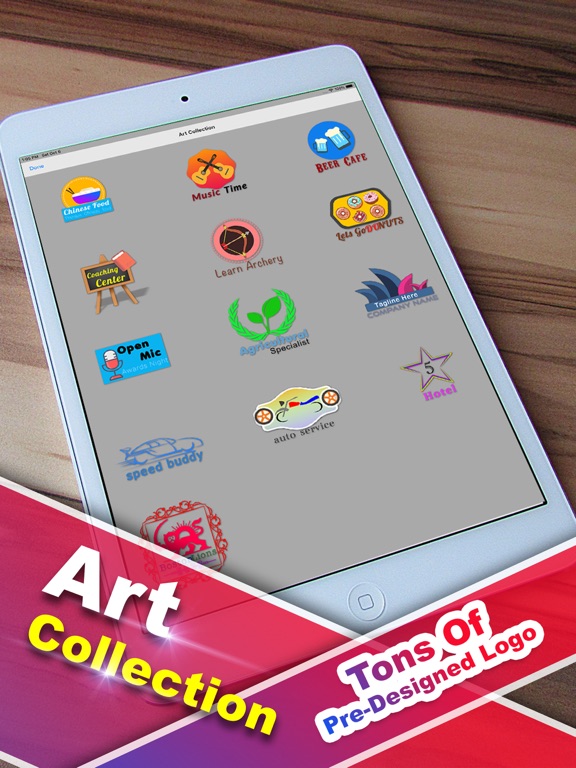
Logo Art offers 500+ free logo designs. We have options for every business category, including agriculture, animal, art & design, automotive & transport, computer & internet, media, education, entertainment, fashion, food, sport, shopping, music, event, wellness and many others. Choose the option that suits your business best and edit it according to your preferences. With Logo Art, creating an appealing logo is as easy as eating a pie!
We have embedded multiple useful tools to help you craft the logo. I’ll give you a brief intro of few of them
- Logo’s categorised in 10+ categories for easily picking the right one when you need. You can modify the colour of the logo or sticker using the Colour tool. There are also plenty of creative and engaging emoji's, symbols, heart shapes, basic shapes, stickers etc. to bring your idea into reality.
- Write text using the text tool, where you can customise the colour, font, shadow size, shadow colour and transparency.
- Text editing options include bending the written text into curve, managing the space between characters, rotating the text in 3 dimension to make the text look 3D
- If you are good with drawing, you will love this option as well. Drawing with your finger in the colour of your choice, you can also manage the transparency
- A unique brush option to put that magical touch on your creation. Handpicked and designed to perfection to give sm