Export Contact to XLS PDF VCF

Export Contact to XLS PDF VCF Summary
Export Contact to XLS PDF VCF is a with in-app purchases iOS app in Productivity by 志鹏 潘. Released in May 2018 (8 years ago). It has 1.1K ratings with a 4.72★ (excellent) average. Based on AppGoblin estimates, it reaches roughly 3K monthly active users and generates around $<10K monthly revenue (100% IAP / 0% ads). Store metadata: updated Sep 30, 2024.
Store info: Last updated on App Store on Sep 30, 2024 .
4.72★
Ratings: 1.1K
Screenshots


App Description
Export Contacts with Ease!
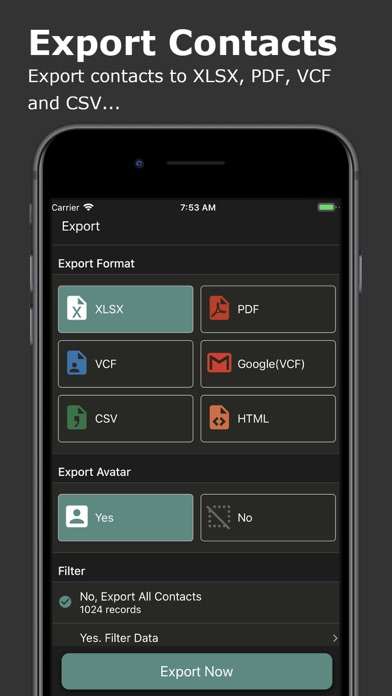
Effortlessly export your iPhone contacts to various formats including Excel (XLSX), PDF, Google Contacts (VCF), vCard (VCF), CSV, and HTML. With a single tap, transfer your contacts and restore them on any device.
Key Features:
* Export contacts to different formats: Excel (XLSX), PDF, Google Contacts (VCF), vCard (VCF), CSV, and HTML.
* Seamlessly transfer contacts to other devices like iPhone, Samsung, Google Pixel, or Google Gmail.
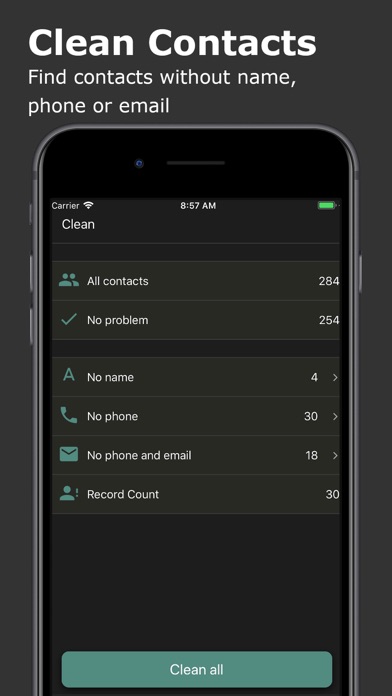
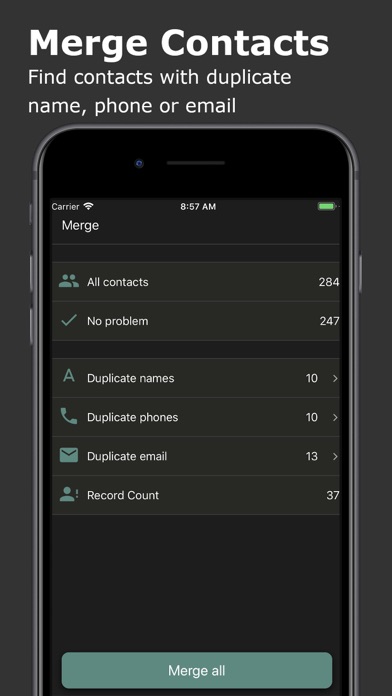
* Clean and manage your contacts by merging duplicates and removing incomplete entries.
* Backup your contacts to prevent data loss and easily restore them when needed.
Supported Export Formats:
* Excel (XLSX): Includes all contact fields: Name, Phone, Email, Instant Messages, Social Profiles, Birthday, Organization, Job Title, Addresses, URLs, and more.
* PDF: Limited fields (Full Name, Phone, Email, Birthday, and Address) optimized for A4 paper size.
* VCF (vCard): Exports all fields for easy contact transfer.
* CSV & HTML: Supports full contact data for maximum flexibility.
Send Files Anywhere:
Share your exported contacts via iMessage, Email, iCloud, Slack, AirDrop, Dropbox, Google Drive, and more.
Smart Contact Cleanup:
* Identify and remove contacts without names, phones, or emails.
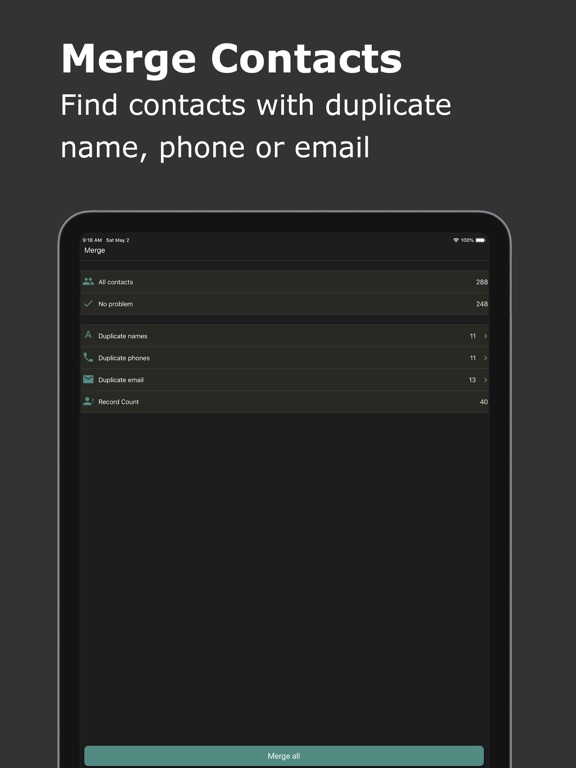
* Merge duplicate contacts based on name, phone, or email.
Backup & Restore:
Create secure local backups to safeguard your contacts. Recover deleted contacts easily, ensuring you never lose important information.
Your Data, Your Privacy:
All processes are handled locally on your device. No data is ever sent to a remote server.