Scanner: Document Scan App

Scanner: Document Scan App Summary
Scanner: Document Scan App is a free, ad-supported, with in-app purchases iOS app in Productivity by 阳杰 刘. Released in Jun 2018 (8 years ago). It has 134K ratings with a 4.88★ (excellent) average. Based on AppGoblin estimates, it reaches roughly 461K monthly active users and generates around $10K+ monthly revenue (23% IAP / 77% ads). Store last updated Oct 13, 2026
SDK intelligence: AppGoblin detected 1 ad networks(e.g. Google) integrated into Scanner: Document Scan App. View full SDK list →
Scanner: Document Scan App SDKs Summary
Scanner: Document Scan App was last scanned for SDKs on 2026-09-24. Below is the overview of third-party companies detected in the app. The full list of SDKs, permissions and unknowns is available here.
 Google
4.88★
Ratings: 134K
Screenshots
App Description
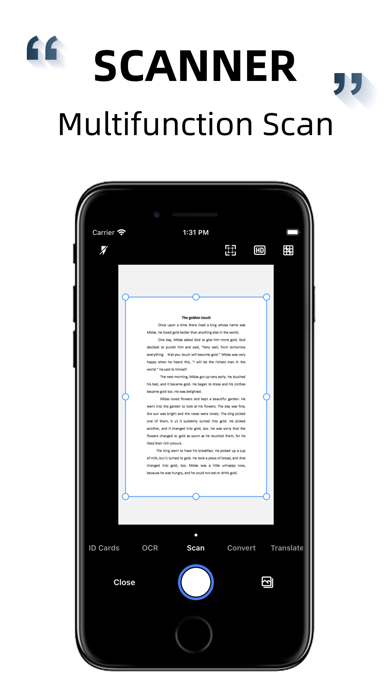
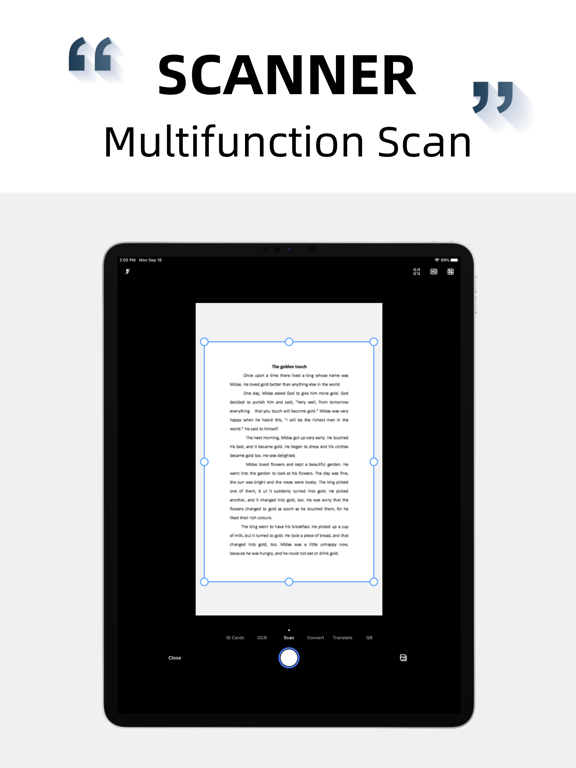
Scanner is a powerful scanning software, provides document scanning, text recognition, document scanning, create PDF, photo translation and other practical functions. Software use of advanced image recognition technology, combined with automatic edge search, automatic cutting, perspective correction, can batch, fast, efficient processing of all kinds of documents, is your work, learning super good helper.
Main function
- Fast document scanning, automatic trimming, perspective correction, PDF editing kit available.
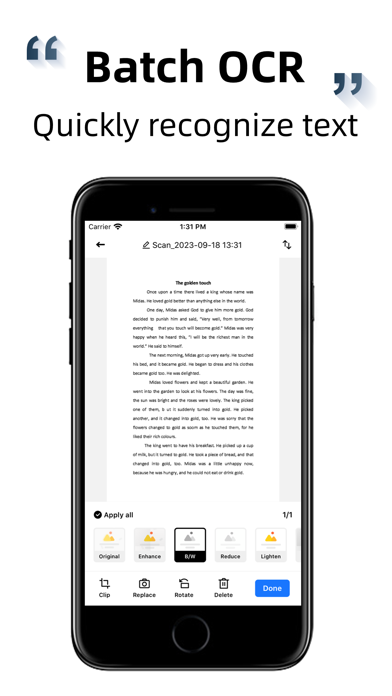
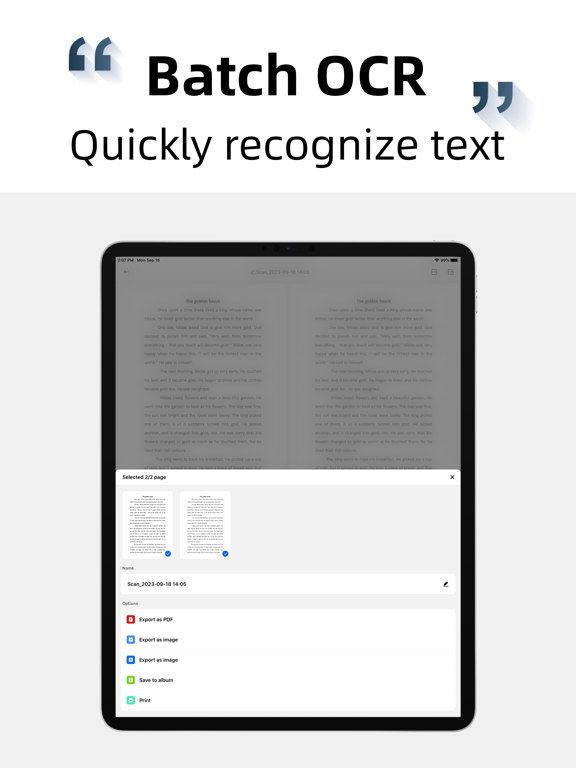
- High precision character recognition technology, super recognition engine, fast recognition.
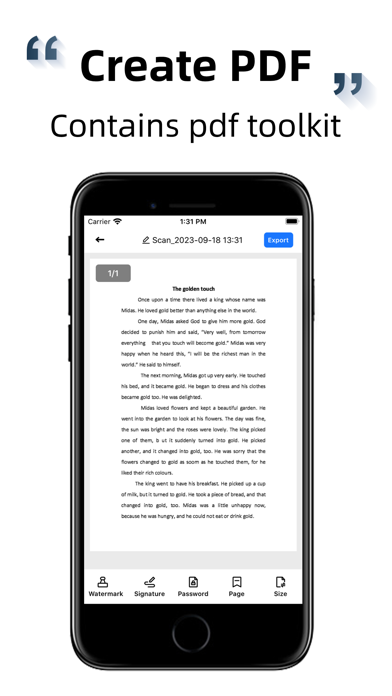
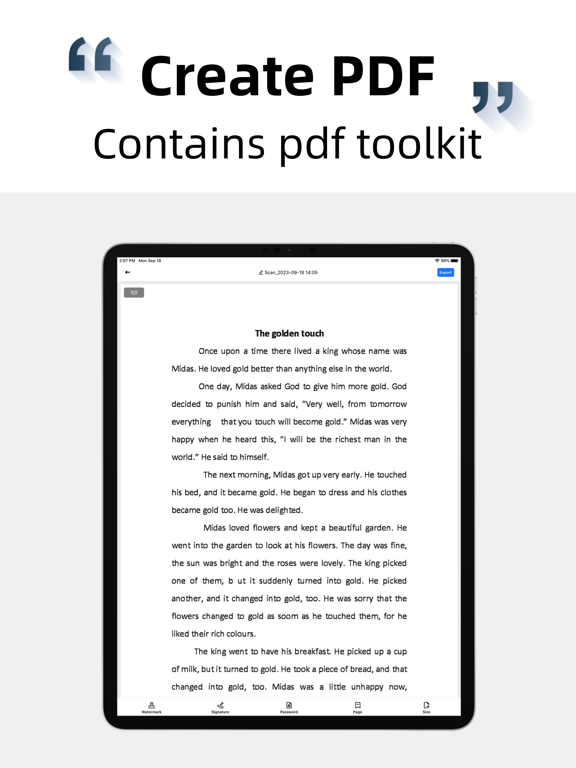
- PDF file generation, automatic image batch conversion to PDF.
- ID scanning, 1:1 reduction to A4 paper.
- Batch export, copy and move
- Photo translation, multi-language support.
- Powerful file management.
- Free to capture text content or individual areas on the picture.
- Automatic segmentation, maximizing the restoration of original typesetting.
Document scan
Fast scan documents, automatic edge recognition, automatic clipping, perspective correction, provide a variety of filters for you to choose, one button generation of PDF format, support to add/remove watermark, adjust page number, size, set PDF open password, etc.
OCR Recognition
Using advanced image recognition technology (OCR), the text in the image is turned into editable content, which you can modify, copy, export, and translate into many languages at will.
PDF generation
To convert pictures taken or photos in albums to PDF format, you only need to set the conversion area, you can complete the automatic conversion. You can also export the converted PDF documents to your email, mobile phone, or major sharing platforms.
ID scan
Automatic scanning of various documents, 1:1 reduction to A4 paper, out to handle affairs, work and study necessary.
Photo Translation
Direct translation of photos or photo albums in the text content, support multiple languages, you can edit, save, share.
Subscription specification
If you confirm the purchase of the subscription product, iTunes will directly deduct the relevant subscription fee. If the subscription is not cancelled within 24 hours before the end of the current subscription period, the premium account will be automatically renewed for the next period. During the current subscription period, you cannot cancel the use of the current subscription pe