WinboxMobile - Router Admin

WinboxMobile - Router Admin Summary
WinboxMobile - Router Admin is a free, with in-app purchases iOS app in Tools by 婉媚 邵. Released in Jun 2018 (8 years ago). It has 1.5K ratings with a 4.58★ (excellent) average. Based on AppGoblin estimates, it reaches roughly 3.9K monthly active users and generates around $<10K monthly revenue (100% IAP / 0% ads). Store last updated Jan 4, 2026
SDK intelligence: AppGoblin detected 1 development tools(e.g. Facebook) integrated into WinboxMobile - Router Admin. View full SDK list →
WinboxMobile - Router Admin SDKs Summary
WinboxMobile - Router Admin was last scanned for SDKs on 2026-08-29. Below is the overview of third-party companies detected in the app. The full list of SDKs, permissions and unknowns is available here.
 Facebook
4.58★
Ratings: 1.5K
Screenshots
App Description
WinboxMobile – Manage Your Mikrotik Routers on the Go
WinboxMobile is a universal app designed for both iPhone and iPad, offering full support for Mikrotik RouterOS versions 6.X and 7.X with seamless connections via API or API-SSL.
Key Features:
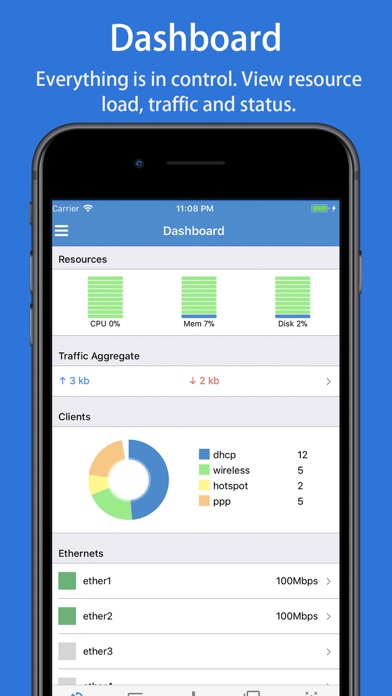
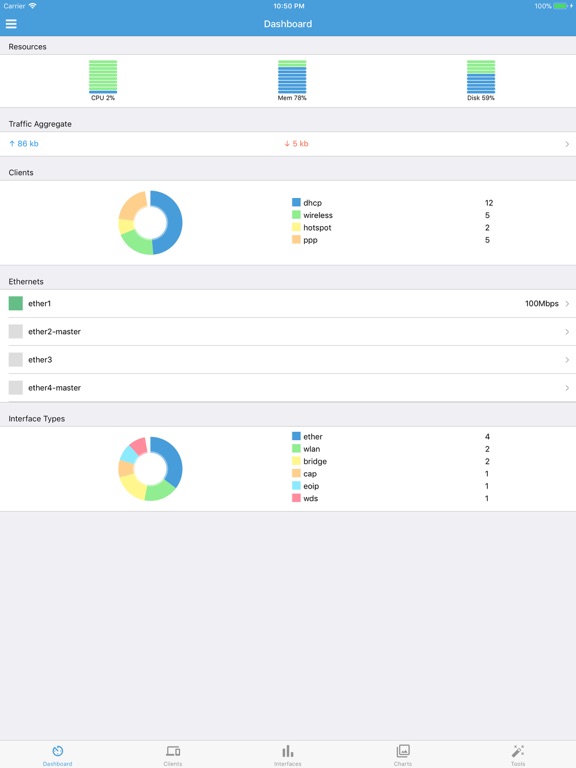
• Comprehensive Dashboard: Get real-time insights into resource usage, including CPU, memory, disk usage, traffic throughput, client counts, percentage charts, and Ethernet status.
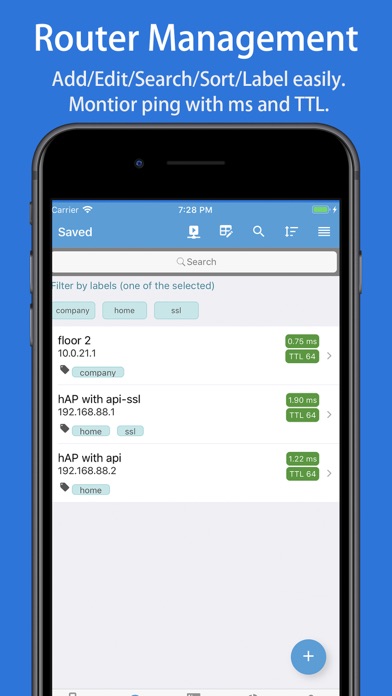
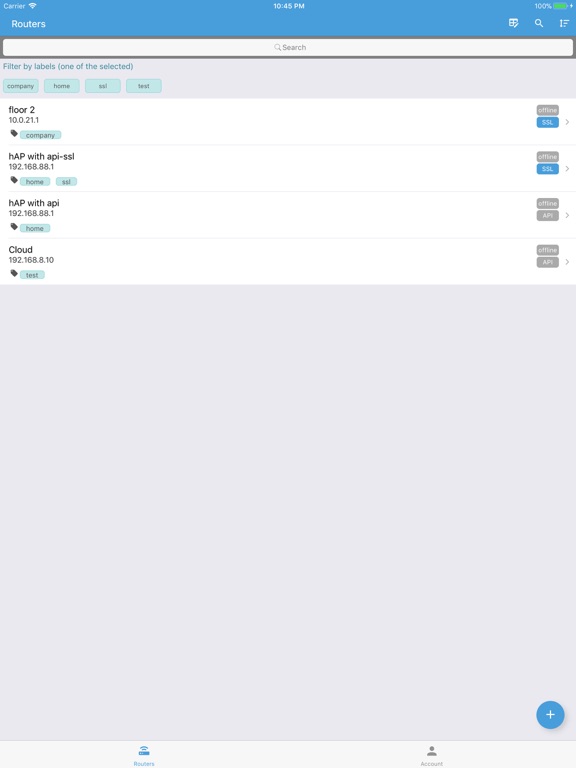
• Organize & Search: Group routers by labels and easily search by name, IP/URL, or labels for quick access.
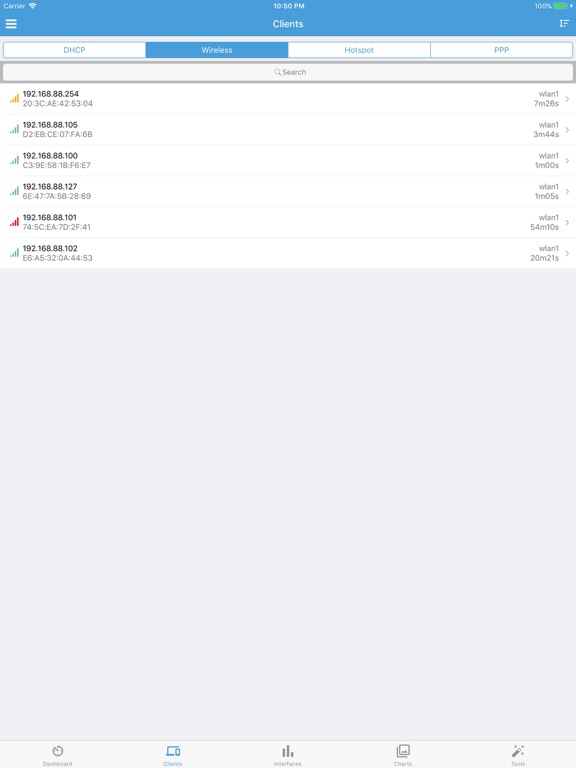
• Client Management: View key router clients, DHCP leases, wireless registrations, active hotspots, and PPP sessions. You can check details and control these clients effortlessly.
• Real-time Interface Monitoring: Track the real-time transmission and reception rates of network interfaces.
• Custom Charts: Create chart groups for specific metrics, such as CPU usage, memory usage, and traffic rates for Ethernet and WLAN interfaces.
• Advanced Router Settings: Manage CAPsMAN, interfaces, wireless settings, bridges, switches, mesh networks, PPP, IP configurations, routing, system settings, queues, and radius.
• Live Statistics & Charts: Get real-time data for WLAN clients, simple queues, firewall rules, NAT, and more.
• Batch Updates: Select and batch-enable, disable, or delete items with ease. Easily select all items and clear them.
• Logs & Tools: View router logs with search functionality. Utilize powerful tools like Ping, Traceroute, IP Scan, Bandwidth Test, and Profile.
• Script Automation & Maintenance: Run scripts, reboot or shut down routers, manage backups and restores, and check for system updates effortlessly.
• User-Friendly Interface: Enjoy ease of use with features like pull-to-refresh, search highlights, sortable lists, and drag-and-drop functionality.
• Enhanced Security: With Port Knocking, minimize hacking risks by enabling security features with just one tap.
• Team Collaboration: Share and maintain router lists efficiently within a team for smooth collaboration.
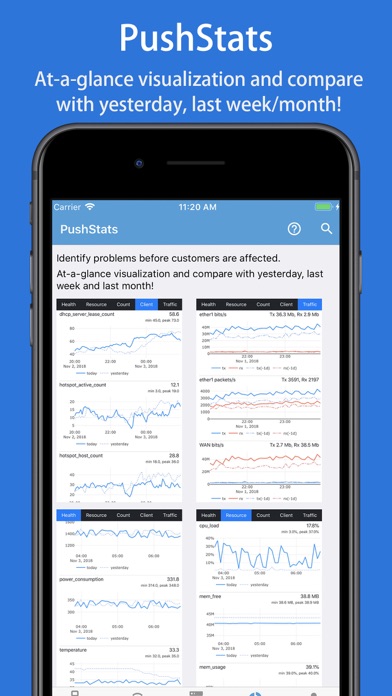
PushStats – Proactive Monitoring:
Monitor crucial statistics to identify issues before they affect your users:
• Health Monitoring: Get real-time data on voltage, power consumption, temperatures, fan speeds, and more.
• Resource Tracking: Monitor uptime, CPU load, memory usage, and disk space.
• Client & Traffic Stats: Tr