The Clock by seense

The Clock by seense Summary
The Clock by seense is a mobile iOS app in Productivity by Fabrice Leyne. Released in Nov 2018 (7 years ago). It has 27 ratings with a 4.19★ (good) average. Based on AppGoblin estimates, it reaches roughly 75 monthly active users . Store last updated Sep 27, 2025
The Clock by seense SDKs Summary
App not yet scanned for SDKs.
4.19★
Ratings: 27
Screenshots

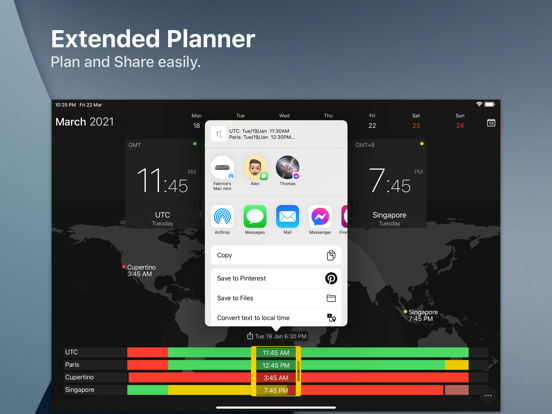
App Description
After 10 years on the Mac and tens of thousands of happy users, The Clock now on your iPhone/iPad.
The Clock
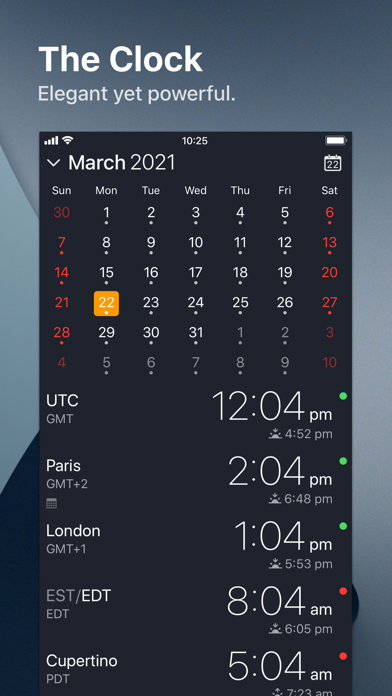
• Keep track, easily and efficiently of your contacts in different time zones.
• Have a quick view on a Calendar, which can be integrated with the iOS Calendar
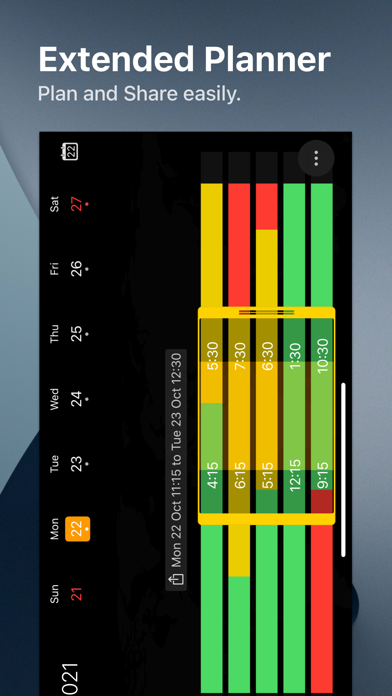
• Easily setup meetings with the Meeting Planner.
• Have a highlight on the Business Hours and Holidays of your subcontractors, customers, ...
• Highly customizable.
• Be reminded when to Take a Break and relax.
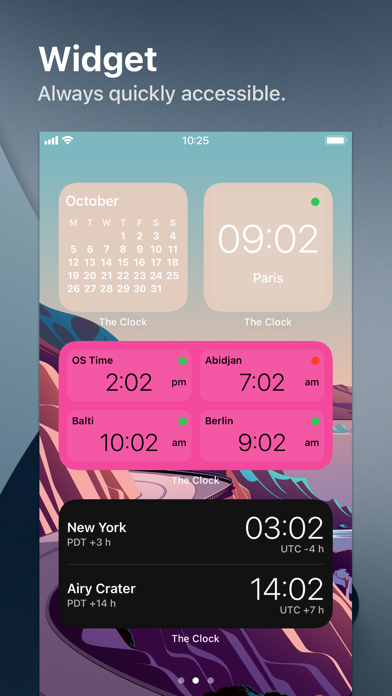
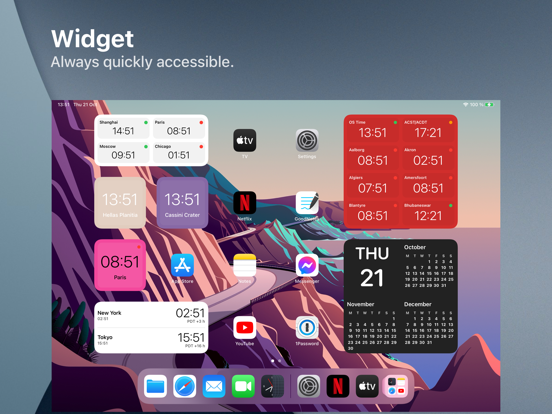
• Widget ready for your convenience.
• Siri Shortcuts available.
• Responsive design to adapt to portrait/landscape view.
• HandOff with The Clock on your Mac.
The World Clocks
• AM/PM or 24Hours.
• Analog or Digital Clock view.
• Choose among a wide range of complications
• Business Hours.
• Time offset.
• Sunrise/Sunset.
• Country.
• Time Zone offset (PDT, CDT, UTC…).
• Yesterday, Today, Tomorrow.
• AM/PM, 24H.
• Drag&Drop the world clocks to order them.
• Beautiful clock face displaying day and night.
• Personalize the world clock time format per cities.
• Change the city name.
• PDT, CDT, MDT, GMT… and more automatically adapting during daylight saving period.
Meeting Planner
• Meeting Planner swipe the screen to travel through time.
• Business Hours led to check if your contact is in the working hours time frame.
• Select a date in the calendar for an accurate Daylight Saving adjustment.
• With the iOS Calendar integration into The Clock have a quick look on your schedule
• With the Calendar Complication, automatically know if you are busy while planning a meeting.
• Export easily your schedule information with the share menu or Drag & Drop (iPad).
• Slider automatically round the time to 15/30 min.
Calendar
• Navigate the months with a tap, or keyboard shortcuts (iPad Pro).
• Show/Hide the Calendar.
• Toggle week/month view.
• Show/Hide the weeks number.
• Select your referenced calendar for the week number. (Regional settings, or ISO 8601).
• Select a day in Meeting Planner for an accurate Daylight Saving adjustment.
• Highlight days off per city.
• Follow the iOS setting for Calendar first day of the week or set your own...
• Choose to integrate or not with the iOS Calendar.
• Have a quick view on your calendar events.
• Calen