All‑in‑One Year Calendar SE

All‑in‑One Year Calendar SE Summary
All‑in‑One Year Calendar SE is a with in-app purchases iOS app in Productivity by VoidTech Inc.. Released in Sep 2018 (7 years ago). It has 181 ratings with a 4.30★ (good) average. Based on AppGoblin estimates, it reaches roughly 553 monthly active users and generates around $<10K monthly revenue (100% IAP / 0% ads). Store metadata: updated Feb 21, 2026.
Store info: Last updated on App Store on Feb 21, 2026 .
4.3★
Ratings: 181
Screenshots
App Description
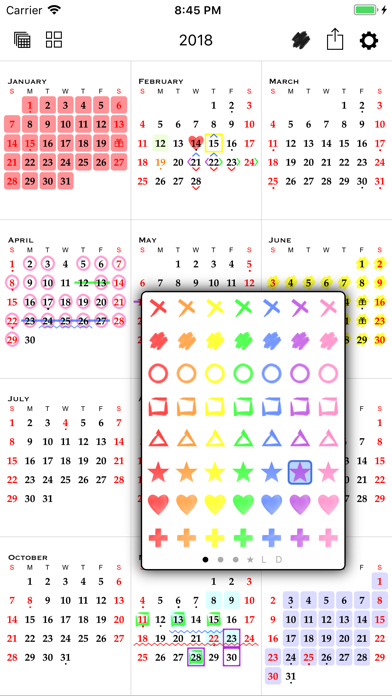
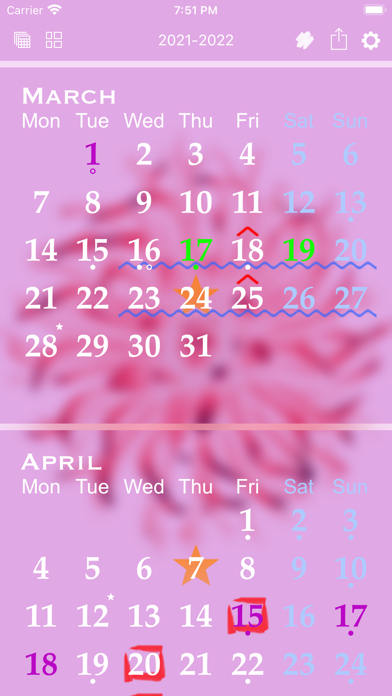
All-in-One Year Calendar SE for iPhone is an easy-to-use yet powerful personalizable year planner, complete with markups/highlighting, events, reminders, holidays, birthdays and anniversaries, daily notes/diary, advanced week numbers, customizable month layout and appearance, sharing, and iCloud syncing. It will save you time and help you stay organized, works perfectly for day-to-day, short-term and long-term planning. See your deadlines in a glance, mark important dates, schedule vacations, record shift work, track activities or resolutions, and much more.
Example 1:
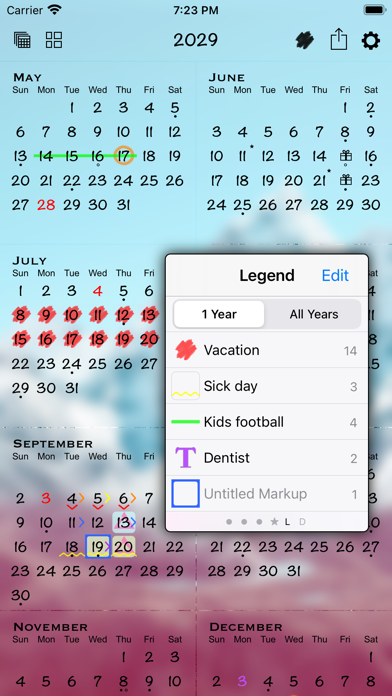
To plan vacation days, first indicate public holidays and other days off in red text color. Mark kids’ school holidays in blue. Then find days suitable for vacations and label them with stylish hand-drawn markups. View the number of days taken and scheduled for the year from the markup legend. Markups can be easily removed or changed for plan adjustments. You can also hide unrelated markups and export the annotated calendar.
Example 2:
For part-time or contract work, track the days worked with markups. Record the number of working hours and/or project names in the daily notes. View, email, and print a list of notes.
IMPORTANT NOTE
A monthly or annual subscription is required to use the app. A fully-functional 1-month free trial is available for all new users. Payment will be charged to your iTunes account at the end of the free trial period. You can manage or cancel your subscription in your iTunes account settings.
NAVIGATION AND DAY VIEW
• 3 zoom levels: full year, half year, 2 months
• Year navigation by gesture, button, scroller, or direct entry
• Day view that lists events, holidays, birthdays and anniversaries, markups, daily notes, and a "how many days away" count
MARKUPS
• Use the floating markup toolbox to add markups (scribbles or colors)
• Apply 1 icon, background, and text color markup per day, AND up to another 8 bonus markup styles on each day - enough for the entire family!
• Fast multi-day markup entry
• Organize markups and see their counts in the legend
• Hide individual markups before sharing
EVENTS
• Sync with your existing calendars
• Add up to 5 alarms per event
• Two-way event sync with local calendars and iOS supported external calendars such as iCloud, Google Calendar, Yahoo, Exchange server, Outlook or Calendar on a Mac or PC, and CalDAV