ImageMate

ImageMate Summary
ImageMate is a ad-supported, with in-app purchases iOS app in Photo And Video by JUNBO JIA. Released in Jul 2018 (7 years ago). It has 88 ratings with a 4.74★ (excellent) average. Based on AppGoblin estimates, it reaches roughly 49 monthly active users and generates around $<10K monthly revenue (52% IAP / 48% ads). Store metadata: updated May 7, 2026.
Store info: Last updated on App Store on May 7, 2026 .
4.74★
Ratings: 88
Screenshots



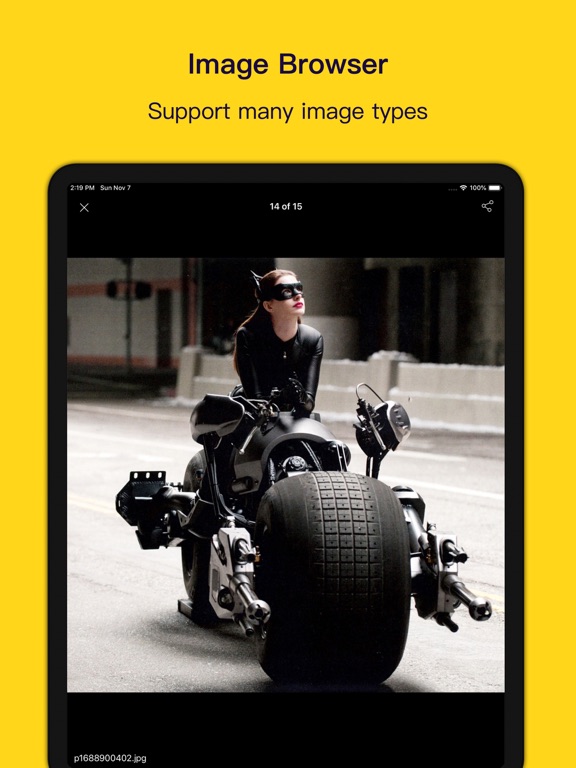

App Description
ImageMate – Photo Viewer, Private Photo Vault & Gallery Manager
ImageMate is a fast and powerful photo viewer and photo manager designed for people who love photos.
Browse high-resolution images smoothly, organize thousands of photos and videos effortlessly, and protect your private memories with a secure private photo vault.
All your photos and videos — beautifully organized in one place.
--------
Key Features
Fast Photo Viewer
Enjoy a smooth and powerful image viewing experience.
• Browse high-resolution photos instantly
• Support for large images and long screenshots
• Ultra-fast loading for large photo libraries
• Clean and distraction-free photo viewer
Perfect for viewing photos, screenshots, wallpapers, and large images.
--------
Built-in Video Player
Watch videos directly inside the app.
• Smooth video playback
• Energy-efficient system player
• Support for common video formats
Your photos and videos stay together in one gallery.
--------
Powerful Photo Manager
Manage thousands of photos and videos easily.
• Rename, move, copy, and delete files
• Batch compress or extract archives
• View file properties instantly
• Organize files like a professional gallery manager
Perfect for users who store many photos on their device.
--------
Smart Tags & Search
Quickly find the photos you want.
• Add tags to important photos and videos
• Sort photos in different ways
• Fast fuzzy search and multi-keyword search
Never lose track of your photos again.
--------
Private Photo Vault
Protect your private photos and videos with powerful privacy tools.
• Hide photos and videos inside the app
• Hidden files are invisible by default
• Lock the app with a password
• Super Hidden Mode conceals privacy features completely
Your private memories stay private.
--------
Import Photos Easily
Add photos and videos in multiple ways:
• Import from Photos
• Import from Files
• Transfer files from PC via WiFi
• Transfer files from Mac via Finder or iTunes
Your files remain local and under your control.
--------
Why Users Love ImageMate
• Fast photo viewer
• Powerful photo manager
• Secure private photo vault
• Built-in video player
• Designed for large photo collections
ImageMate makes viewing, organizing, and protecting photos simple and enjoyable.
--------
Contact & F