WinGo Plan: projects & goals

WinGo Plan: projects & goals Summary
WinGo Plan: projects & goals is a with in-app purchases iOS app in Productivity by Alphyn Apps. Released in Dec 2018 (7 years ago). It has 20 ratings with a 4.55★ (excellent) average. Based on AppGoblin estimates, it reaches roughly 53 monthly active users and generates around $<10K monthly revenue (100% IAP / 0% ads). Store metadata: updated May 5, 2026.
Store info: Last updated on App Store on May 5, 2026 .
4.55★
Ratings: 20
Screenshots
App Description
WinGo Plan — Visual Project & Goal Tracker.
Are simple to-do lists not enough to see the whole picture, but corporate project trackers too complex? WinGo Plan is made just for you! We combine project management with goal achievement. Our planner helps you not just complete tasks, but focus on what truly moves you forward:
- Track current status, task progress, and goals for every project.
- Focus on what matters most.
- Organize your routine.
- Plan your day and create a schedule based on priorities.
_____
With WinGo Plan, you don't just complete tasks - you accomplish what brings you closer to your goals.
_____
SIMPLE AND LOGICAL PROJECT STRUCTURE
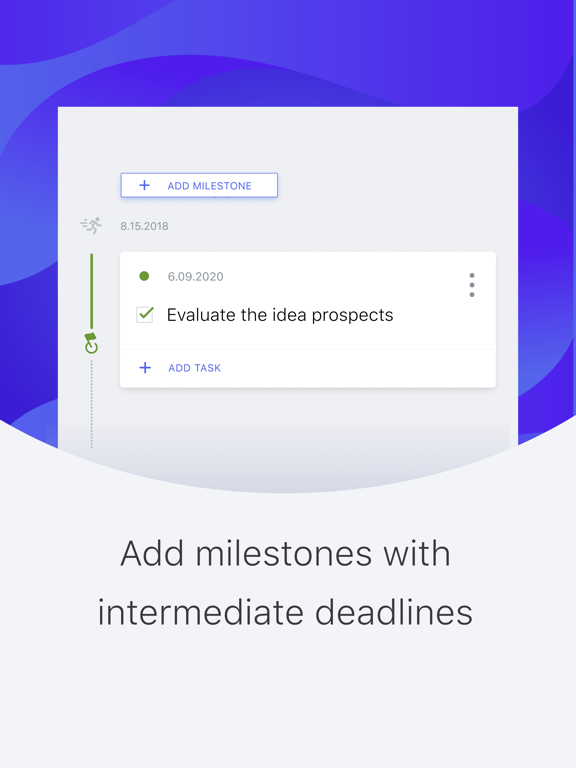
Turn an idea into a project. Break it down into stages, outline tasks, and set deadlines. Add notes, descriptions, document links, images, and reminders - all in one place.
PROJECT PROGRESS: CONNECT TASKS, DEADLINES, AND GOALS
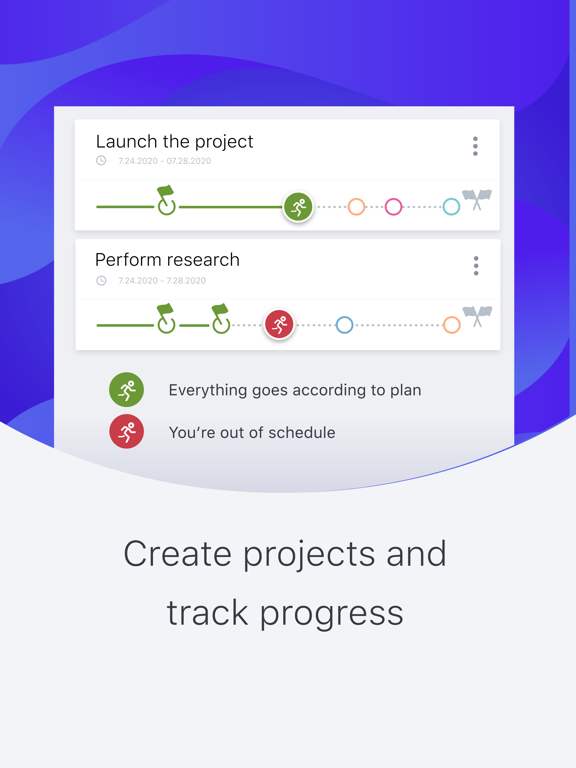
The Project Path — a modernized Gantt chart — clearly shows your progress, deadlines, and results (goal achievement). You will always know the current situation for every project:
- How much time has elapsed and how much remains until the end of the project or stage.
- The percentage of tasks completed — your progress.
- Whether you are meeting deadlines, and if there are any risks.
- Whether completed tasks are delivering expected results, or if you need to adjust your plan.
_____
All project and goal progress charts appear on one screen, so you can grasp your overall status at a glance.
_____
DEADLINES
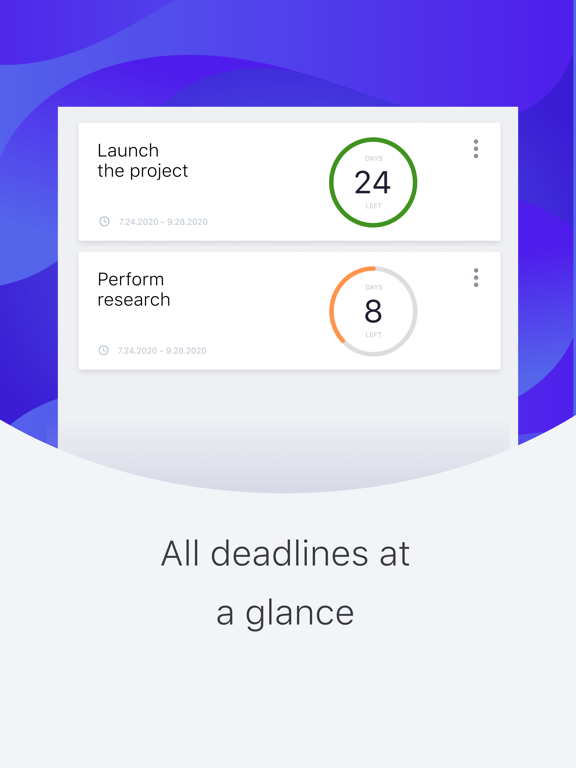
All important due dates: project end dates and the deadlines for upcoming stages — are gathered on one screen. Track the countdown and never miss a deadline!
TASK LIST FOR TODAY AND DAILY SCHEDULE
Select tasks from any project or schedule them for a specific date and time to create your daily or weekly task list.
PLAN AND REPLAN WITH EASE
Plan a project completely upfront or refine it as you go: add tasks, clarify deadlines, drag and drop tasks from one stage to another, or move them between projects. Everything is simple, intuitive, and easy to pick up.
COLLABORATIVE WORK
Share specific projects with clients, partners, or colleagues. Each participant sees only the projects they have access to. All on one screen, without switching workspaces.
MOTIVATION AND GAMIFICATION
Even the most serious projects become easier when you add a game element. Wingoman, counting time, help