ColorMixer Mix Unmix & Convert

ColorMixer Mix Unmix & Convert Summary
ColorMixer Mix Unmix & Convert is a with in-app purchases iOS app in Productivity by Xuan Li. Released in Aug 2018 (7 years ago). It has 39 ratings with a 3.46★ (mixed) average. Based on AppGoblin estimates, it reaches roughly 150 monthly active users and generates around $<10K monthly revenue (100% IAP / 0% ads). Store metadata: updated Aug 14, 2025.
Store info: Last updated on App Store on Aug 14, 2025 .
3.46★
Ratings: 39
Screenshots

App Description
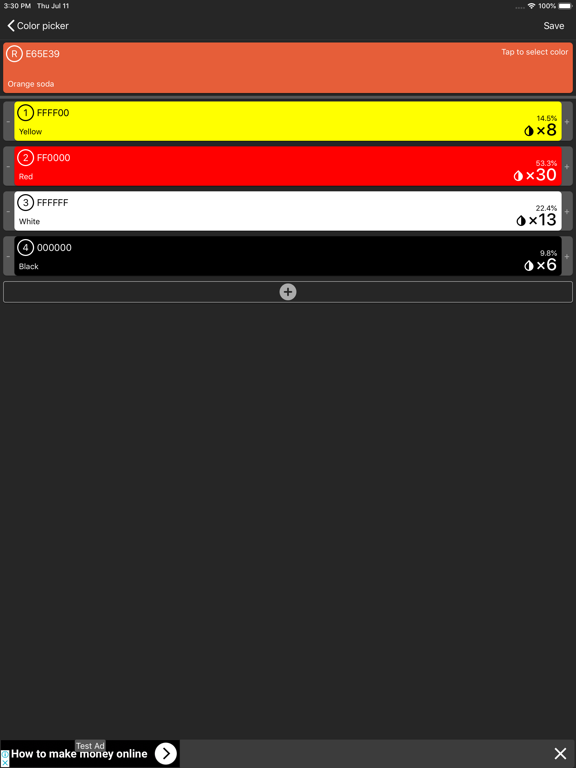
Color mixing in the real world is often counter-intuitive and is completely different from the RGB model used in the digital world. In the RGB model, to mix orange you need red and green but in the real world, you actually need the red and yellow paint to get the color.
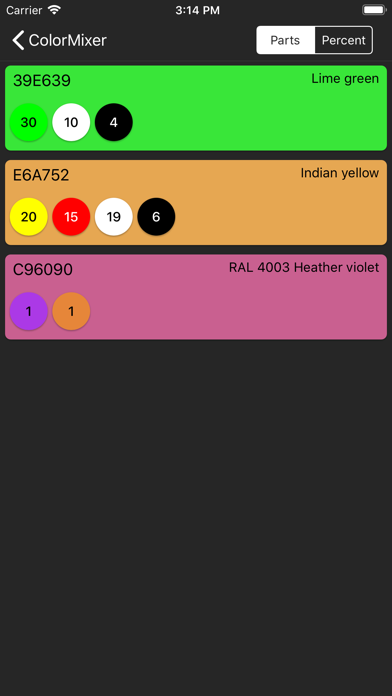
ColorMixer is here to help to solve the real world color mixing problems using its unique subtractive color model. It is able to simulate real-world color mixing and more importantly, it can "unmix" any given color into a combination of mixing colors.
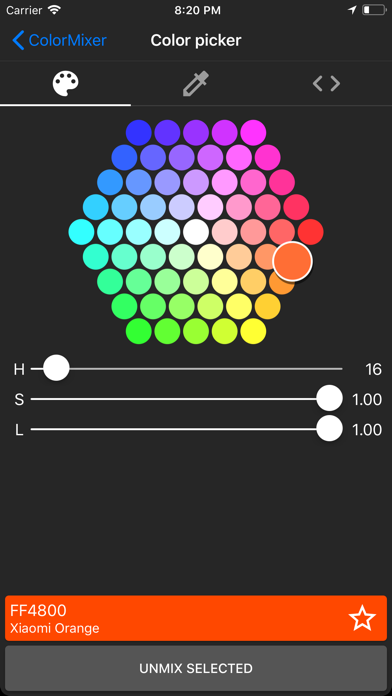
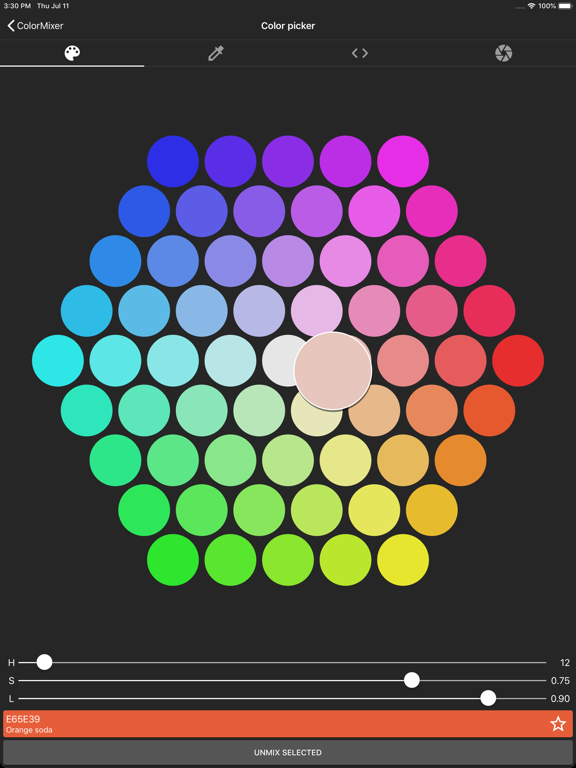
The app also features a custom made color picker that allows you to pick colors from variable sources including a color wheel, color values in RGB, CMYK or HSL model, an image from your gallery or camera and your custom color table.
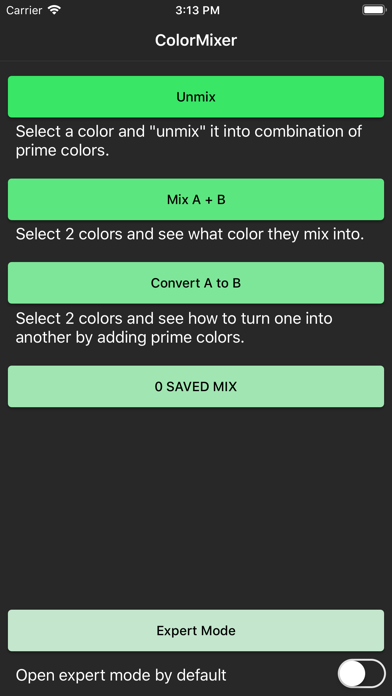
There are 3 basic modes in this app, "Unmix", "Mix A + B" and "Convert A to B". With "Unmix", you select a color from the color picker and the app will resolve it into a combination of prime colors. With "Mix A + B", you select 2 colors and the app shows the result of mixing them together. With "Convert A to B", the app gives you a list of color you need to add to convert one color into another.
There is also an expert mode where you can complete all of the above functions in one single UI.
In the mix composition screen, you can change the mixing ratios by tapping on the left or right side of the color card. You can also add new colors to the mix with the + button on the bottom. Any change to the mix will update the mixing result in real-time.