Infographics Prime - Templates

Infographics Prime - Templates Summary
Infographics Prime - Templates is a free, with in-app purchases iOS app in Productivity by Graphic Node. Released in Aug 2018 (8 years ago). It has 30 ratings with a 4.20★ (good) average. Based on AppGoblin estimates, it reaches roughly 103 monthly active users and generates around $<10K monthly revenue (100% IAP / 0% ads). Store last updated Sep 2, 2026
Infographics Prime - Templates SDKs Summary
App not yet scanned for SDKs.
4.2★
Ratings: 30
Screenshots
App Description
* Requires Apple Pages or Keynote for iOS and iOS 15 or later, which have to be downloaded separately.
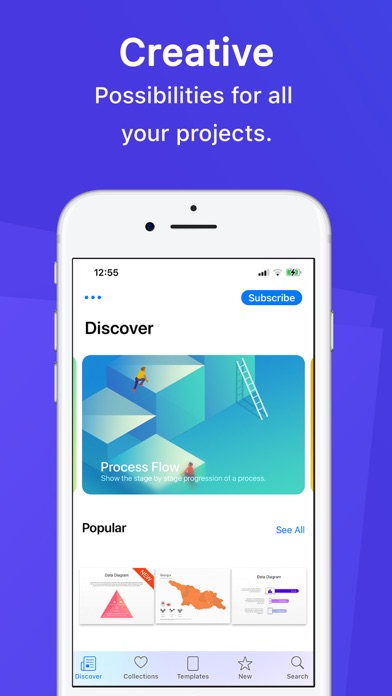
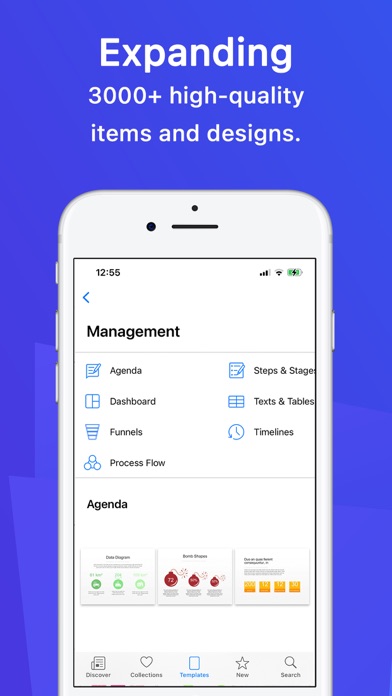
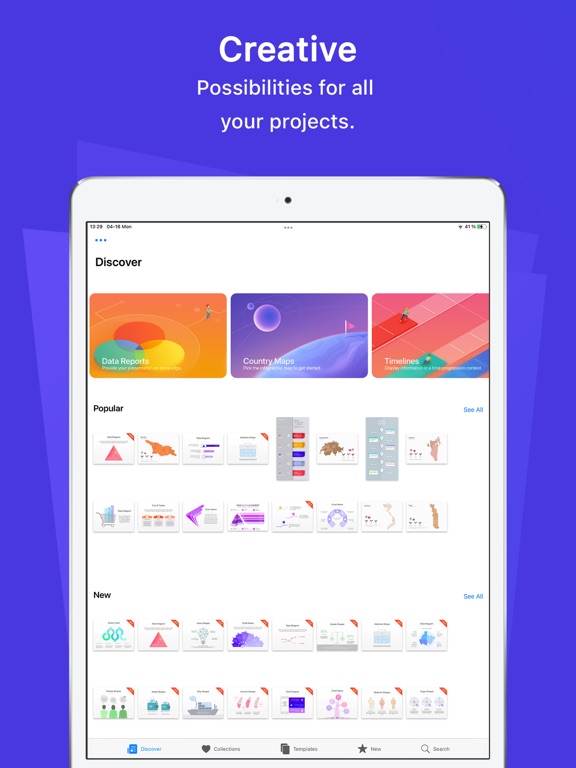
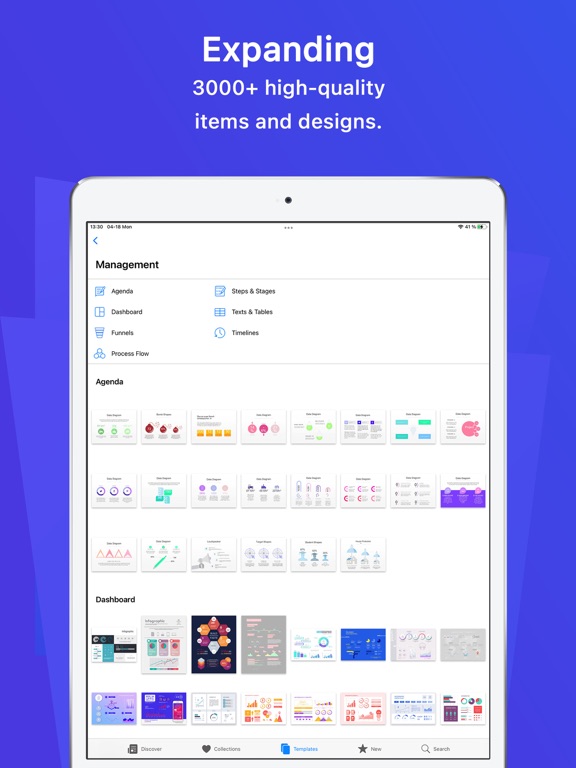
Infographics Prime - Templates is a collection of high-quality illustrations, diagrams, data visualizations, chart themes, maps, and flags for Pages, Keynote, Word, PowerPoint, Google Docs, and more.
• Browse infographics for Pages, Keynote, MS Office, Google Docs, and Adobe apps
• Open templates directly in your favorite app with one tap
• Search by keyword and mark favorites
• Save templates in the Pages and Keynote template choosers
• New designs added regularly
• First item in every category is free to try
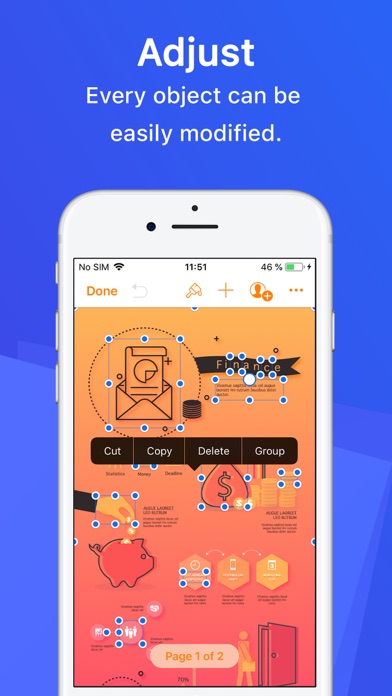
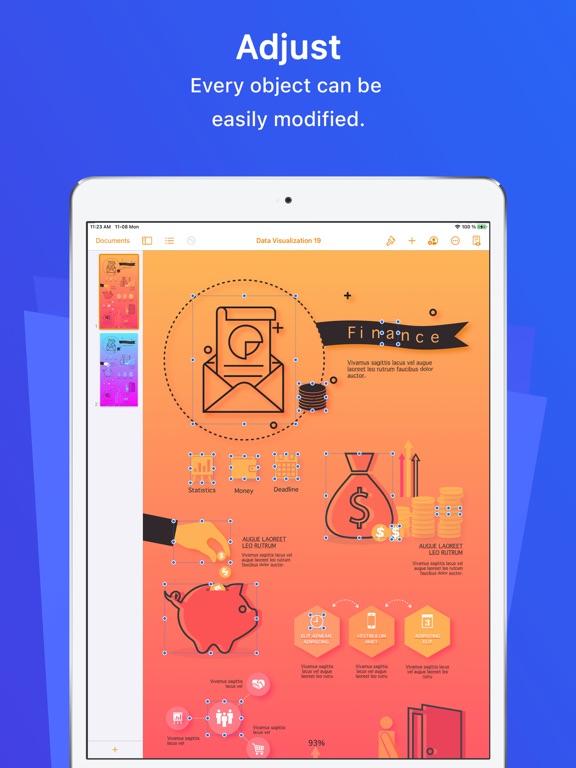
Nearly all elements can be recolored, moved, or removed. Type or paste your text, swap images, and customize charts and diagrams in your app of choice.
Subscription:
The first 3 days are on the house and then you can get it in affordable monthly, semi-annual, annual, or lifetime plans!
Subscribe to take advantage of all the Premium features described above.
• Your payment will be charged to your iTunes Account as soon as you confirm your purchase.
• You can manage your subscriptions and turn off auto-renewal from your Account Settings after the purchase.
• Your subscription will renew automatically unless you turn off auto-renew at least 24 hours before the end of the current period.
• The cost of renewal will be charged to your account 24 hours prior to the end of the current period.
• When canceling a subscription, your subscription will stay active until the end of the period. Auto-renewal will be disabled, but the current subscription will not be refunded.
• Any unused portion of a free trial period, if offered, will be forfeited when purchasing a subscription.
Instructions to manage your auto-renewing subscriptions can be found here: https://support.apple.com/en-us/HT202039
Privacy Policy: http://graphicnode.com/privacypolicy/
Terms of Use: http://graphicnode.com/termsandconditions/
Help us develop the best app available in the store! If you have found a bug, got a suggestion, or want a new feature, email us at: support@graphicnode.com