T9 Dial
T9 Dial Summary
T9 Dial is a ad-supported, with in-app purchases iOS app in Productivity by 帅 刘. Released in Aug 2018 (7 years ago). It has 1.3K ratings with a 4.04★ (good) average. Based on AppGoblin estimates, it reaches roughly 4.5K monthly active users and generates around $<10K monthly revenue (23% IAP / 77% ads). Store metadata: updated Jun 16, 2026.
Store info: Last updated on App Store on Jun 16, 2026 .
4.04★
Ratings: 1.3K
Screenshots
App Description
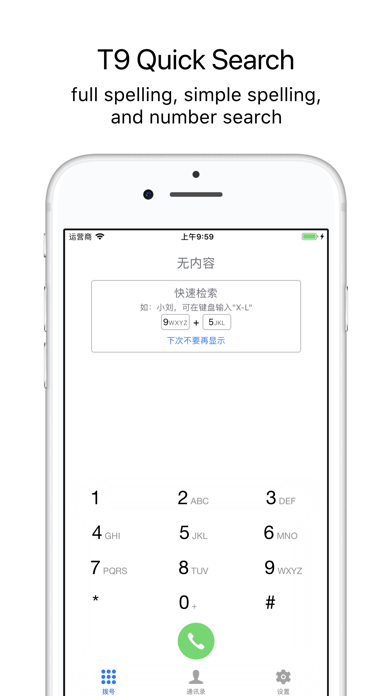
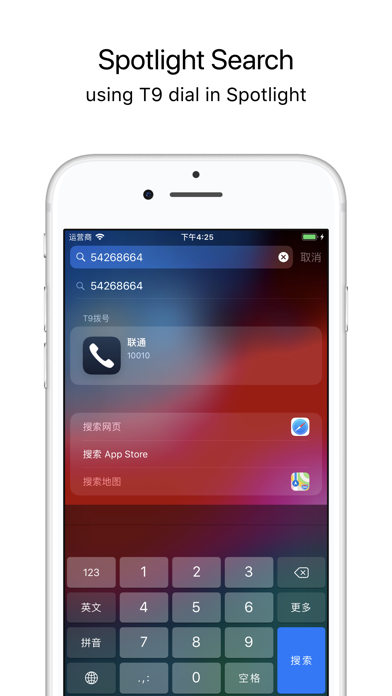
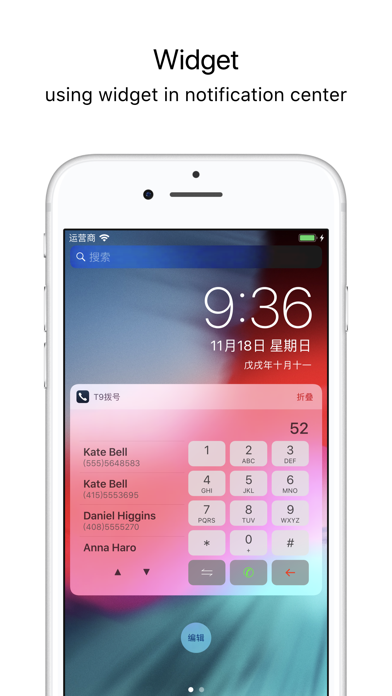
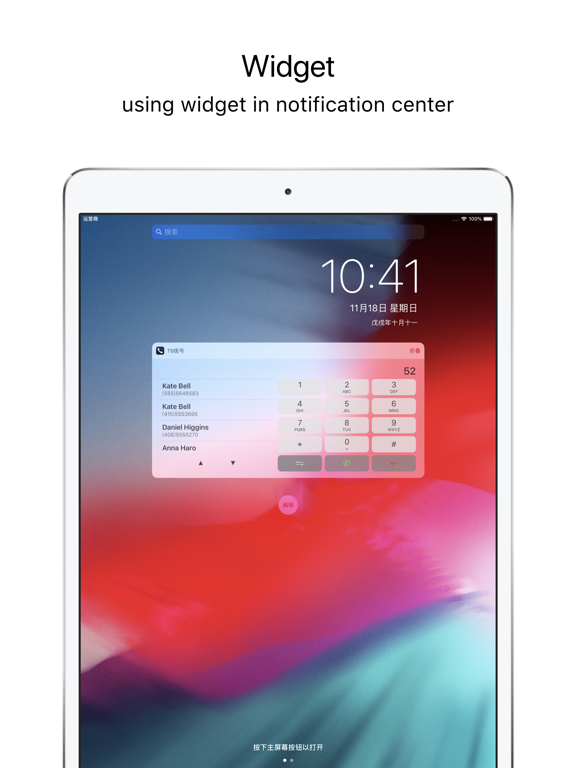
A T9 dial pad designed to quickly search and match contacts.
• Fixed an issue where the dial button might appear blue.
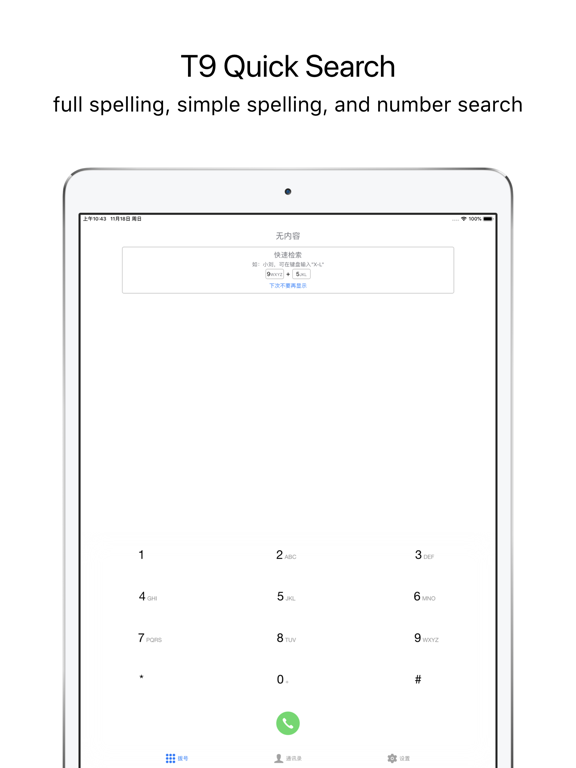
• Supports full spelling, abbreviated spelling, and number-based search for contact names.
• Supports searching by contact company name, full job title name, and abbreviated spelling.
• Enable vibration for enhanced tactile feedback.
• Quickly switch between left-handed and right-handed one-handed keyboards, as well as full keyboard gestures, to suit different usage scenarios.
• Provides a variety of icon color combinations.
• Keyboard height can be adjusted to fit different screen sizes.
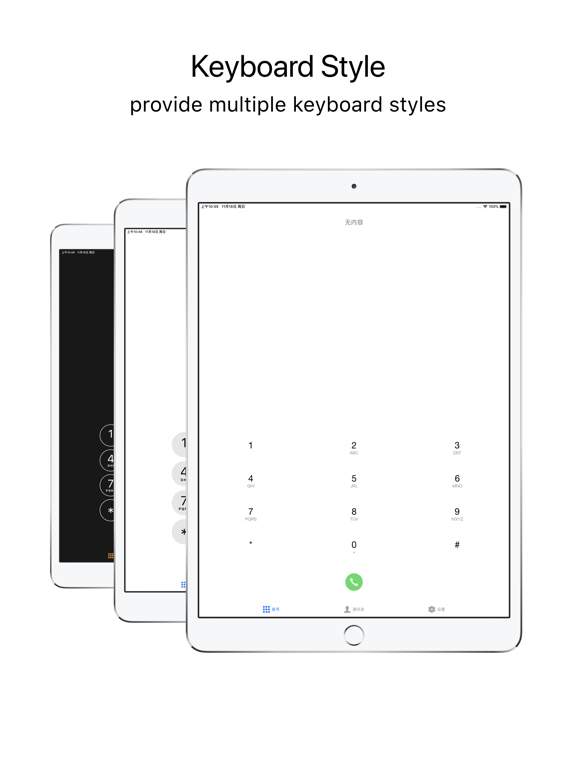
• Multiple keyboard styles are available to choose from.
【Automatic Renewal – Remove Ads Subscription】
“Pro” (this service) is an optional yearly subscription.
Before subscribing to Pro, please note the following:
• The price of Pro may vary by country or region;
• Payment will be charged to your iTunes account at confirmation of purchase;
• The subscription automatically renews unless auto-renew is turned off at least 24 hours before the end of the current period;
• Your account will be charged for renewal within 24 hours prior to the end of the current period, and the renewal cost will be identified;
• Subscriptions may be managed by the user, and auto-renewal may be turned off by going to the user’s Account Settings after purchase.
Terms of Use:
https://t9dial.web.app/TERMS%20OF%20USE.html
Privacy Policy:
https://t9dial.web.app/PRIVACY%20POLICY.html