Jana Bank Mobile Banking

Jana Bank Mobile Banking Summary
Jana Bank Mobile Banking is a free iOS app in Finance by JANA SMALL FINANCE BANK LIMITED. Released in Aug 2018 (8 years ago). It has 604 ratings with a 4.14★ (good) average. Based on AppGoblin estimates, it reaches roughly 4K monthly active users . Store last updated Oct 20, 2026
Jana Bank Mobile Banking SDKs Summary
App not yet scanned for SDKs.
4.14★
Ratings: 604
Screenshots

App Description
This revamped version of Jana Bank Mobile Banking – Jana Small Finance Bank’s mobile banking application comes with more user-friendly and advanced features than its earlier version, ensuring a richer and more Intuitive experience for its users. We have a host of new features and services to make it a one stop shop for all your banking needs.
Enriched with new banking and payment features, this version of the app is a complete package, which enables users to access and manage their accounts from anywhere, anytime. It enables the user to undertake Financial as well as Non-financial transactions.
Experience the joy of Simple and Safe banking
• 360 degree view of all the accounts held with Jana Small Finance Bank
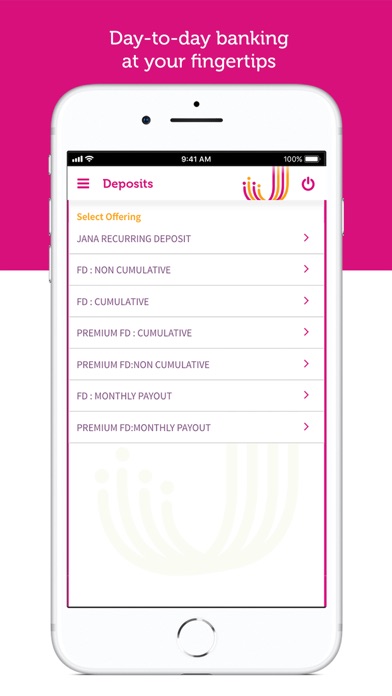
• Open an FD/RD in just 2 clicks
• Download and Share account statement within 2 clicks
• Manage your Cards at Convenience - Block/Unblock Card, Hotlist Card, Re-issue card, Set/Reset PIN, Manage Card Limit
• Apply for Plethora of Loans – Housing Loan, Business Loan, 2 Wheeler loan etc.
• Invest and manage your portfolio
• Secure your Login with your Face ID and Fingerprint
• 2 factor authentication for all transactions. End to End AES-256 bit Encryption
• Set Payment reminders for Birthdays, Anniversaries, Rents on the go and never miss a Payment
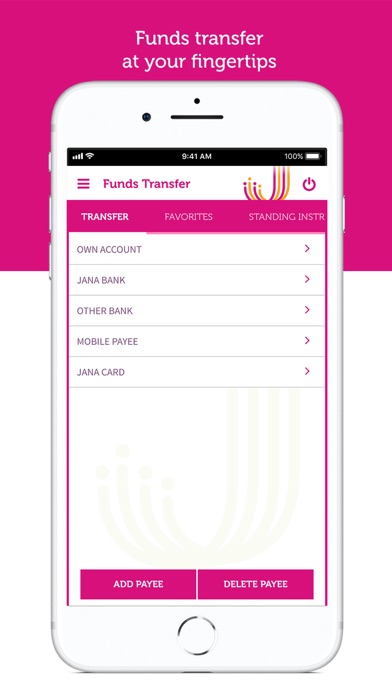
Secure Fund Transfers & Payments:
* Quick fund transfers to any bank account without adding beneficiary
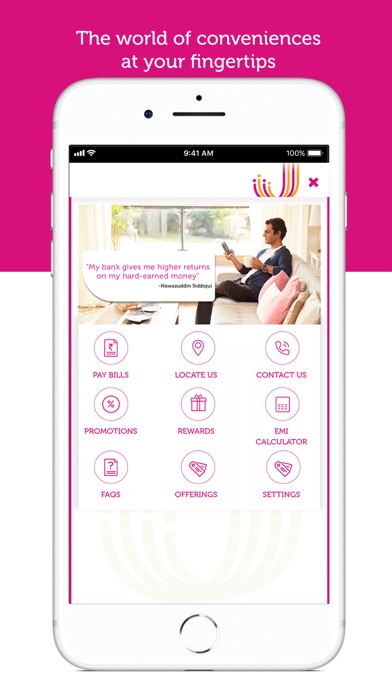
* Easy bill payment and recharge – mobile recharge, DTH and utility bills
* Pay your loan instalments on the go
Other Banking Services:
* Place Cheque book request
* Submit 15G/H forms for your term deposits
* Apply various filters to view transactions
* Manage your Debit card on the go
* Quick Payment and Recharge of Pre-paid and Post-paid Bills
* Invest in Mutual Funds
* Get personalized offers across loans
Banking services made accessible in your Mobile phone.
If you are an existing Online banking customer, get started in 3 easy steps:
Download the Jana Mobile banking app from App store
* Log in via MPIN, Set up Face ID/ Fingerprint
* Log in subsequently for mobile banking through Face ID or Thumb (biometric)
* SIM Binding feature for a secure banking experience
If you are New to Jana Online banking; get registered in 3 quick steps:
Step 1: Choose to register through Debit card OR CRN
(If Registration is through Debit Card, there shall be a full access t