Ad Remover - Ad Blocker

Ad Remover - Ad Blocker Summary
Ad Remover - Ad Blocker is a free, with in-app purchases iOS app in Productivity by BrowseTech LLC. Released in Feb 2019 (7 years ago). It has 2.2K ratings with a 3.70★ (average) average. Based on AppGoblin estimates, it reaches roughly 5.8K monthly active users and generates around $<10K monthly revenue (100% IAP / 0% ads). Store last updated Jun 21, 2022
Recent activity: 1.00 new ratings this week View trends →
SDK intelligence: AppGoblin detected 2 development tools(e.g. nanopb),and 1 analytics: product integrated into Ad Remover - Ad Blocker. View full SDK list →
Ad Remover - Ad Blocker SDKs Summary
Ad Remover - Ad Blocker was last scanned for SDKs on 2026-08-24. Below is the overview of third-party companies detected in the app. The full list of SDKs, permissions and unknowns is available here.
 Firebase
 nanopb
 Alamofire
3.7★
Ratings: 2.2K
Screenshots


App Description
Are you tired of seeing annoying ads?
Are you suspecting someone is taking your personal information without your consent?
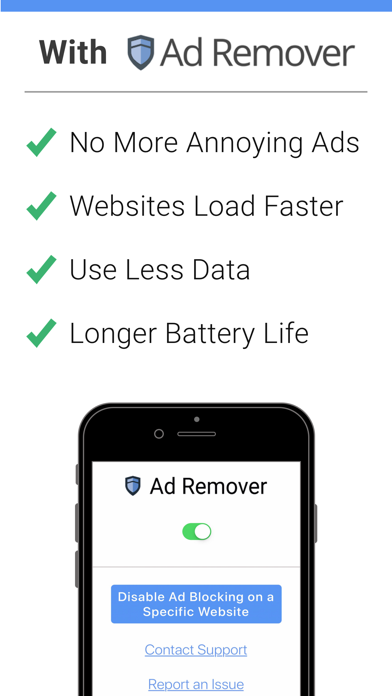
Ad Remover will block unsolicited ads and malicious trackers, giving you the control back over your privacy. But not just that! You'll have faster-loading sites, saving you Internet data and headaches!
Try Ad Remover Today and Be Ready to Live Ad-Free!
——
Subscription Details:
Try it Free for 14 days! You won’t be charged until the trial period ends.
Upon conclusion of the 14-day trial, your paid plan will automatically renew at $39.99 per year unless auto-renew is turned off at least 24 hours before the end of the current period. A payment of $39.99 will be charged to your iTunes account at confirmation of purchase and each year, subsequently until you cancel. Your account will be charged for renewal within 24 hours before to the end of the current period. Any unused portion of a free trial period, if offered, will be forfeited when you purchase a subscription. You can manage your subscriptions and turn off auto-renewal by going to Account Settings after purchase.
Terms of Service: https://www.adremover.org/terms/
Privacy Policy: https://www.adremover.org/privacy/