Clear Touch Collage

Clear Touch Collage Summary
Clear Touch Collage is a free iOS app in Education by Clear Touch Interactive. Released in Dec 2018 (7 years ago). It has 14 ratings with a 4.29★ (good) average. Based on AppGoblin estimates, it reaches roughly 12 monthly active users . Store last updated Apr 17, 2026
Clear Touch Collage SDKs Summary
App not yet scanned for SDKs.
4.29★
Ratings: 14
Screenshots



App Description
Clear Touch Collage™ is a powerful, yet easy-to-use, application
that lets you share up to four devices directly to your Clear
Touch™ panel. It enables you to encourage interaction and
involvement, even in a classroom setting where each student has his
or her own device. Helpful permission controls give you the ability
to manage who is able to connect, ensuring you have the necessary
control for keeping everything organized and running
smoothly.
Collage is especially useful for show-and-tell and student
presentations, but it is equally useful in enabling teachers to
teach cooperatively. For example, in a lab setting one teacher
could moderate the presentation from his or her laptop, while
another teacher or teacher’s assistant could demonstrate an
experiment on a camera-enabled device. A teacher could even connect
multiple devices in the classroom and then move easily from device
to device without having to constantly disconnect and
reconnect.
The true genius of Collage is that it is a highly compatible
solution that works seamlessly with nearly all of today’s most
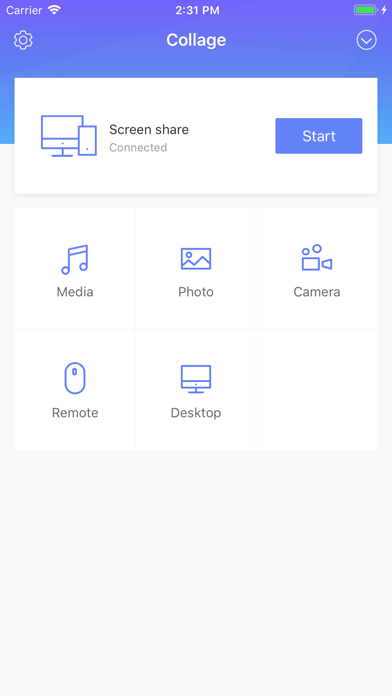
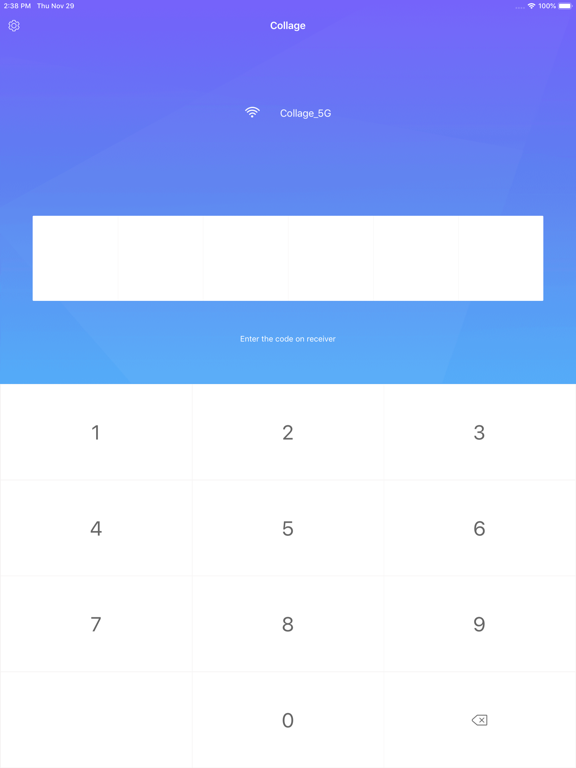
popular devices, including iPhones and iPads. On top of that, connecting to Collage is remarkably easy to do. Simply enable Collage on your Clear Touch™ panel, enter the displayed access code, and you’re ready to
go!
Clear Touch Collage™ Offers:
* Wide-ranging Compatibility.
- A truly open architecture supports all types of devices, including
iPhones and iPads.
* Multiple Device Sharing.
- Collage currently enables up to 32 devices to connect and up to 4
to share simultaneously.
*Permissions Mode.
- Permission controls give the teacher the ability to allow or
restrict devices from connecting and sharing content.
* Easy Connectivity.
- Clear Touch Collage provides a remarkably uncomplicated way to
connect and share content. Simply download the app on the
connecting device and input the access code to start
sharing.
* Connect and Play Video from Other Devices.
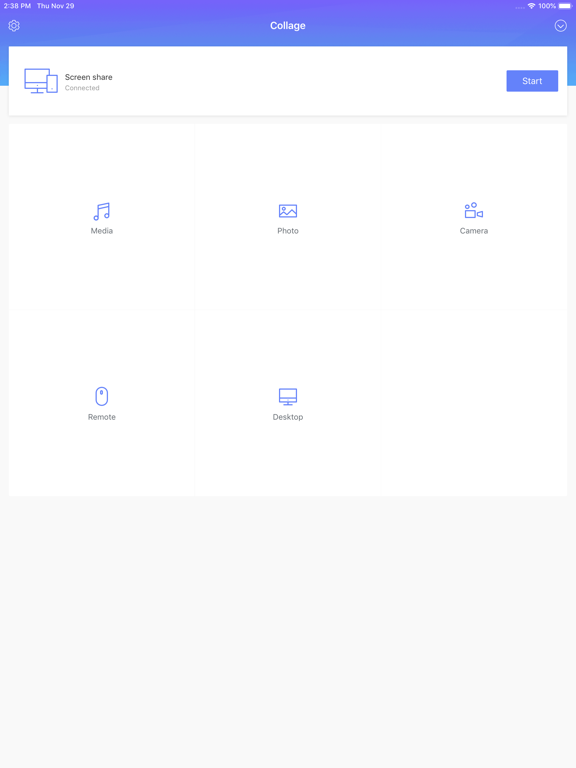
- Collage enables you to connect smartphones, tablets, and cameras
and project video directly on-screen.
* Intuitive, Universal User Interface.
- The application’s controls and interface are remarkably easy to
understand and use.
* Full Notetaking Toolset.
- While Collage is running, you can still access all of your panels
native note-taking tools, enabling you to easily add markup over
connected content.
* P