Public Speaking S Video Audio

Public Speaking S Video Audio Summary
Public Speaking S Video Audio is a with in-app purchases iOS app in Education by Plum Amazing Software LLC. Released in Aug 2019 (6 years ago). It has 3.00 ratings with a 1.67★ (poor) average. Based on AppGoblin estimates, it reaches roughly 2.00 monthly active users and generates around $<10K monthly revenue (100% IAP / 0% ads). Store metadata: updated Aug 4, 2019.
Store info: Last updated on App Store on Aug 4, 2019 .
1.67★
Ratings: 3.00
Screenshots
App Description
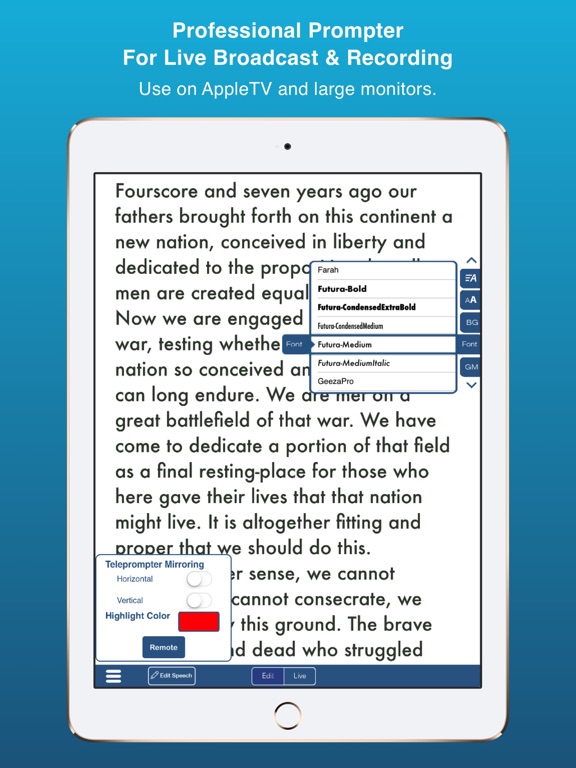
Turns an iPhone or iPad into your personal mobile speech podium. Create, archive, rehearse, hear, record in Audio/Video, present, time and give speeches. Speechmaker is a professional teleprompter with timers for public speaking in government, business and in schools. The most popular professional tool for rhetoric, oration, sermons, lyrics, plays, etc. whether live in public or on TV. It's for seasoned orators, children and everyone in between.
Free 14 day trial period after that a subscription is required to continue.
Go to our site for reviews/info: plumamazing.com/product/speechmaker/
Keep your speeches with you at all time, secure and available to use at any moment. Easily edit and give speeches at the last minute.
“It usually takes me more than three weeks to prepare a good impromptu speech.” – Mark Twain
SpeechMaker Features
- Create, edit, record, archive, time and give your speeches
- Record audio to hear how you sound before delivering that important speech
- Record audio & video to see your eye contact, posture, etc. during a speech
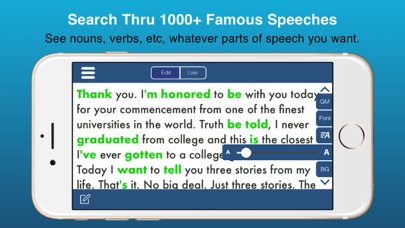
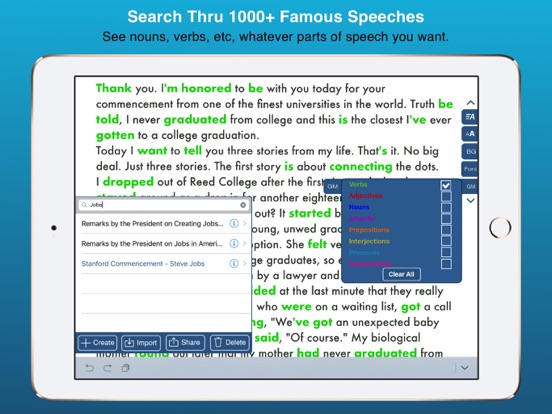
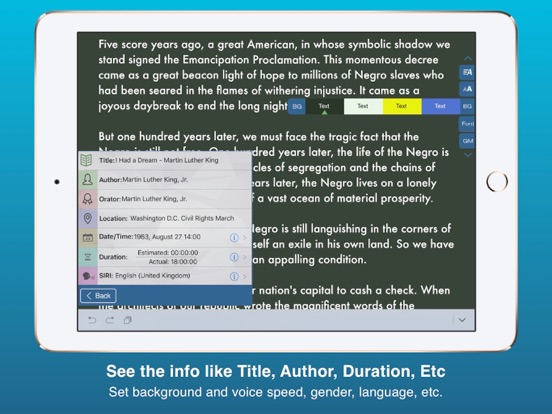
- Built in famous speeches, to search, examine or read yourself.
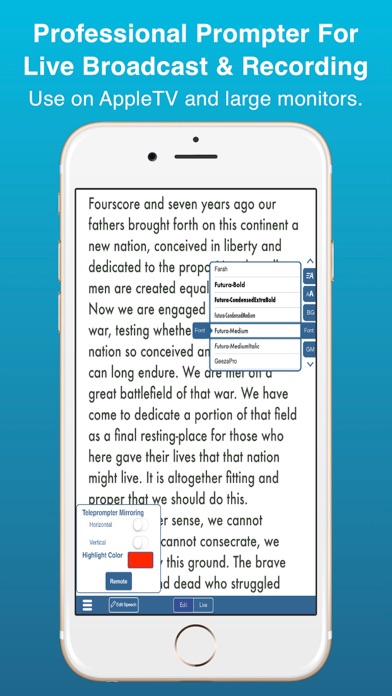
- Use the powerful built-in and easy to use telemprompter
- Mirror and reverse text
- Autoscroll text and control with a tap
- Siri can speak any speeches aloud in 36 different languages
- TIMERS stand out and show, elapsed, remaining and estimated time
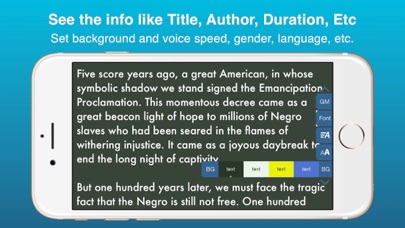
- Change the background color, fonts, scroll speed & font size
- Runs on iPhone and iPad with separate UI for both
- Tap a button see verbs, nouns, adjectives and other parts of speech highlighted in different colors. Makes grammar come alive
- Archive your text, audio and video for the future
- Share you speech with friends and followers on social media.
- Import via text, RTF or PDF using copy & paste, Dropbox or Google Docs
- Export speech text via Email
- Import and export audio via Dropbox
- Rehearse your speech
- Timers for elapsed time and time to go for the speech all at a glance
- Practice delivering your lines flawlessly by recording audio/video
- Audio recording allows you to get feedback as you practice your speech
- Buttons and gestures to start, stop and control scroll speed
- Touch gestures:
+ pinch or zoom to change font size for easier reading
+ grab and scroll instantly to any part of a speech
+ tap the right side to speedup scrolling. Tap the le