Nception - Video FX & LUTs

Nception - Video FX & LUTs Summary
Nception - Video FX & LUTs is a with in-app purchases iOS app in Photo And Video by Hugekids AB. Released in Aug 2018 (7 years ago). It has 518 ratings with a 4.50★ (excellent) average. Based on AppGoblin estimates, it reaches roughly 457 monthly active users and generates around $<10K monthly revenue (100% IAP / 0% ads). Store metadata: updated Dec 23, 2024.
Store info: Last updated on App Store on Dec 23, 2024 .
4.5★
Ratings: 518
Screenshots
App Description
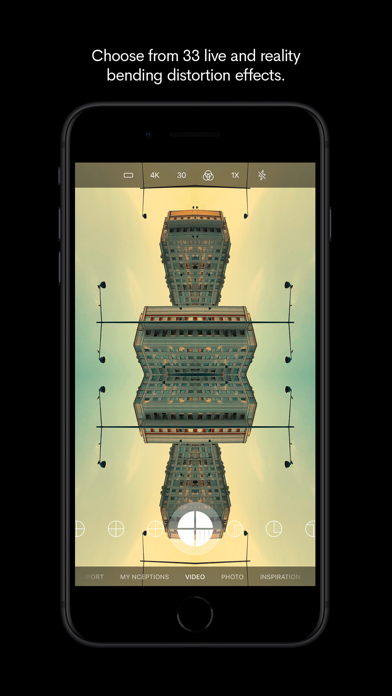
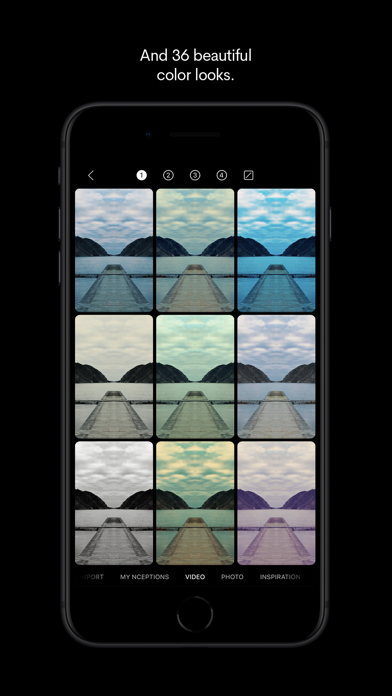
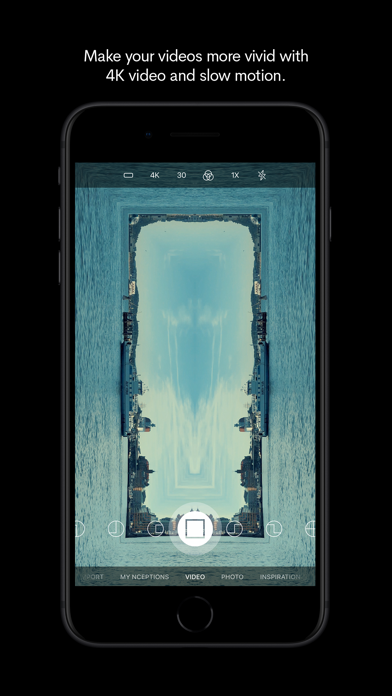
Create surreal Inception-like videos by choosing from a collection of reality distortion effects and color looks – all with live camera preview. Or take captivating stills using the same effects and looks, both in standard or square format.
• Professional Video Effects - Live preview while recording.
• Reality Distortion - Create mesmerizing Inception effects.
• Cinematic LUTs - Premium color grading presets.
• Mirror Reflections - Add symmetrical transformations.
• Photo Mode - Apply effects to still images.
• Social Format - Perfect for Instagram and TikTok.
• Easy-to-Use - Stunning results instantly.
• Import and add effects and looks to videos and photos created with other apps.
Join more than 200.000 creators who trust nception for stunning visual content.
Download now to start creating viral-worthy videos and photos!
• App Store ”Editor’s Choice” in the UK and Ireland.
• App Store "App of the Day" in 19+ countries.
• Featured in App Store's "Today" 10 times in 55 countries.
••• Visual examples:
You can find lots of user created examples here:
www.instagram.com/explore/tags/nceptionapp/
Or just search Instagram for "nceptionapp".
••• Contributions:
Share your own creations to #nceptionapp on Instagram.
There's also a link to Instagram #nceptionapp in the "INSPIRATION" section of the app.
••• Frequently Asked Questions •••
• Can I import images and videos with custom resolutions?
Absolutely. This also works for pictures that you have cropped or edited within the iPhone's native library.
• Why is there no audio in my Nception video?
Nception videos are always recorded with audio. However, the sound is muted by default. You can enable audio for any previously recorded video in the “MY NCEPTIONS” view. Just select your silent video, tap the pencil icon to edit, and then tap on the speaker icon to turn the audio on.
• How do I remove a color look?
Choose your video in “MY NCEPTIONS”, tap edit (the pencil icon), tap the color looks icon and then the reset icon “/“.
• How do I activate slow motion recording?
In the “VIDEO” view, just tap the frame rate icon (24/30/60/120) to select your preferred recording frame rate. The higher the frame rate while recording, the slower the video will appear when played back at a lower frame rate.
• Does Nception s