Pass4Wallet - store cards

Pass4Wallet - store cards Summary
Pass4Wallet - store cards is a mobile iOS app in Tools by Andrzej Michnia GirAppe Studio. Released in May 2019 (7 years ago). It has 3.1K ratings with a 4.17★ (good) average. Based on AppGoblin estimates, it reaches roughly 11.9K monthly active users . Store metadata: updated Mar 17, 2026.
Recent activity: 3.00 new ratings this week View trends →
Data tracking: SDKs and third-party integrations were last analyzed on Feb 10, 2025.
Store info: Last updated on App Store on Mar 17, 2026 .
4.17★
Ratings: 3.1K
Screenshots
App Description
IMPORTANT: this is not a digital wallet. It does not handle any currency or cryptocurrency. But we all usually have tons of other unneeded plastic in our wallets. Store cards, discount cards, coupons, etc. Pass4Wallet addresses that problem, allowing us to digitalize them.
You don't have to rely on your card merchants/providers anymore, and many of them do not provide support for the Apple Wallet. With Pass4Wallet, you are the one in charge.
What's more, you are not bound to store cards or coupons anymore. You can easily add any info you want. Always forget tax or social id numbers? Just keep them in the Wallet.
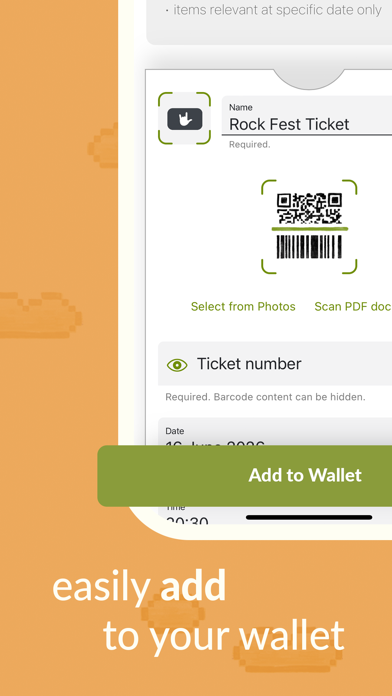
We aim to make the process as convenient and lightweight as possible, making it only a few 'clicks' to add a new entry. At the same time, the process is flexible and configurable, with the right amount of personalization available.
Main features:
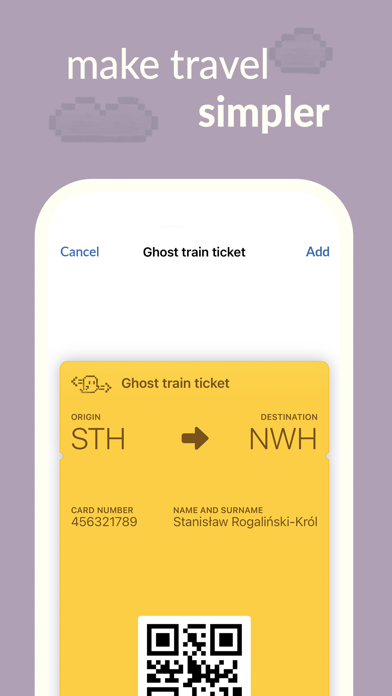
• You can add and update Wallet entries, including (but not limited to): store cards, membership cards, coupons, discount cards, tickets, gift cards, community cards, etc.
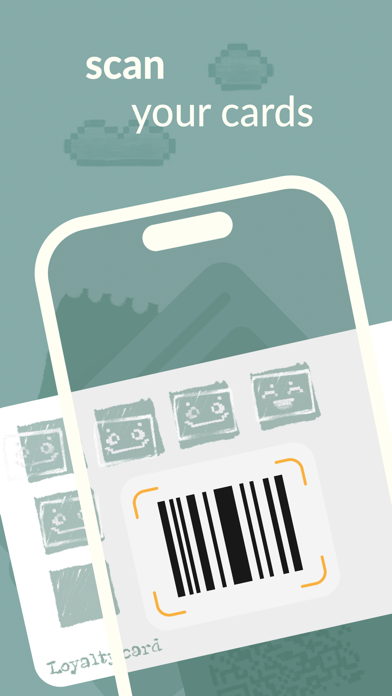
• Including a free barcode scanner
• You can add entries with a wider variety of formats than usual
• You can select colors and icon
• You can add notes on the backside
• You can specify relevant dates, to be reminded by the system
• You can add relevant locations to your entries, allowing them to be shown on the locked screen when you're near
• You can start navigation right from the back of your card
• You can share your entries if you want :)
Supported Barcode formats:
Default:
• QR - works on Apple Watch
• Aztec - works on Apple Watch
• PDF417 - works on Apple Watch
• Code-128 - not supported on Apple Watch
Additional (not supported on Apple Watch):
• EAN 8
• EAN 13
• Code-39
• data matrix
• UPC-E
• ITF
• Code 93
• Codabar