Call Reminder+

Call Reminder+ Summary
Call Reminder+ is a with in-app purchases iOS app in Productivity by Muhammad Ibrahim. Released in Aug 2018 (7 years ago). It has 5.00 ratings with a 3.00★ (mixed) average. Based on AppGoblin estimates, it reaches roughly 20 monthly active users and generates around $<10K monthly revenue (100% IAP / 0% ads). Store metadata: updated Nov 23, 2025.
Store info: Last updated on App Store on Nov 23, 2025 .
3★
Ratings: 5.00
Screenshots
App Description
Call Reminder – Never Miss an Important Call
Call Reminder takes the responsibility of remembering important calls off your shoulders—so you can stay connected with the people who matter, exactly when it matters.
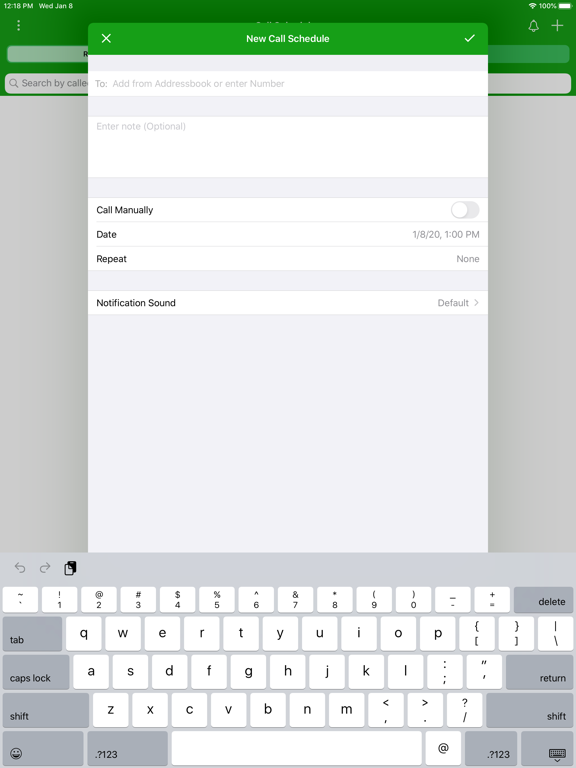
Whether it’s a birthday wish, a follow‑up with a client, or checking in on a loved one, Call Reminder ensures you never forget to make that call. Simply schedule a call with any contact and you’ll be notified right on time with a Lock Screen alert. With interactive actions and powerful widgets, you can call, snooze, or catch up on overdue calls in just a tap.
Call Reminder is more than just a reminder—it’s your personal assistant for managing your calling routine with ease, precision, and reliability.
Key Highlights:
• One‑Tap Call Reminders
Get notified exactly when a scheduled call is due—just tap the notification to start the call instantly.
• Interactive Notifications on Lock Screen
Act on reminders without opening the app: Call Now, Snooze 10 Minutes, Snooze 1 Hour, or Mark as Done right from the notification.
• Smart Follow‑Up Suggestions
After each call, quickly schedule a follow‑up for tomorrow, in 3 days, or in 1 week with a single tap—perfect for client follow‑ups and ongoing check‑ins.
• “Due Calls” & Overdue Management
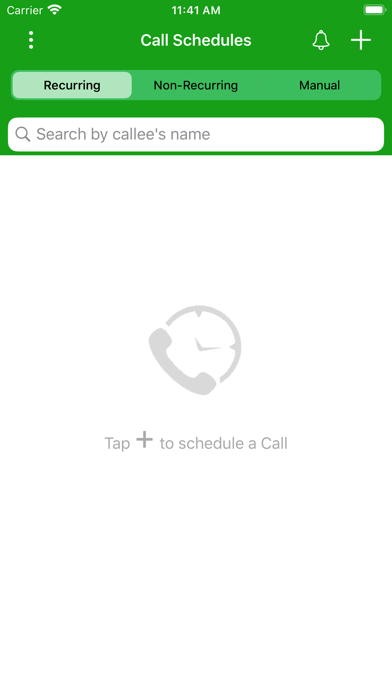
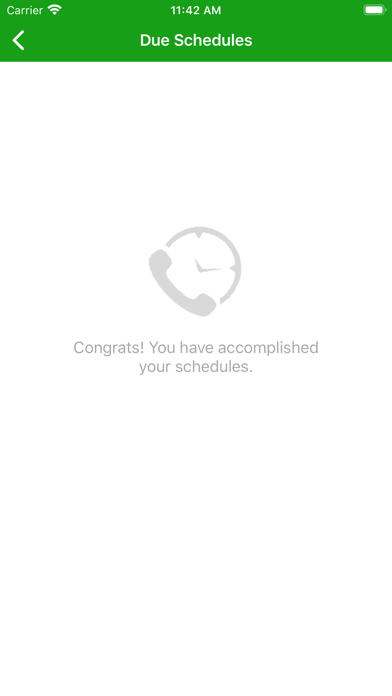
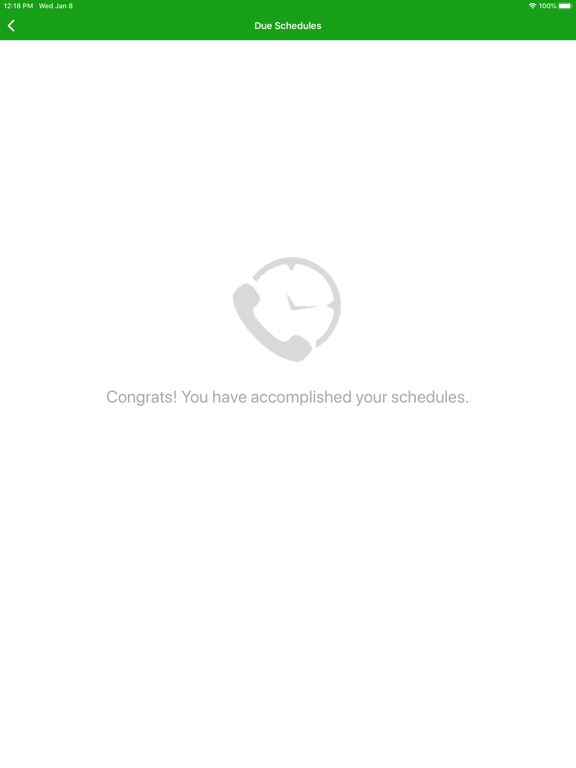
View all upcoming and due call reminders in one organized list so you always know what needs your attention. Overdue calls remain visible until you’ve taken action.
• Home Screen Widgets for At‑a‑Glance Insights
Stay on top of your calling routine without opening the app:
• Small widget: shows your Overdue count as a clear, high‑signal metric.
• Medium widget: adds context with Overdue count plus last overdue call details.
• Large widget: shows the full picture—Overdue count, last overdue call details, and your Next call.
Smart tap behavior means:
• If you have due calls, tapping the widget opens your Due Schedules.
• If you’re all caught up, tapping opens your main schedules list.
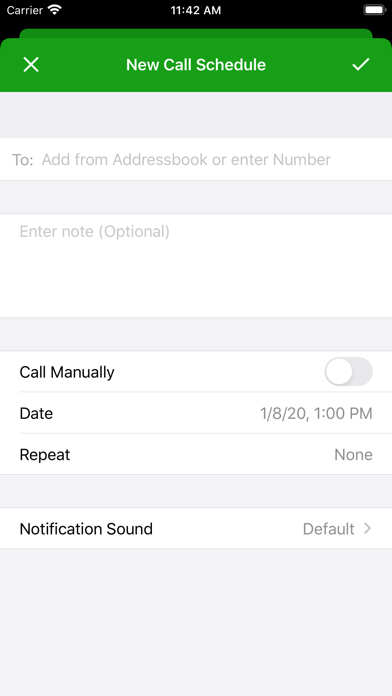
• Flexible Recurrence Options
Schedule repeating calls with powerful options:
• Hourly
• Daily
• Every Other Day
• Weekly
• Bi‑Weekly
• Monthly
• Yearly
• One‑Time Only
• Manual Schedules
Create schedules without a specific time—keep important calls on you