Scoompa Slideshow Maker Editor

Scoompa Slideshow Maker Editor Summary
Scoompa Slideshow Maker Editor is a ad-supported, with in-app purchases iOS app in Photo And Video by Pinal Shah. Released in Sep 2018 (7 years ago). It has 247 ratings with a 4.21★ (good) average. Based on AppGoblin estimates, it reaches roughly 143 monthly active users and generates around $<10K monthly revenue (43% IAP / 57% ads). Store metadata: updated Feb 23, 2026.
Recent activity: 1.00 new ratings this week View trends →
Store info: Last updated on App Store on Feb 23, 2026 .
4.21★
Ratings: 247
Screenshots

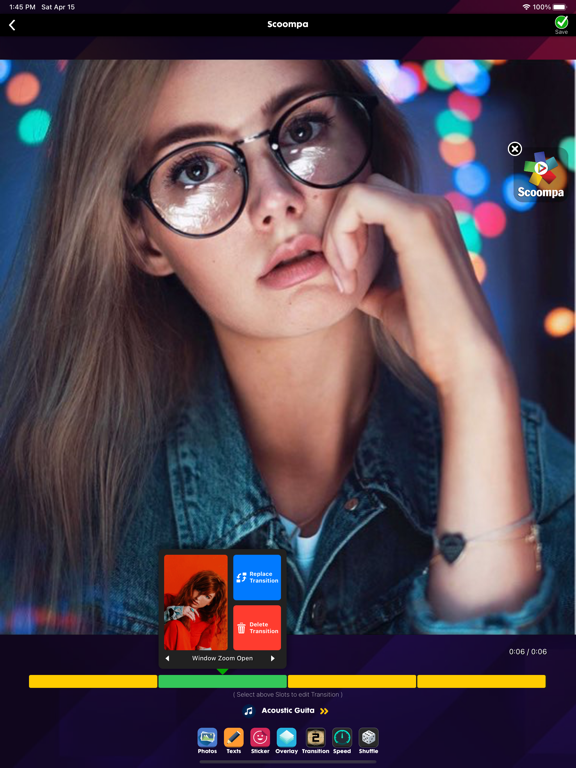
App Description
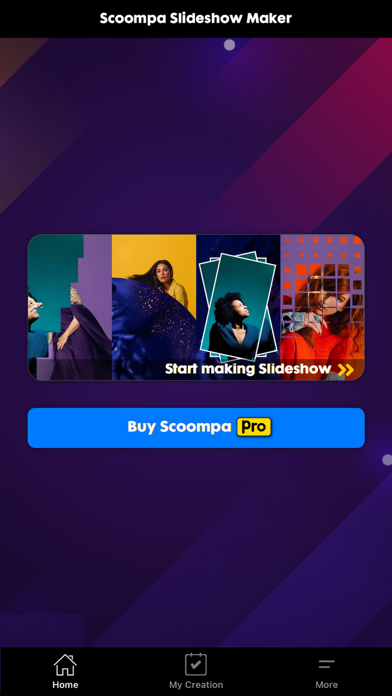
‘Scoompa Slideshow Maker’ - Lets you quickly create Slideshow Video from your pretty pictures using beautifully designed Transition Effects in seconds.
Simply pick Photos from your gallery, choose the Music & that’s it! Slideshow will be ready in few seconds only!
Features :
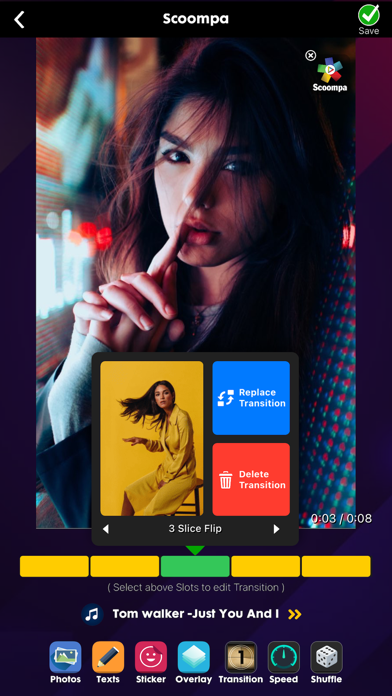
- Real time preview & editing
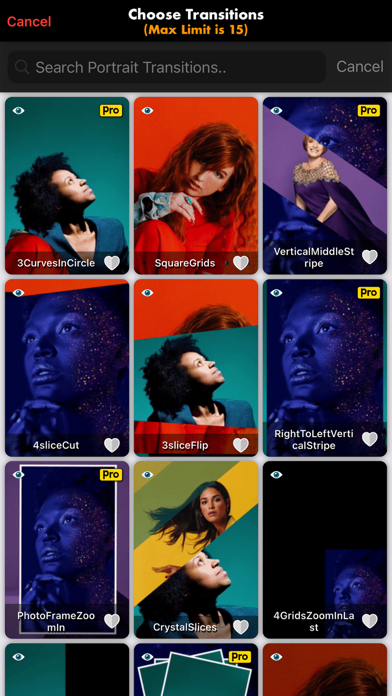
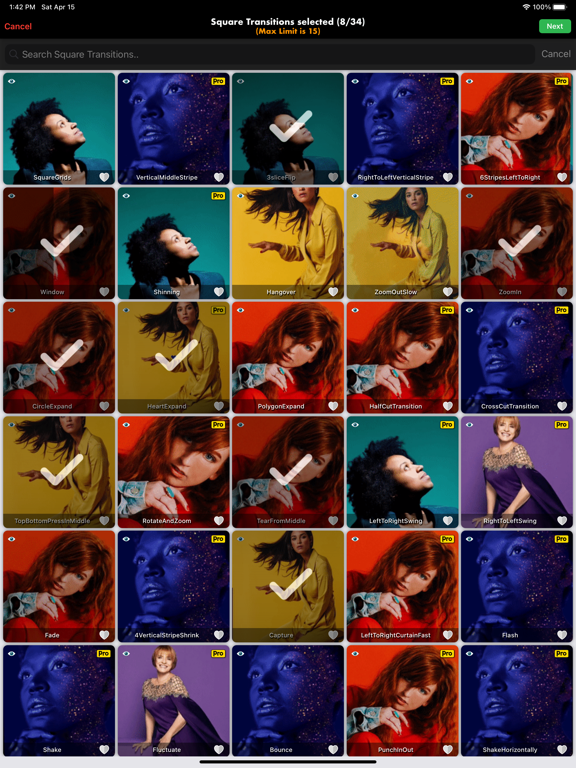
- 50+ Amazing Slideshow Transition Effects
- Slideshow Video Layout ratio options are : Portrait, Square & Landscape (9:16, 1:1 & 16:9)
- Adjustable Slideshow frame Speed
- Set/Filter/Beautify Individual photo
- Apply Filters, add Texts, Stickers & Overlays
- Set Background Music from App Library or your own Music Library or iCloud Files/Drive
- High-Definition Video output
PRO features :
- Unlock all PRO Transitions & Overlays
- Unlimited Slideshow Making
- No Banner or Full Ads
- No Watermark
3 Subscriptions available :
Monthly Subscription : This subscription will automatically auto-renew each month.
Quarterly Subscription : This subscription will automatically auto-renew each 3 months.
Yearly Subscription : This subscription will automatically auto-renew each year.
Subscriptions will automatically renew unless cancelled at least one day before the renewal date within 24 hours before the end of the current period. Payment will be charged to your Apple ID account at the confirmation of purchase. You can manage and cancel your subscription by going to your account settings in the App Store.
Privacy Policy —
https://scoompaios.blogspot.com/2025/08/privacy-policy.html
Terms of Use —
https://scoompaios.blogspot.com/2025/08/terms-of-use.html
Have a look! Enjoy
Enjoy !