Notes Writer: PDF, Voice, AI

Notes Writer: PDF, Voice, AI Summary
Notes Writer: PDF, Voice, AI is a free, with in-app purchases iOS app in Productivity by Kairoos Solutions SL. Released in Aug 2018 (8 years ago). It has 54K ratings with a 4.55★ (excellent) average. Based on AppGoblin estimates, it reaches roughly 147K monthly active users and generates around $<10K monthly revenue (100% IAP / 0% ads). Store last updated Jun 17, 2026
Recent activity: 12 new ratings this week View trends →
Notes Writer: PDF, Voice, AI SDKs Summary
App not yet scanned for SDKs.
4.55★
Ratings: 54K
Screenshots


App Description
You have lecture notes to take, a story to tell, article to publish, whether it’s today’s journal entry, tomorrow’s thesis, highlight important things in ebooks and PDFs, fill out a PDF form or get the most from your business meetings. Notes Writer is an excellent assistant in study and business, also being effective for writing down your ideas and thoughts and sharing them!
Students, teachers, writers, doctors, journalists, scholars and business professionals use Notes Writer daily to store notes, annotations, memos, signed PDFs, papers, highlighted PDF text-books, lectures and more.
With Notes Writer you can:
+ WRITE. EDIT. FORMAT
· Write Everywhere: Use Notes Writer as an stand-alone writing app even if you don’t have a computer or you are offline in the wilds
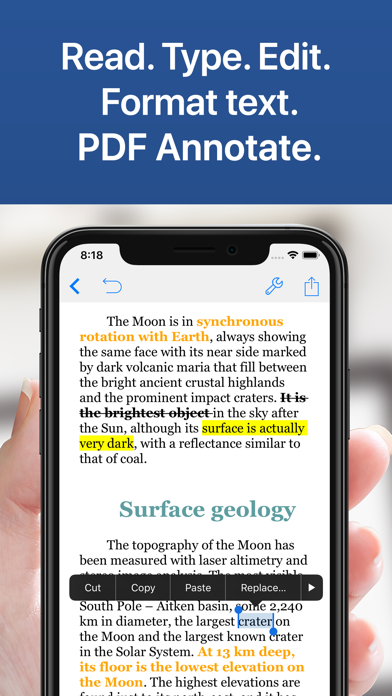
· Create rich text format (RTF) and advanced Markdown (MD) documents
· Define margins, headers/footers, paper sizes, MLA and APA style format
· Live counters: characters, words, sentences, lines, Avg. Word length, Words per sentence & reading time
· Text to Speech for proofreading
· Dictation lets you speak text instead of typing
· Typewriter: Distraction-Free mode, letting you focus on what you’re writing
· Over 30 languages typing support including Japanese, Chinese, Arabic & Hebrew
· Extra keys: tab, forward delete, cursor up/down/left/right, etc.
+ ANNOTATE PDFs. FILL FORMS. SIGN DOCUMENTS.
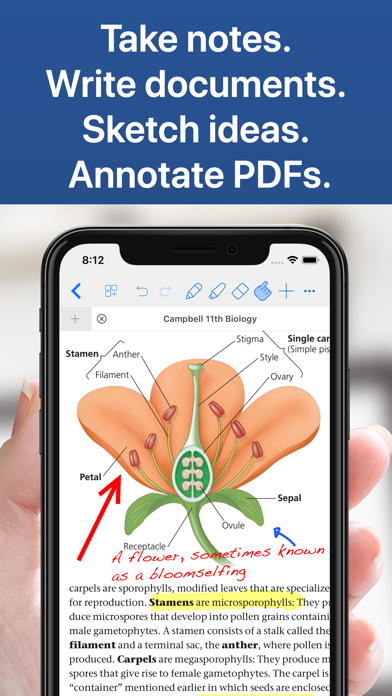
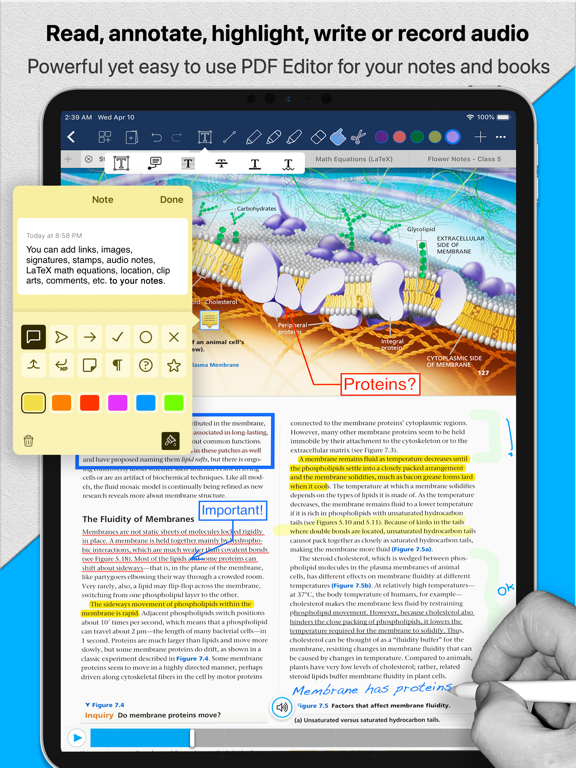
· PDF Annotations: highlight, strikeout, underline, notes, voice notes, pencil, stamp, sign...
· Fill out forms. Supports PDF AcroForms standard
· Sign with your own signature documents, contracts, forms
· Digital Signature Validation
+ ORGANIZE. STRUCTURE. FIND.
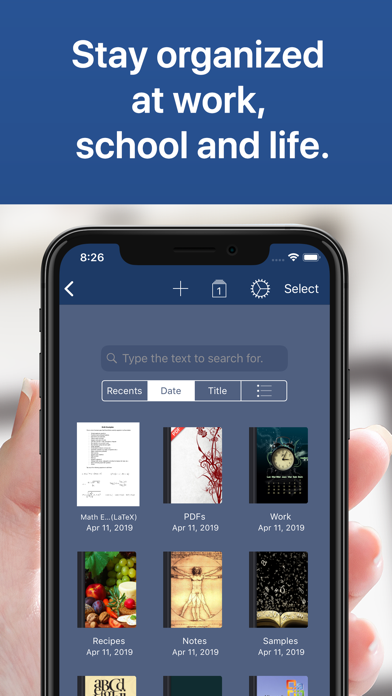
· Organize your work in unlimited notebooks, folders and subfolders
· Create notebooks and projects in your own tree-like structure: Sections, Classes, Lectures, Grades, Drafts, Folders, Chapters, Research, etc.
· Design the cover of your notebooks
· Full-text search your library of documents and projects
+ SCAN NOTES. RESEARCH. PDF LIBRARY
· Split view: Open two PDFs or handwritten notes simultaneously on screen. Compare or use them as book and paper
· Full PDF reader and manager included for reference files, text books, ebooks, articles, resources, papers, etc.
· Use the camera of your iPad/iPhone to scan documents, notes, recipes, tickets, etc. as PDF
· Open PowerPoint, Word and Excel files
+ SHARE NOTES.