Skincare Routine

Skincare Routine Summary
Skincare Routine is a mobile iOS app in Health And Fitness by Mento Apps Ltd. Released in Aug 2018 (7 years ago). It has 1.3K ratings with a 4.59★ (excellent) average. Based on AppGoblin estimates, it reaches roughly 72.1K monthly active users . Store metadata: updated Mar 27, 2026.
Recent activity: -1 new ratings this week View trends →
Store info: Last updated on App Store on Mar 27, 2026 .
4.59★
Ratings: 1.3K
Screenshots

App Description
Personalised Skin Tracker & Layering Guide – No Subscription!
One-off purchase • Automatically orders your AM/PM routine • Avoids ingredient conflicts • Diary with photos.
Transform your skincare and beauty regimen with a personalized routine! Skincare Routine helps you discover the best order to apply your skincare and makeup products, track your usage, and achieve your best skin ever.
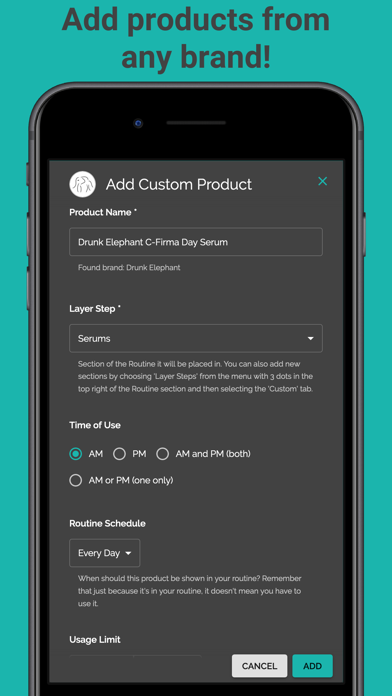
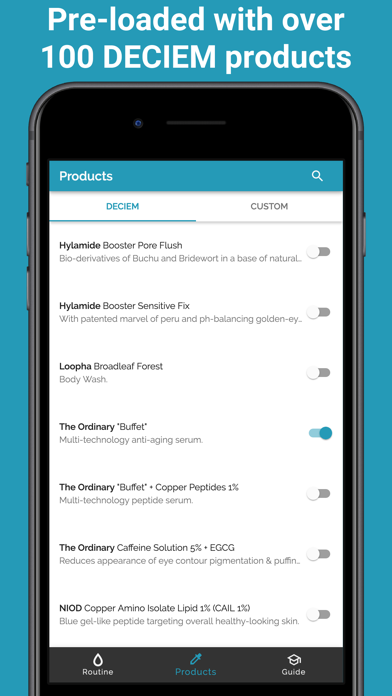
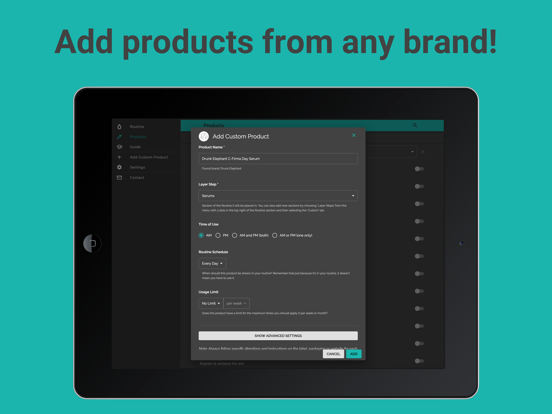
The app comes pre-loaded with DECIEM (The Ordinary, NIOD, Hylamide & Fountain) products but you can add any skin treatments from any brand including Drunk Elephant, Pixi Beauty, Paula's Choice, The Inkey List and any of your favourite brands!
Note: The app price is a one-off payment and there are currently no subscriptions or recurring payments.
*** Key App Features ***
• CREATE YOUR ROUTINE
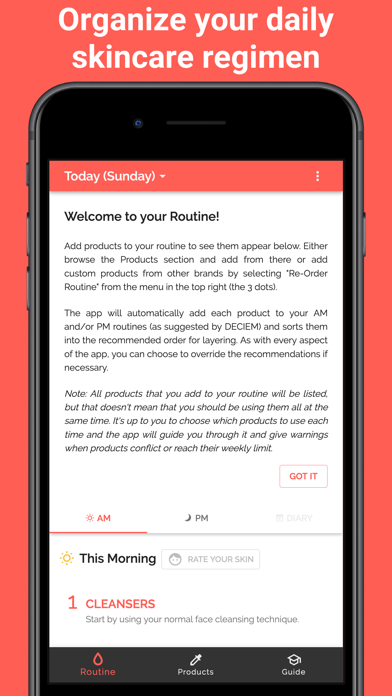
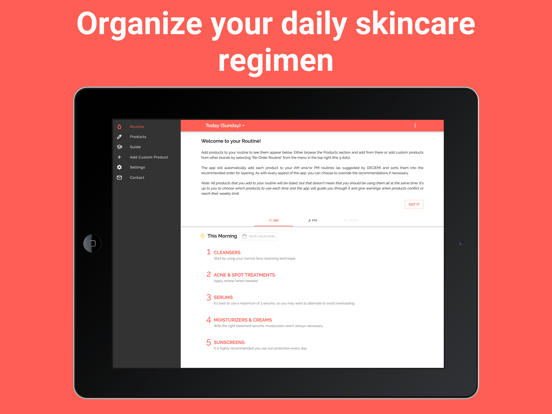
Add products to your routine. They will be automatically placed in your AM and/or PM routine as recommended.
• ADD CUSTOM PRODUCTS
You can add custom skincare products from other brands by selecting the option in the top-right menu in the Routine section or from the Custom tab in the Products section.
• USE YOUR ROUTINE FOR LAYERING ADVICE
The products are listed in the recommended layering order, along with advice for when and how to use each product.
• KEEP TRACK OF USAGE TO AVOID CONFLICTS
Each morning and evening, check each product off your list to keep track of which treatments you have used. This will allow the app to prevent any conflicts by showing you which products should be avoided.
• TRACK YOUR SKIN'S PROGRESS
Any time you notice your skin is looking particularly good or bad, you can make a note of it by pressing on the face icon next to the morning or evening routine. You can also add a comment to note down more details for your own record and add photos to track your progress.
• ADD PHOTOS
You can add photos of your skin to your diary tracker and also add photos of custom products.
• REMINDERS & TIMERS
You can set up notifications to remind you about your daily skin regimen. You can also set timers for products which require a specific wait time. Both can be found in the Settings.
*** Advanced App Customisation ***
• RE-ORDER YOUR ROUTINE
If you don't wish to follow the recommended layering order, you can choose to re-order the products to fully customise your routine by selecting the option from the top right menu (wit