Grid Draw- Logo & Icon Creator

Grid Draw- Logo & Icon Creator Summary
Grid Draw- Logo & Icon Creator is a with in-app purchases iOS app in Developer Tools by Bret Lester. Released in Sep 2018 (7 years ago). It has 279 ratings with a 4.44★ (good) average. Based on AppGoblin estimates, it reaches roughly 52K monthly active users and generates around $<10K monthly revenue (100% IAP / 0% ads). Store metadata: updated Jan 22, 2023.
Store info: Last updated on App Store on Jan 22, 2023 .
4.44★
Ratings: 279
Screenshots


App Description
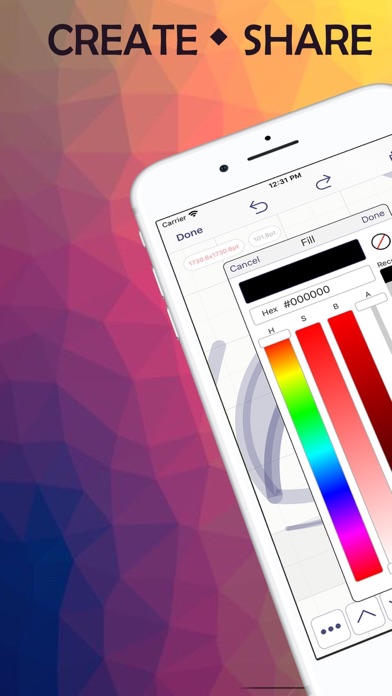
Now with SVG and PDF support, Grid Draw makes it easy to create and share original, vector-based iconography.
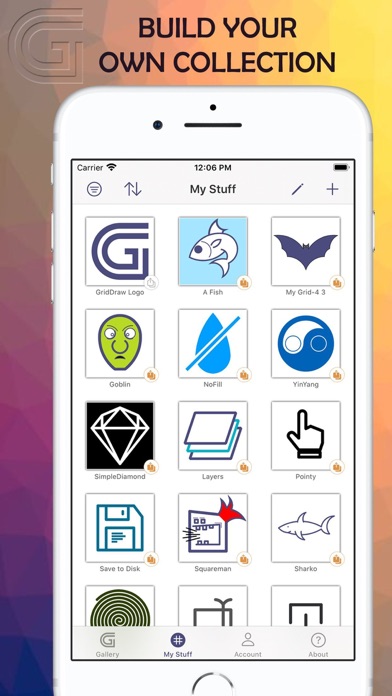
Browse a growing collection of vector art created by artists from around the world.
Build your own unique creations and share them with the GridDraw community, or keep them private if you choose.
Sign in to sync your personal collection across all of your iOS, MacOS and iPadOS devices.
It's great for creating any type of art that requires perfect symmetry such as icons and logos. And it works great with the Apple Pencil.
Grid Draw works using scalable vector graphics which means you can export your drawings as an image of any size without losing graphical fidelity.
Supported formats include SVG, PDF and PNG.
In addition to built-in cloud sync, you can save backups of your drawings as simple JSON text.
Organize your art with tags.
Promote your website on your profile page.
Get inspired.
--
Privacy Policy
https://gd.bretlester.com/privacy_policy.html
Terms of Service
http://gd.bretlester.com/terms_of_service.html
--
Grid Draw Full Version is a 1-month auto-renewable subscription.
Payment will be charged to iTunes Account at confirmation of purchase.
Subscription automatically renews unless auto-renew is turned off at least 24-hours before the end of the current period.
Account will be charged for renewal within 24-hours prior to the end of the current period.
You can turn off auto-renew up to 24 hours before your next subscription payment is due via your App Store settings page.
Subscriptions may be managed by the user and auto-renewal may be turned off by going to the user's Account Settings after purchase.