Barcode Factory Lite
Barcode Factory Lite Summary
Barcode Factory Lite is a mobile iOS app in Tools by HullBreach Studios Ltd.. Released in Sep 2018 (7 years ago). It has 3.00 ratings with a 3.67★ (average) average. Based on AppGoblin estimates, it reaches roughly 5.00 monthly active users . Store metadata: updated Nov 7, 2023.
Store info: Last updated on App Store on Nov 7, 2023 .
3.67★
Ratings: 3.00
Screenshots
App Description
Barcode Factory Lite handles both sides of the equation with both 1D and 2D barcodes in a number of symbologies.
It reads nearly every common format in use today and creates barcodes in 4 common formats. The app supports all device orientations and dynamic split-screening with other apps on supported devices.
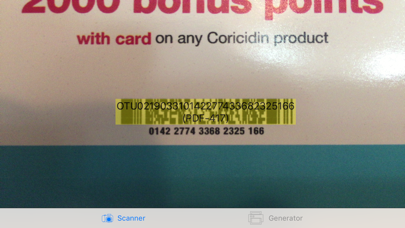
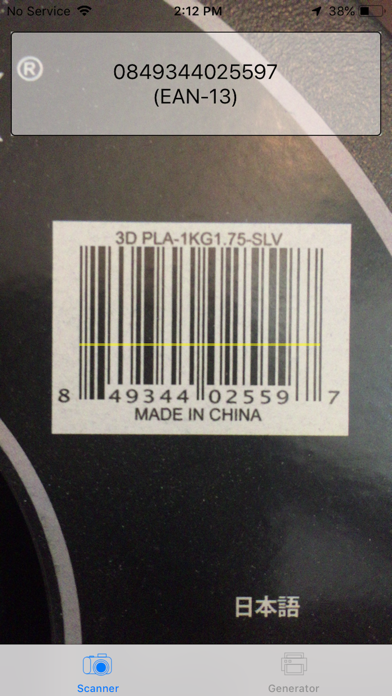
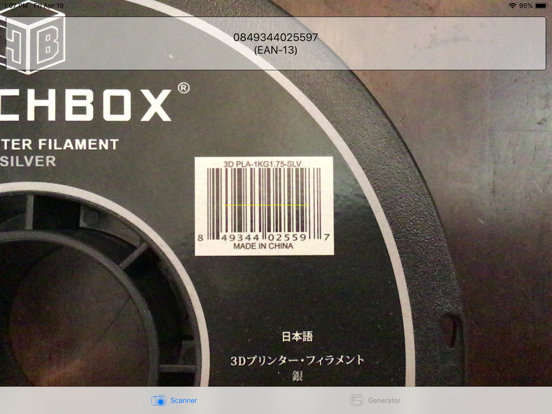
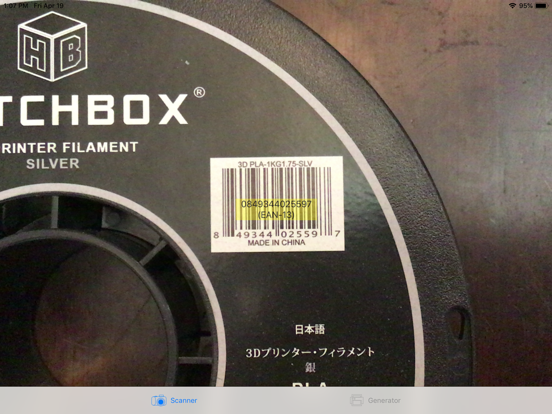
In Augmented Reality (AR) Scan mode, labels hover over barcodes in real-time.
Scan the following barcode symbologies:
* Aztec
* Codabar
* Code-128 (A, B, C)
* Code-39 (including Full ASCII and Mod 43)
* Code-93(i)
* Data Matrix
* EAN-13 (including ISBN)
* EAN-8
* GS-1 Databar (including Limited and Expanded)
* Interleaved 2 of 5 (including Checksum)
* ITF-14
* MicroQR
* PDF-417
* QR Code
* UPC-E
Generate your own barcodes (included inverted) in the following symbologies:
* Aztec
* Code-128B
* PDF-417
* QR Code
---
If you enjoy this app, please consider Barcode Factory Pro, which adds all these features:
SCANNER
Toggle to scan inverted (white-on-black) barcodes
Extended Details:
* Code-39: VIN parsed for vehicle country and year
* EAN-8, EAN-13: GS1 Country codes
* EAN-8, EAN-13: Books, serials, drugs, coupons
* PDF-417: AAMVA driver license parsed for name and city
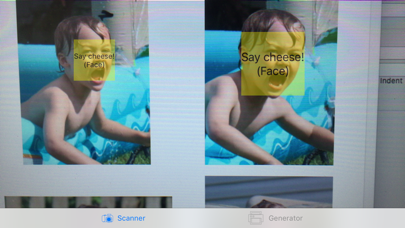
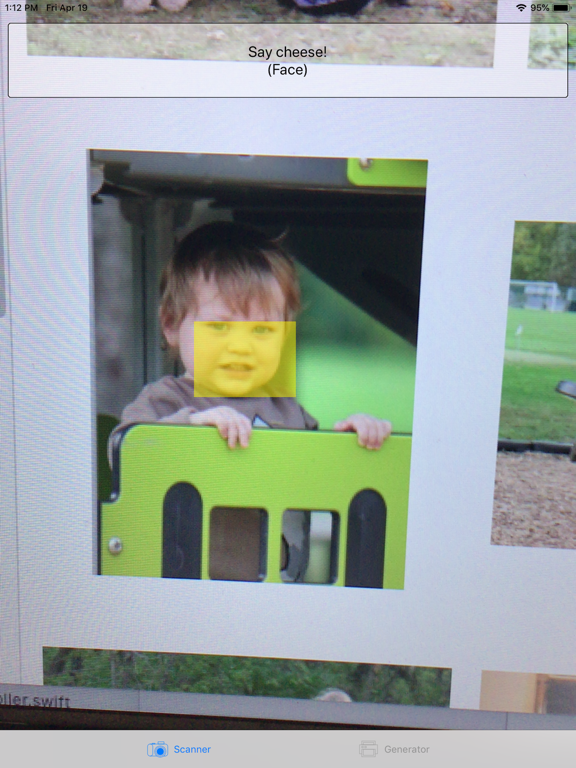
Detect faces
GENERATOR
Additional formats:
* Codabar (A-sentinels)
* Code-39
* Interleaved 2 of 5
Export your generated barcodes by:
* Long-pressing to share to email, AirPrint, iMessage, social media, Photo Gallery, and more!
* Drag-and-drop to another app in split-screen (Note: You must return to full screen to resume scanning.)