Graphing Calculator Pro²
Graphing Calculator Pro² Summary
Graphing Calculator Pro² is a mobile iOS app in Education by Di Venisco UG (haftungsbeschrankt). Released in Sep 2018 (7 years ago). It has 1.6K ratings with a 3.80★ (average) average. Based on AppGoblin estimates, it reaches roughly 1.5K monthly active users . Store metadata: updated Dec 18, 2020.
Recent activity: -1 new ratings this week View trends →
Store info: Last updated on App Store on Dec 18, 2020 .
3.8★
Ratings: 1.6K
Screenshots

App Description
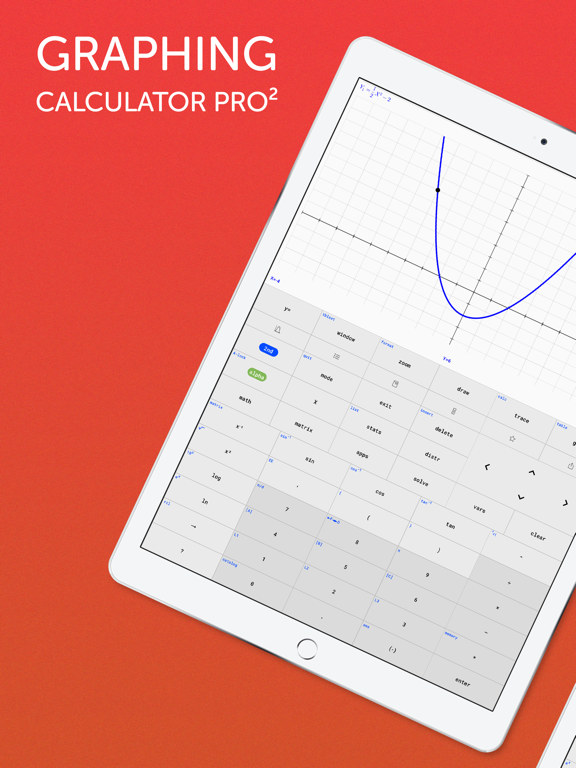
A full-featured graphing calculator: Graph and investigate functions, solve equations, work with statistics, distributions, matrices and much more.
FIVE REASONS WHY YOU NEED THIS APP
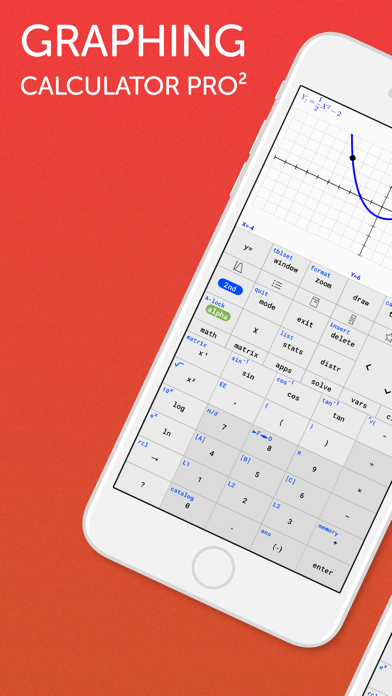
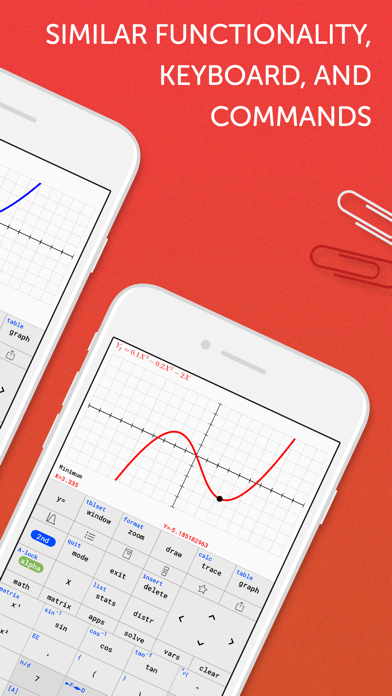
1. Keyboard and command syntax similar to physical graphing calculators -> No need to learn a new calculator.
2. Powerful emulator like Wabbitemu Calculator -> No more waiting to graph functions compared to slow physical handhelds.
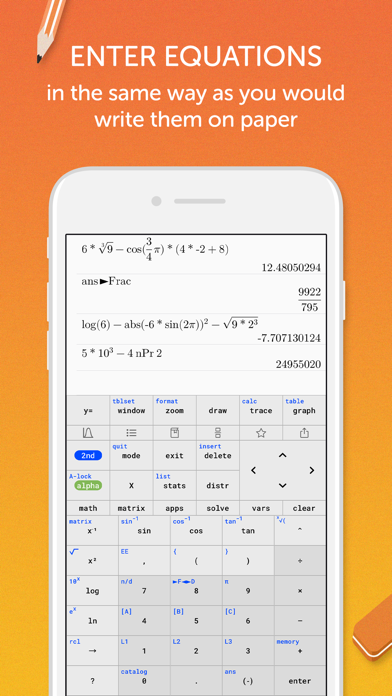
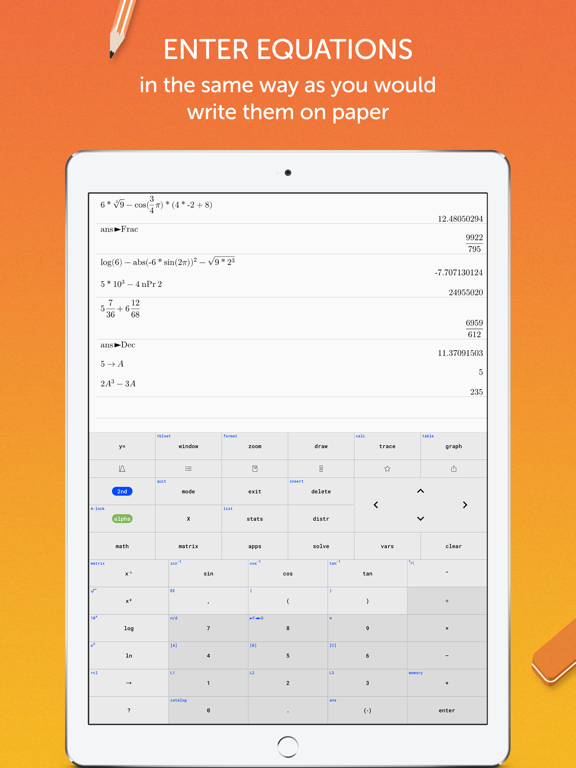
3. Enter fractions, equations or functions in the same way as you would write them on paper.
4. Never forget your calculator at home! It's always ready on your iPhone & iPad, and it weighs nothing.
5. High-resolution graphs
FULL GRAPHING CALCULATOR
• Graph more than ten functions at once, each with a different color
• Add Lines, Horizontals, Verticals, and Tangents to the graph
• Use your finger or the arrow keys to trace the coordinates of your functions
• Calculate the Zero, Minimum, Maximum, Intersection, and Derivative
• Find integrals and color the area under the function
• Set the X and Y coordinates of the graphing window; zoom in and out with your fingers
ADVANCED SCIENTIFIC CALCULATOR
• Enter calculations in natural textbook format
• Includes all basic arithmetic (+, -, x, ÷, ^, ², √, π, …)
• Use advanced functions like sin, cos, tan, e, ln, Σ, ...
• Scroll your calculation history and modify existing calculations with one tab
• Store and recall variables
• Quadratic Equation Solver
MATRIX CALCULATOR
• Work with matrices the easy way -> store them or enter them directly on the calculator interface
• Do basic matrix arithmetic operations like addition, subtraction, multiplication or power of a Matrix
• Put the matrix into Reduced Row-Echelon Form and solve linear equation systems
• Calculate the determinant, inversion or transpose the matrix
STATISTICS AND LISTS
• Use lists for all basic and trigonometric operations
• Enter lists using the Statistics List Editor or use curly brackets on the main screen
• Perform 1- and 2- Variable Stats
• Investigate your lists: min, max, mean, median, sum, product, standard deviation, and variance.
• Do regressions with best-fit lines: LinReg, QuadReg, CubicReg, QuartReg, ExpReg
• Work with distributions: Normal, Poisson and Binomial
TUTORIAL AND CATALOG
• Easy to understand tutorial to get started
• Full Catalog of all commands with syn