Romantic •

Romantic • Summary
Romantic • is a with in-app purchases iOS app in Stickers by Nurlan Ispayev. Released in Sep 2018 (7 years ago). It has 29 ratings with a 2.97★ (poor) average. Based on AppGoblin estimates, it reaches roughly 68 monthly active users . Store metadata: updated Jul 15, 2025.
Store info: Last updated on App Store on Jul 15, 2025 .
2.97★
Ratings: 29
Screenshots


App Description
—————————————————————————
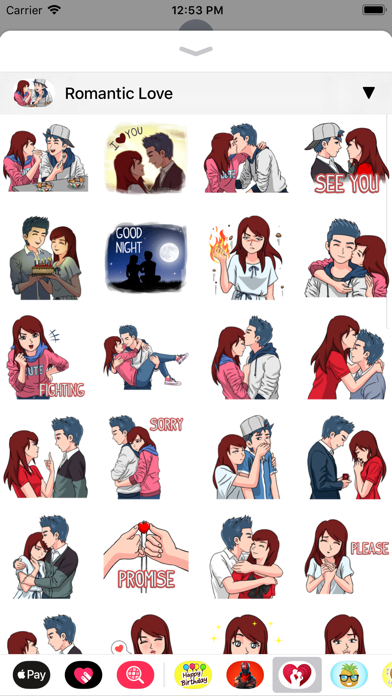
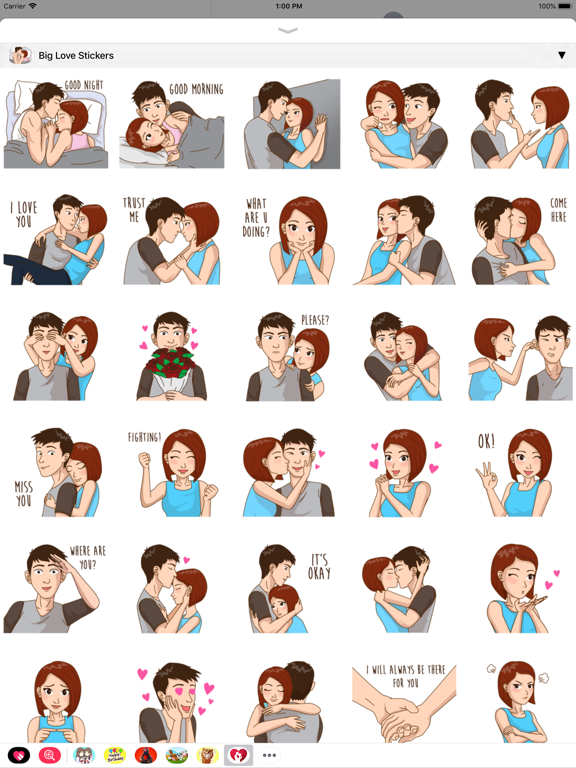
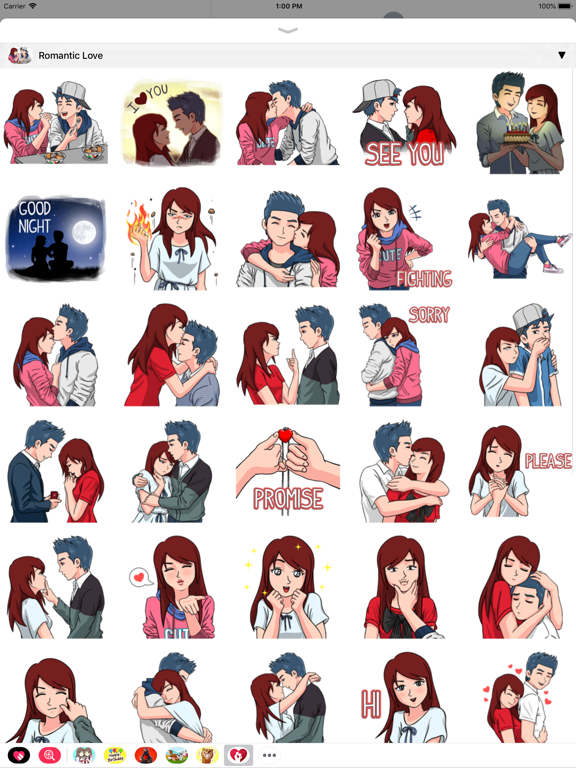
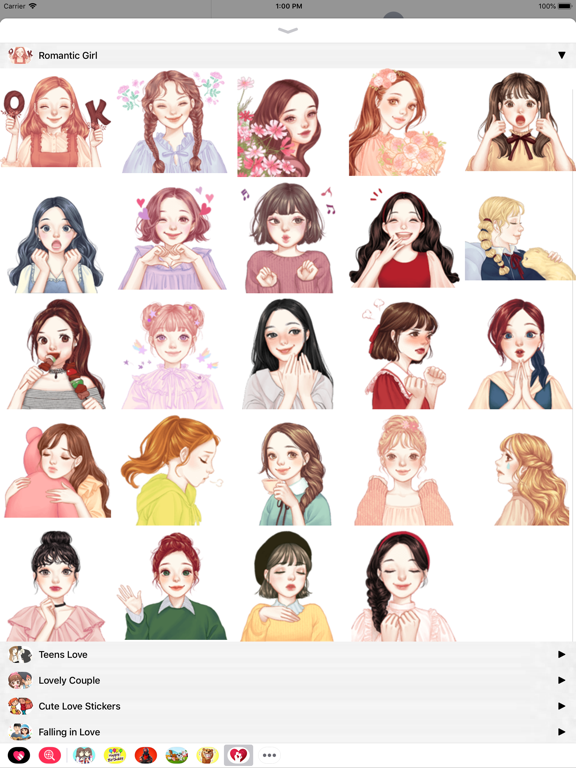
400 Romantic Stickers for iMessage!
STICKERS PACKS INCLUDE:
• Big Love Stickers
• Romantic Love
• Romantic Girl
• Teens Love
• Lovely Couple
• Cute Love Stickers
• Falling in Love
• Sweet Couple
• Cute Lovers
• Romantic Couple
HOW TO USE:
• SEND dynamic and animated stickers in chat
• PLACE stickers anywhere on your iMessages
• CUSTOMIZE your photos with stickers in chat
• LAYER stickers over each other, in chat, and on photos
• SCALE & ROTATE stickers
HOW TO FIND YOUR STICKERS:
• Access iMessage apps— Enter a contact to message, then tap the App Store icon beside the chat field to see your most recently used iMessage app.
• Find new stickers—First tap the App Store icon, then tap the 4-ovals icon in the lower left to bring up the app drawer. Then, tap the + icon to access the Store.
• If you are not seeing Stickers that you have purchased, you may need to change your settings. Tap the App Store icon, then tap the 4-ovals icon in the lower left to bring up the app drawer. Then click the + symbol to open the store, and select the Manage button top right. Make sure the app you are looking for is turned on.
• Use stickers in chat—Tap to send, or touch and hold to put stickers on top of a bubble, other stickers, photos, and videos.
• Apple Watch (iOS 3), iPhone & iPad users (iOS 10)—Transform your chat with animated stickers! Earlier iOS versions and other platforms will see static stickers in chat.
CONTACTS: pianistoshow@gmail.com