Draw.AI - How to draw

Draw.AI - How to draw Summary
Draw.AI - How to draw is a free, ad-supported, with in-app purchases iOS app in Education by EYEWIND LIMITED. Released in Oct 2018 (8 years ago). It has 1.7K ratings with a 4.18★ (good) average. Based on AppGoblin estimates, it reaches roughly 1.5K monthly active users and generates around $<10K monthly revenue (25% IAP / 75% ads). Store last updated Aug 24, 2026
Draw.AI - How to draw SDKs Summary
App not yet scanned for SDKs.
4.18★
Ratings: 1.7K
Screenshots
App Description
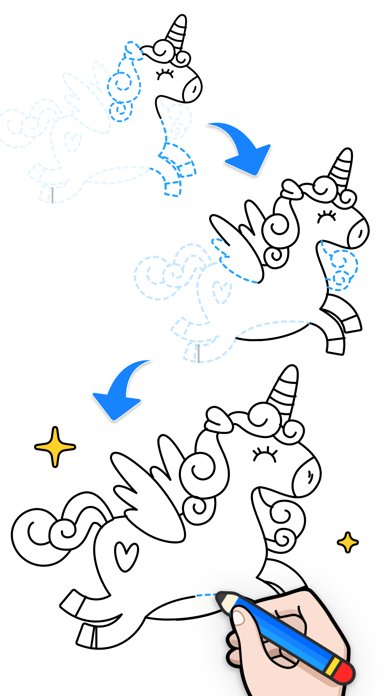
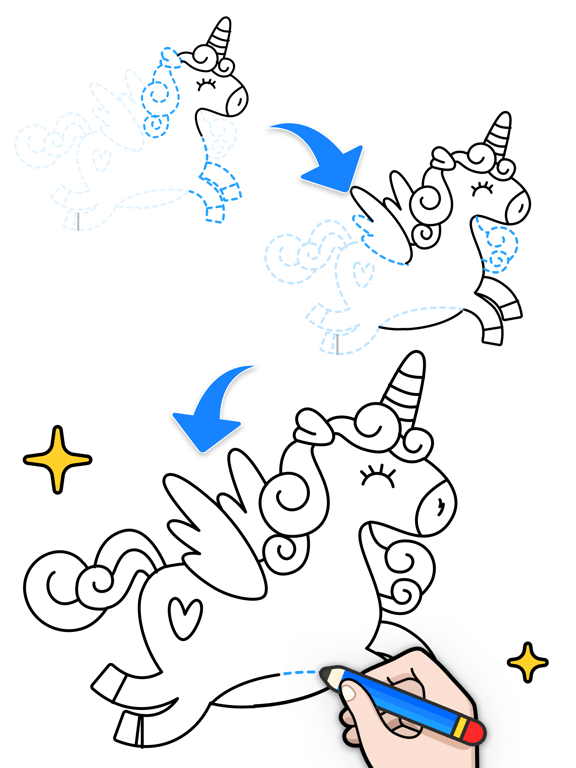
Even if you’ve hardly ever doodled, you’ll be at home with Draw.AI! Follow the steps and draw along, and you can become a drawing master! It’s super easy and fun!
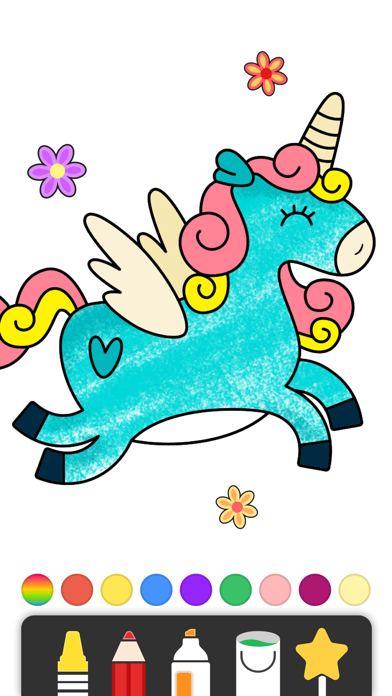
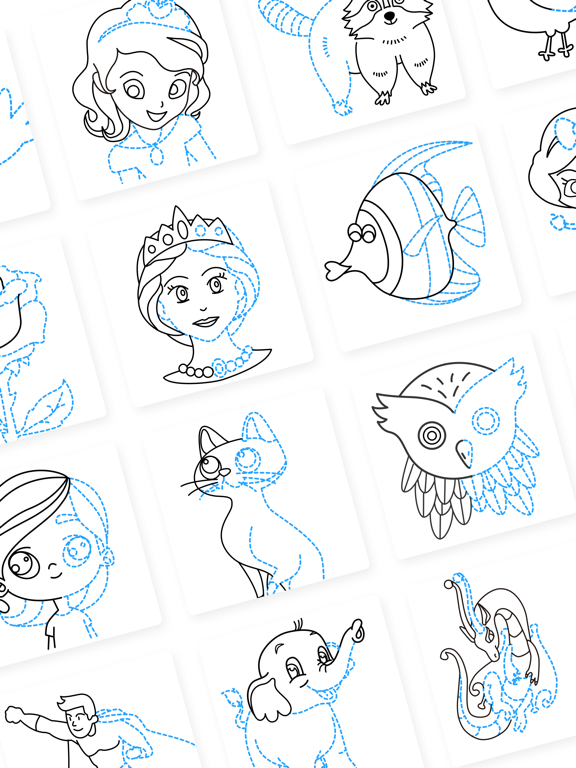
We have all kinds of drawings for you to learn to draw and color, such as anime, animals, flowers and much more!
HOW TO PLAY?
- Choose a drawing of your liking.
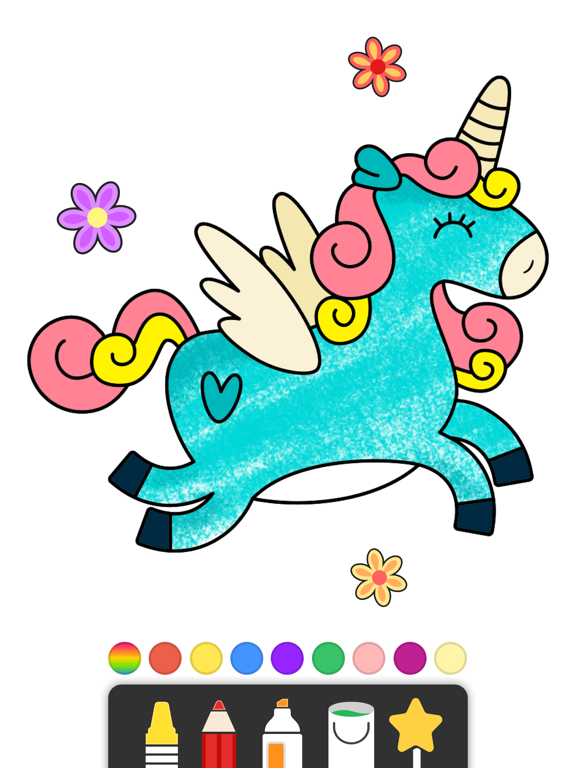
- Follow and draw step by step and fill in colors after you finished drawing.
- DONE! And don’t forget to SHARE your amazing works to your friends!
AMAZING FEATURES:
- Seamless animations showing you how to draw step by step.
- Tons of awesome drawings created by our artists, updated regularly!
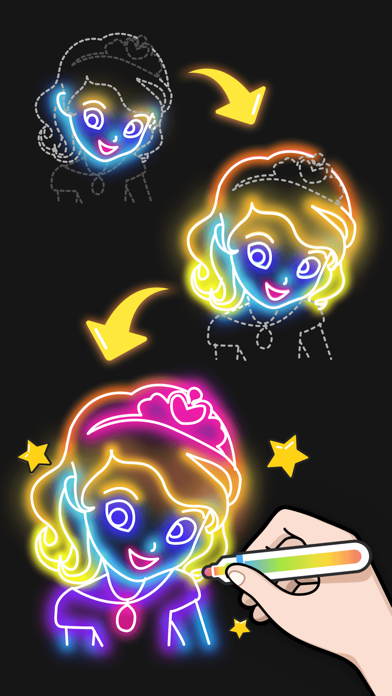
- Amazing tools! You can even use our GLOWING pens to create your unique glowing artworks!
- Coloring mode for you to practice your coloring skills.
- Auto generated video of your drawing & coloring process!
Download now and become a drawing master with Draw.AI!
SUBSCRIPTION INFO
- Draw.AI can be accessed for free. Free users have access to free content. The free version may include interstitial, banner, and native ads.
- You can purchase a weekly, monthly, or yearly subscription to unlock all content and remove ads.
- Payment will be charged to your Apple ID account at confirmation of purchase.
- Subscriptions automatically renew unless auto-renew is turned off at least 24 hours before the end of the current period. The account will be charged for renewal within 24 hours before the end of the current period.
- Subscriptions may be managed and auto-renewal may be turned off in your Apple ID subscription settings after purchase.
Canceling trial or subscription
You can cancel the subscription anytime in your Apple ID subscription settings. See https://support.apple.com/HT202039. When the current subscription period expires, access to Premium content will end.
Contact: color.app.feedback@hotmail.com
Terms of Service: http://incolor.cc/en/agreement.html
Privacy Policy: http://incolor.cc/en/privacy.html