Legend WiFi

Legend WiFi Summary
Legend WiFi is a free iOS app in Tools by LegendLite. Released in Oct 2018 (7 years ago). It has 1.00 ratings with a 2.00★ (poor) average. Based on AppGoblin estimates, it reaches roughly 1.00 monthly active users . Store last updated Nov 30, 2018
Legend WiFi SDKs Summary
App not yet scanned for SDKs.
2★
Ratings: 1.00
Screenshots



App Description
The Legend WiFi app for iOS is available exclusively for LEGEND customers and contains WiFi security features to improve your safety and privacy while using certain LEGEND WiFi hotspots around town. The app also automatically connects you to LEGEND WiFi hotspots when in range. It makes it easy to find LEGEND WiFi hotspots with enhanced search tools and directions.
Features:
• Automatically connect to LEGEND WiFi, including secure hotspots where available
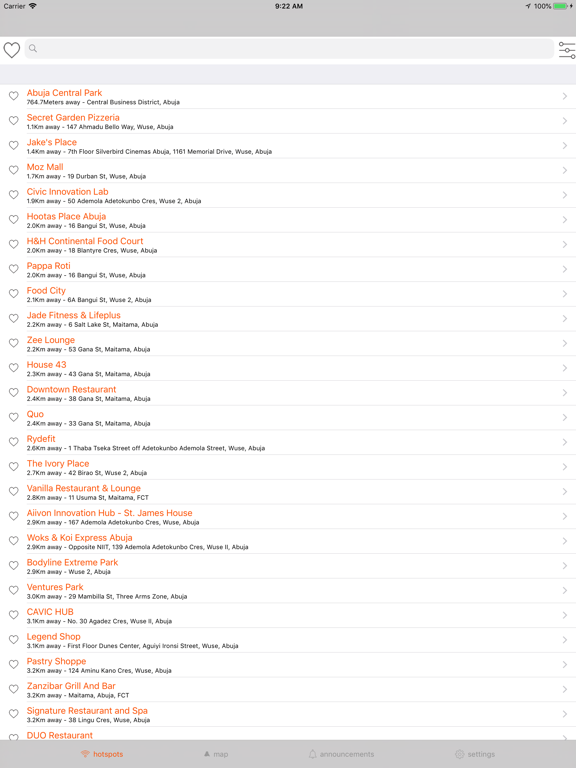
• "Near Me" locates all nearby LEGEND WiFi hotspots
• View maps and lists of hotspots, with walking and driving directions
• Create and save your favorite hotspots for easy reference later
Requirements:
• A WiFi enabled device running iOS 10.0 and up
• LEGEND Internet service (Performance tier and above)
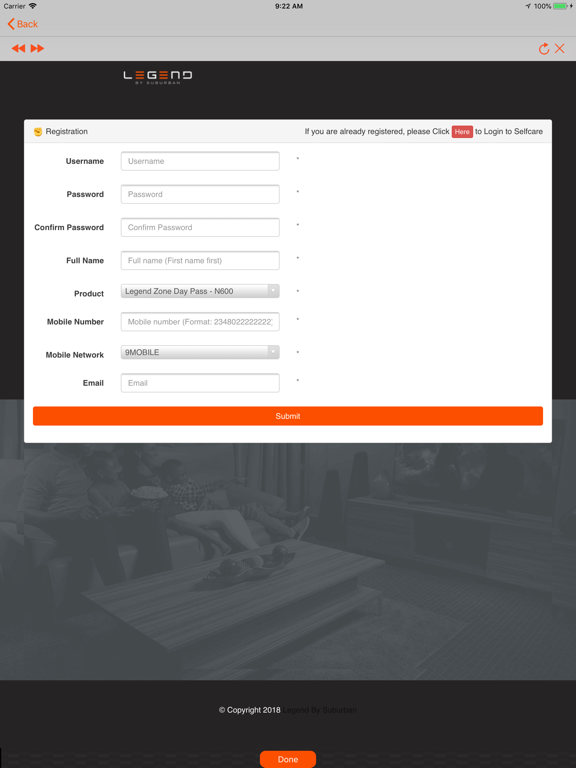
• LEGEND username and password
LEGEND customers:
Don’t know your username? www.legend.ng/support
Forgot your password? https://idm.xfinity.com/myaccount/reset
LEGEND WiFi Hotspots
LEGEND WiFi is the largest, fastest WiFi network in Abuja, so there is always a Hotspot where you need it most. LEGEND WiFi is included with LEGEND Internet service (Dual Play and above) for no additional charge. Stream what you love around town. Save on your mobile data plan.
Note: Continued use of GPS running in the background can decrease battery life. The LEGEND WiFi Hotspots app is optimized to stop GPS use automatically when you are stationary. To disable GPS in the LEGEND WiFi Hotspots app: On your device go to iOS Settings / LEGEND WiFi / Location and select ‘While Using the App’. Some functionality in the app may no longer be available.