Pearson Employee Authenticator
Pearson Employee Authenticator Summary
Pearson Employee Authenticator is a free iOS app in Tools by Pearson Education, Inc.. Released in Oct 2018 (8 years ago). Store last updated Mar 30, 2021
Pearson Employee Authenticator SDKs Summary
App not yet scanned for SDKs.
0★
Ratings:
Screenshots
App Description
** This app is for employees only and will not work for Pearson’s students and educators accessing Pearson’s learning apps **
Pearson Employee Authenticator provides employees, contractors, and partners with a safer, more secure way to verify their identity when they log in to their Pearson myCloud account.
It uses Multi-Factor Authentication (MFA) – your username and password, plus a touch or security code – to verify it’s you when you log into your myCloud account.
Once registered, it is simple and fast to use.
You can install the app on either your Pearson-managed or personal device.
Features:
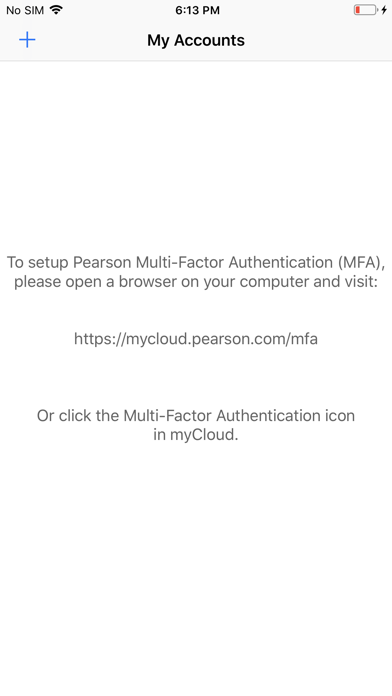
- Easy, quick set-up using QR codes
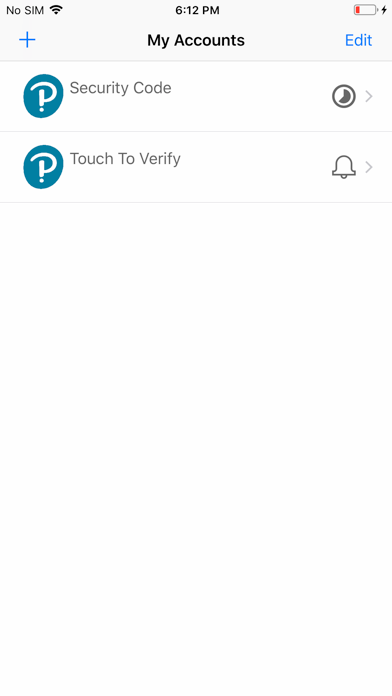
- Support for ‘Touch To Verify’ authentication
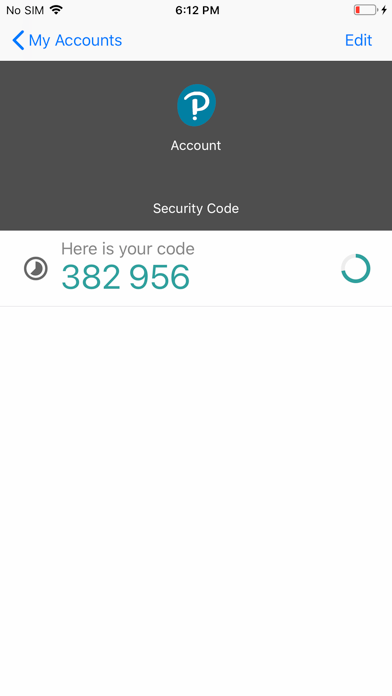
- Support for ‘Security Code’ generation
Permissions required:
Camera access: to scan QR codes for MFA registration
Notifications: to receive the Touch to Verify notifications
Network access: to respond to the Touch To Verify notifications*
Storage: to store your MFA settings
* No network access is required to use Security Code verification.