Smart View - Cast Device to TV

Smart View - Cast Device to TV Summary
Smart View - Cast Device to TV is a with in-app purchases iOS app in Photo And Video by Extreme Solutions Apps SL. Released in Oct 2018 (7 years ago). It has 1.8K ratings with a 2.32★ (poor) average. Based on AppGoblin estimates, it reaches roughly 912 monthly active users and generates around $<10K monthly revenue (100% IAP / 0% ads). Store last updated Mar 5, 2026
Recent activity: 1.00 new ratings this week View trends →
Smart View - Cast Device to TV SDKs Summary
App not yet scanned for SDKs.
2.32★
Ratings: 1.8K
Screenshots




App Description
Features:
- Cast Photos & Videos from your Camera Roll
- Cast Media Files from Dropbox & Google Drive
- Search and play your favorite music tracks
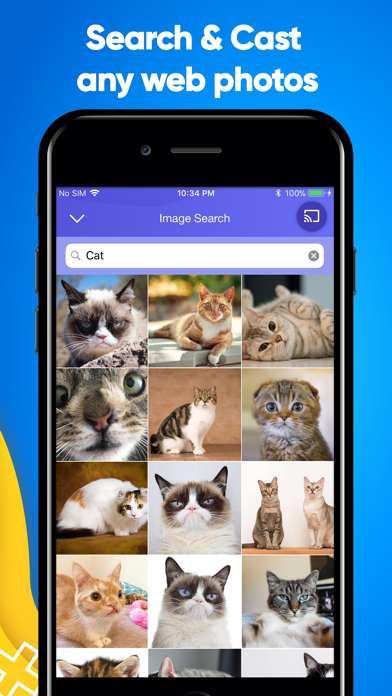
- Search and cast any media (YouTube,Facebook) from internet using built-in browser
- Supports queue play
- Easy media playing controls
Please make sure your phone and Smart TV are connected to the same Wi-Fi network.
All Samsung Smart TVs from the year 2014 and up are supported.
In-app purchases:
You can be a premium user through auto-renewing subscription.
- Payment will be charged to iTunes Account at confirmation of purchase
- Subscription automatically renews unless auto-renew is turned off at least 24-hours before the end of the current period
- Account will be charged for renewal within 24-hours prior to the end of the current period,and identify the cost of the renewal
- Subscriptions may be managed by the user and auto-renewal may be turned off by going to the user's Account Settings after purchase
- Any unused portion of a free trial period,if offered,will be forfeited when the user purchases a subscription to that publication,where applicable
Legal:
Please see Smart Cast Terms of Services and Privacy Policy:
• Terms of use: http://www.socem.com/TermsOfUse.html
• Privacy policy: http://www.socem.com/PrivacyPolicy.html