Stiiitch · Photos Stitching

Stiiitch · Photos Stitching Summary
Stiiitch · Photos Stitching is a free, with in-app purchases iOS app in Photo And Video by Hangzhou Onedium Technology Co., Ltd.. Released in Dec 2018 (7 years ago). It has 4.3K ratings with a 4.76★ (excellent) average. Based on AppGoblin estimates, it reaches roughly 2.3K monthly active users and generates around $<10K monthly revenue (100% IAP / 0% ads). Store last updated Nov 3, 2025
Recent activity: 2.00 new ratings this week View trends →
Stiiitch · Photos Stitching SDKs Summary
App not yet scanned for SDKs.
4.76★
Ratings: 4.3K
Screenshots
App Description
Stiiitch stitches automatically. Users could export high-definition screenshots by just one click. Stiiitch features ultra-fast, ultra- effective high-definition long screenshots.
Main features and highlights
————————————————————
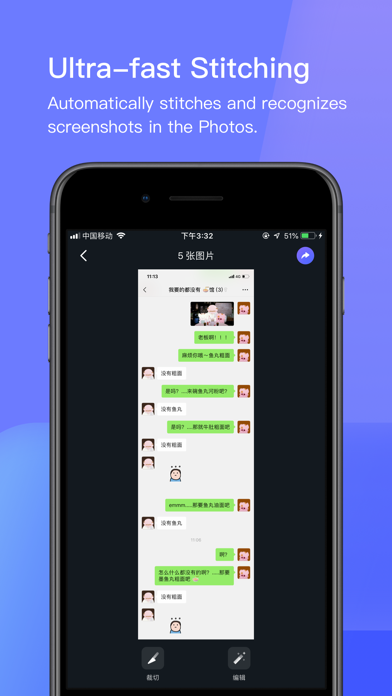
⓵ Ultra-fast Stitching
Automatically stitches and recognizes screenshots in the Photos.
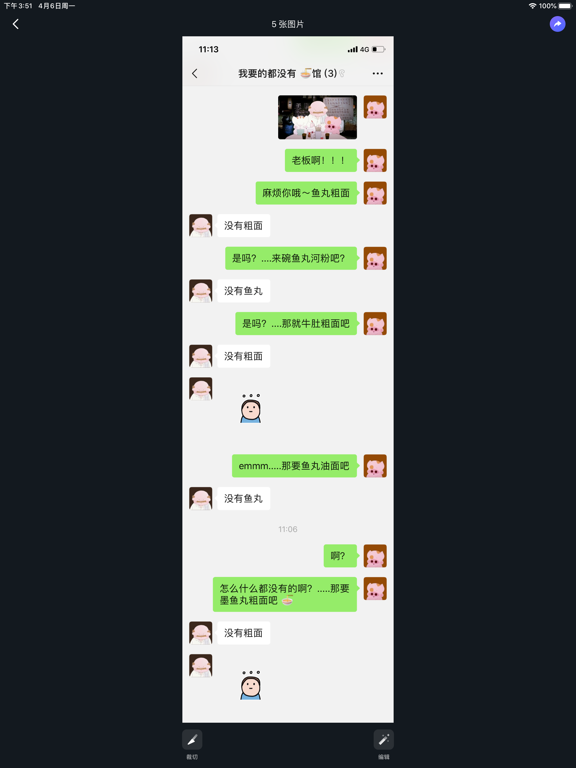
When you just finished a single screenshot, or when there are consecutive screenshots in your Photos, Stiiitch will automatically recognize and stitch.
Stiiitch can be used in chat history, WeChat, QQ, SMS text; save and share of WeChat subscriptions, long articles in Apps, bills, checklists.
In addition, for WeChat chat history stitching, Stiiitch can achieve ultra-fast automatic stitching even if your chat background is a custom image .
————————————————————
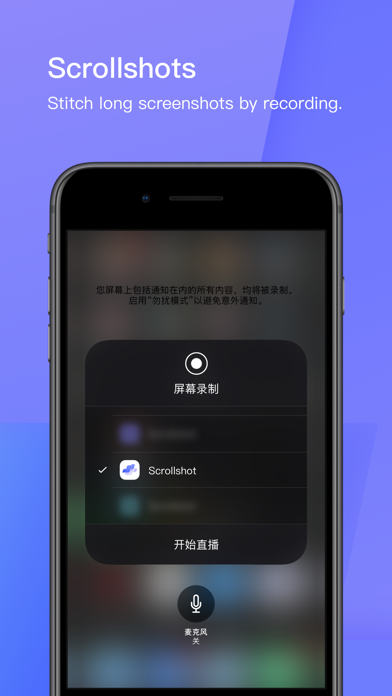
⓶ Scrollshot
Use the screen recording to make long screenshots and stitch them together efficiently and quickly
No need to take multiple manual screenshots, you can take long screenshots in one recording.
————————————————————
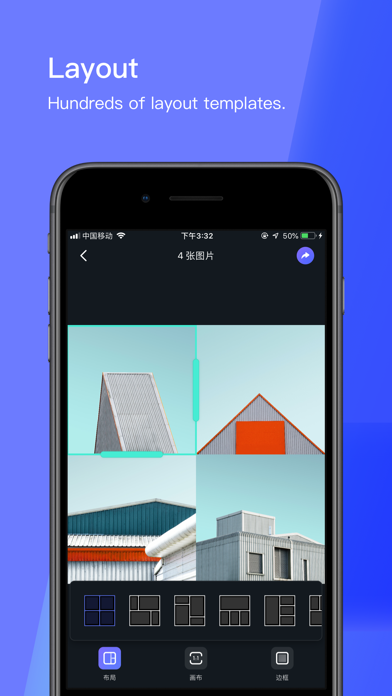
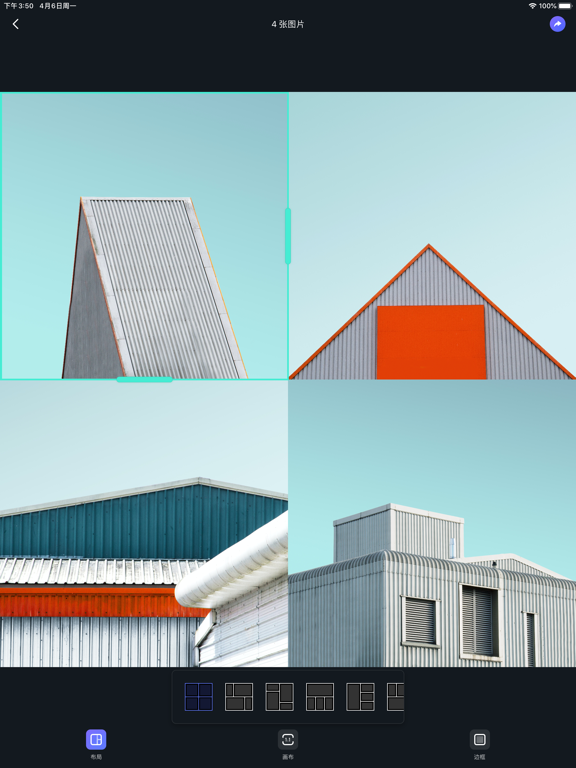
⓷ Layout
Support for hundreds of layout templates
————————————————————
⓸ Normal stitching
Easy and pragmatic
Includes horizontal and vertical stitching. Traveling memory, party or reunion memory could all be stitched.
————————————————————
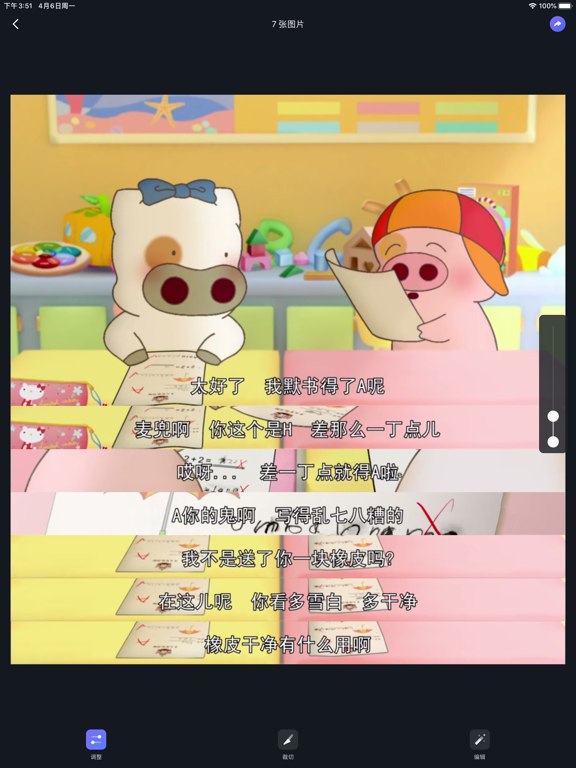
⓹ Subtitles Stitching
An artifact for the TV series fans.
When seeing your favorite story lines, you will have an impulse to write down them! Our subtitles stitching, especially tailored for this, makes it easier for you to express your feelings through drama.
————————————————————
⓺ Markup
Adding stickers to photos.
After stitching, you may want to cover some private information by markup.
————————————————————
⑦ Website screenshots
Provides screenshots widget for websites.
Within any browsers, click ‘Share’ and icon of stitching website screenshot widget, you can screenshot the whole page by just one tap.
————————————————————
⑧ Mockup
Add a device mockup for the screenshot
We simulate the effect of the screenshots with a device mockup, various options of model and color f