Hinglish Keyboard - Hindi Keys

Hinglish Keyboard - Hindi Keys Summary
Hinglish Keyboard - Hindi Keys is a ad-supported, with in-app purchases iOS app in Tools by banuchander janarthn. Released in Nov 2018 (7 years ago). It has 34 ratings with a 4.50★ (excellent) average. Based on AppGoblin estimates, it reaches roughly 62 monthly active users and generates around $<10K monthly revenue (27% IAP / 73% ads). Store metadata: updated Jun 16, 2024.
Store info: Last updated on App Store on Jun 16, 2024 .
4.5★
Ratings: 34
Screenshots
App Description
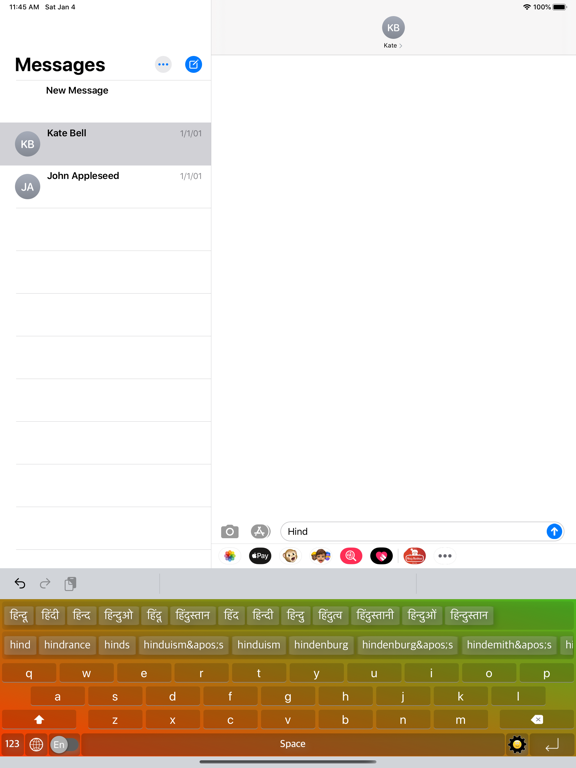
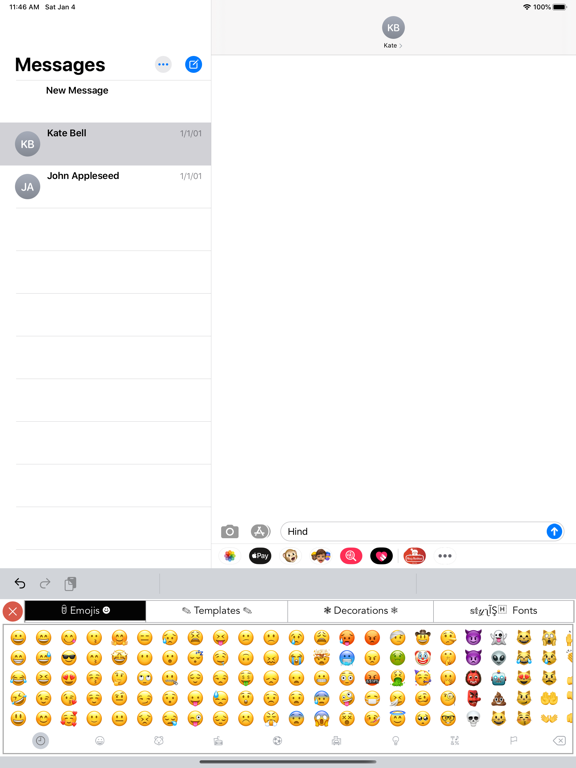
◉ Best Hindi Keyboard Ever
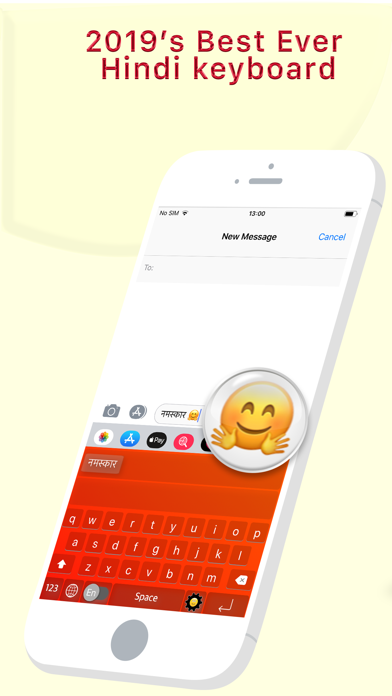
◉ Type in Hindi, Anywhere Everywhere
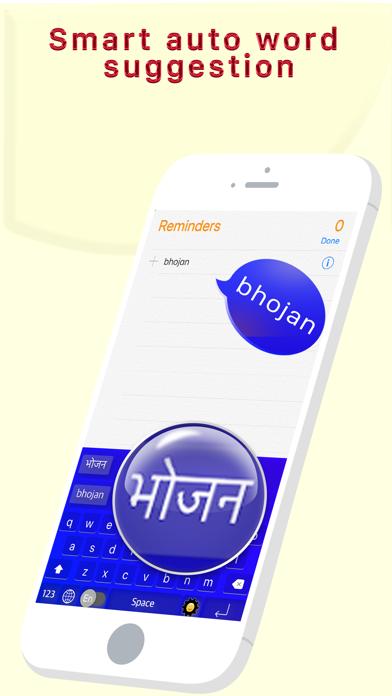
◉ Type the English word, Get the Hindi Meaning Instantly Offline
◉ Easy Letter Suggestions - Offline
◉ 50% More Faster than normal keyboards
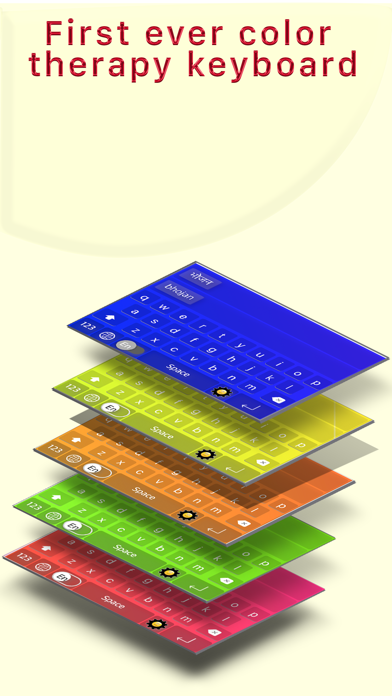
◉ Easily differentiate the Letters
◉ Get suggestions for the letters
◉ Help Grow Hindi Community
◉ Please Support Development By sharing with others
----------------------------------------------
HOW TO INSTALL Hinglish Vinglish KEYBOARD
----------------------------------------------
Once you downloaded the app from Appstore.
Step 1: Go to iPhone settings.
Step 2: Find General And Click on it.
Step 3:Scroll Down to bottom and see Keyboard option, Click on it.
Step 4: Click on the Keyboards Row.
Step 5: Scroll Down bottom of the screen and find "Add New Keyboard" Option and tap on it.
Step 6: Scroll down and find the Hinglish Vinglish Hindi Keys Option And tap on it, Thats it you are done.
Now finally open any of the WhatsApp,Facebook,Email,Notes,Twitter, sms app, and long press the Globe icon from the default keyboard, now choose the Hinglish Vinglish Hindi Keys Keyboard Option.
And Start Typing In Hindi.