I Can Sketch

I Can Sketch Summary
I Can Sketch is a free, with in-app purchases iOS app in Productivity by Vlad UMRYKHIN. Released in Nov 2018 (7 years ago). Based on AppGoblin estimates, it reaches roughly 11 monthly active users and generates around $<10K monthly revenue (100% IAP / 0% ads). Store last updated Jan 7, 2025
I Can Sketch SDKs Summary
App not yet scanned for SDKs.
0★
Ratings: 0
Screenshots



App Description
I Can Sketch: A Creativity Tool for Everyone
Discover a world of limitless creativity with I Can Sketch, where simplicity meets professional power, making art accessible to all. Our app provides an intuitive interface that allows both amateurs and professionals to effortlessly bring their ideas to life.
I Can Sketch advantages:
- Simplified Interface: Experience a more seamless and user-friendly interface that enhances your artistic process, making it smoother and more intuitive.
- Layer Drawing: Create complex, multi-layered artwork with ease. Each layer comes with customizable transparency settings, offering unparalleled flexibility in your designs.
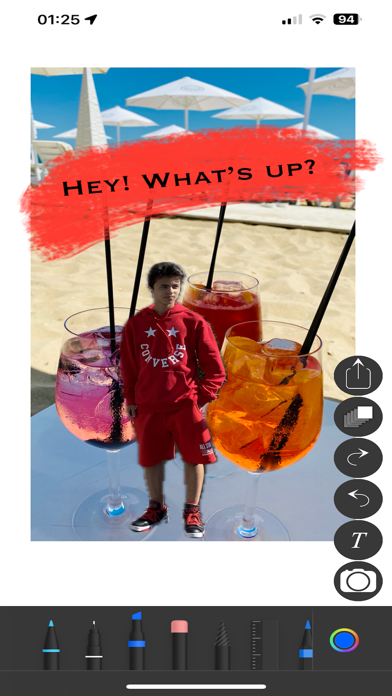
- Apple's Drag and Drop Technology: Seamlessly add photos or photo fragments from other open apps on your iOS device directly into your sketches.
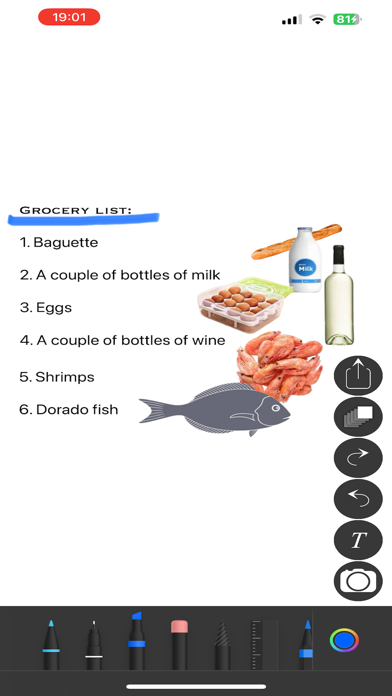
- Text Addition via Keyboard: Now add text to your drawing canvas using a keyboard, combining visual art with written words more efficiently.
- Fun Sketches and Meaningful Projects: Whether you want to create a playful collage or a serious project, I Can Sketch gives you the tools you need. Make enchanting sketches for social media, or realize professional layouts and plans for your projects. From personal notes to complex design solutions, I Can Sketch transforms your ideas into reality.
Professional Capabilities for Designers and Architects: I Can Sketch becomes an indispensable tool for professionals, assisting in creating advertising layouts, planning projects on a White Board, and developing architectural plans and landscape designs.
Ease and Accessibility for All Users: With I Can Sketch, anyone can become a creator. Our app makes the creative process easy and enjoyable, regardless of your experience level.
Your Digital Notebook: I Can Sketch is more than just a drawing app; it's your digital notebook. Use it for creating notes, task lists, and plans, incorporating text, handwritten notes, and photographs.
Useful Tips:
- Add Layers: If you want to draw on another drawing or a photo - add a layer and draw on it. The new layer is placed under the first one, and you draw on top.
- Working with Layers: Only the layer you have opened for drawing remains active for drawing, adding photos, or text. Drawings on other layers will not be accidentally spoiled.
- Adjust Layers: In multi-layer compositions, you can select the desired layer and make it invisible. Adju