smile the internet bank

smile the internet bank Summary
smile the internet bank is a free iOS app in Finance by The Co-operative Bank. Released in Dec 2018 (7 years ago). It has 9.2K ratings with a 4.68★ (excellent) average. Based on AppGoblin estimates, it reaches roughly 74K monthly active users . Store last updated Oct 13, 2026
smile the internet bank SDKs Summary
App not yet scanned for SDKs.
4.68★
Ratings: 9.2K
Screenshots

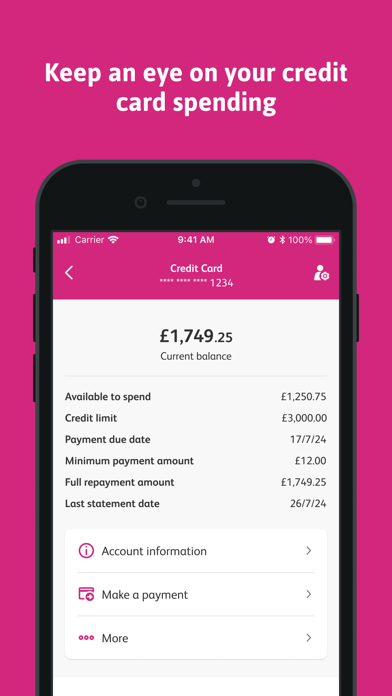
App Description
New to our app?
The smile mobile banking app comes with features that makes it quick & easy to manage your money on the move.
Benefits
• Access & manage your finances anywhere, at any time
• Quick & secure money transfers between your accounts & other people
• Search your transactions & view your pending payments to find your incomings & outgoings
Key features
Download the app today & enjoy secure, convenient & efficient banking at your fingertips
• Quick & secure login with TouchID, FaceID or passnumber
• Browse & search over a year’s worth of transactions on your current, savings & loan accounts
• View your pending payments
• Create & pay new payees
• Pay, view & delete your saved payees
• Transfer money between your smile accounts (including to your credit card)
• View & delete your scheduled payments
• Freeze and unfreeze your card securely 24/7 for extra peace of mind or if you’ve temporarily misplaced your card
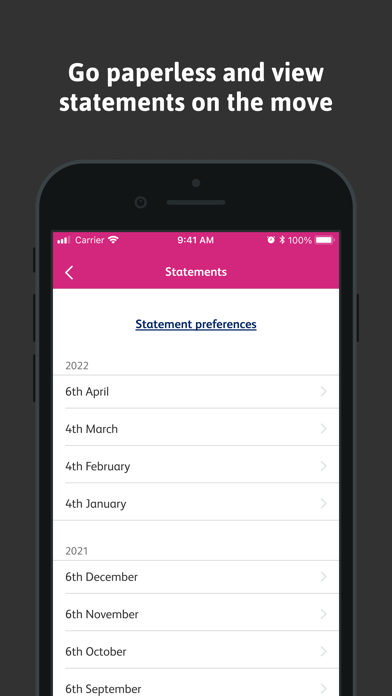
• View up to seven years of statements for current accounts, savings, ISAs & loans
• Use our easy to navigate account dashboard to help to you with your daily banking tasks
• Update your email address & phone number
• Share your account details with your contacts
• Switch your current account to us
• Apply for some products directly
• Find answers to your questions quickly on our help page
Fraud protection
The app also gives you additional protection from fraud. This is because we alert you of any account changes such as new device registration.
We also have a fraud hub with a wide range of educational resources to help protect you from fraud.
Make sure you always install the latest update of the app to get the latest improvements & security measures.
Logging in
If you’re already registered for online banking, you will need your username, password & 6-digit security code to log in.
If you’re not registered for online banking yet, you can either do this by tapping 'Register for online banking' in the app, or register for online banking on our website.
Device compatibility
For security reasons, you’ll need to be using an Apple device on iOS 15 or above to use our mobile app. You also will not be able to use the app if your device is jailbroken.
If you are not able to update to this version, you can log into online banking to access your accounts instead.
Terms of use
We collect non-personal u