Flash Brain Training Game
Flash Brain Training Game Summary
Flash Brain Training Game is a ad-supported iOS app in Education by Toru Shinnae. Released in Nov 2018 (7 years ago). Store metadata: updated Nov 11, 2025.
Store info: Last updated on App Store on Nov 11, 2025 .
0★
Ratings: 0
Screenshots
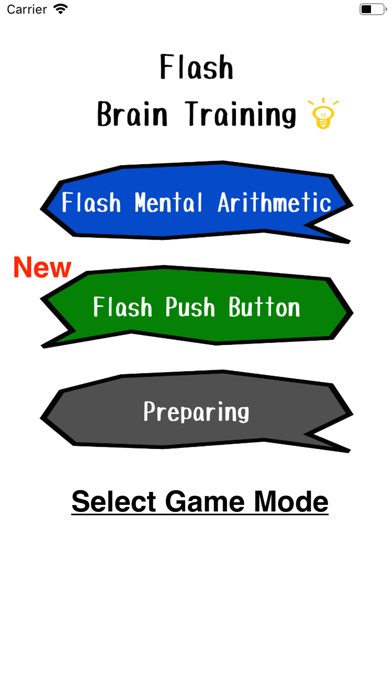
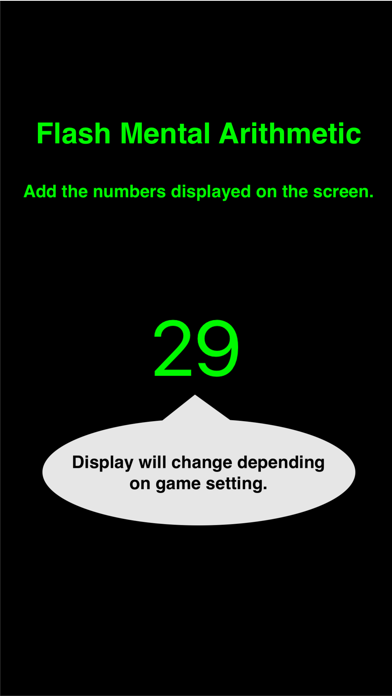
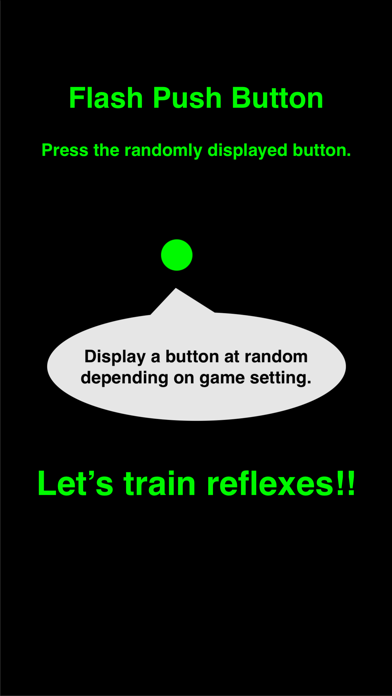
App Description
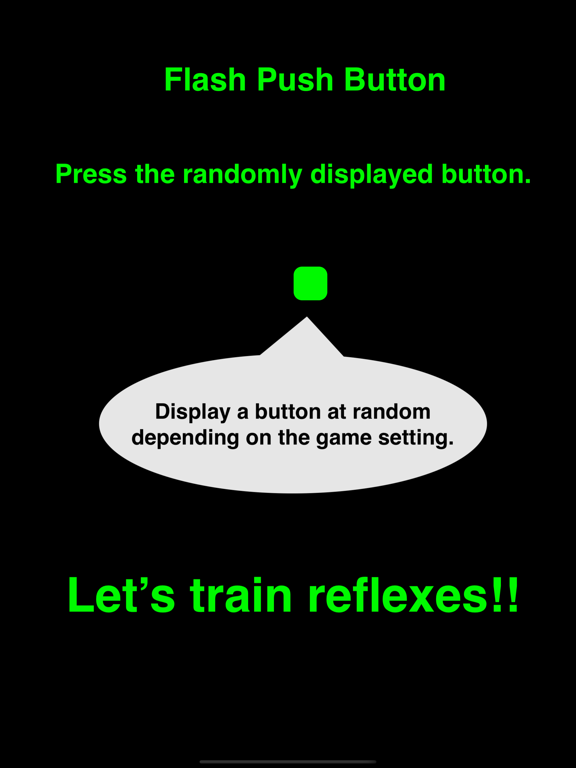
How to play "Flash Push Button".
1. Set game setting.
Button Num :This means the number of displayed button.
Speed : This means switching speed for displayed button
2. Select "Start!!"
3. Displaying a button at random by above setting.
Press displayed button.
4. Show result.
If you want to exit the game, you select "Exit" button. And then, back to game setting.
if you want to retry the game, you select "Retry" button. And then, displaying a button by same setting.
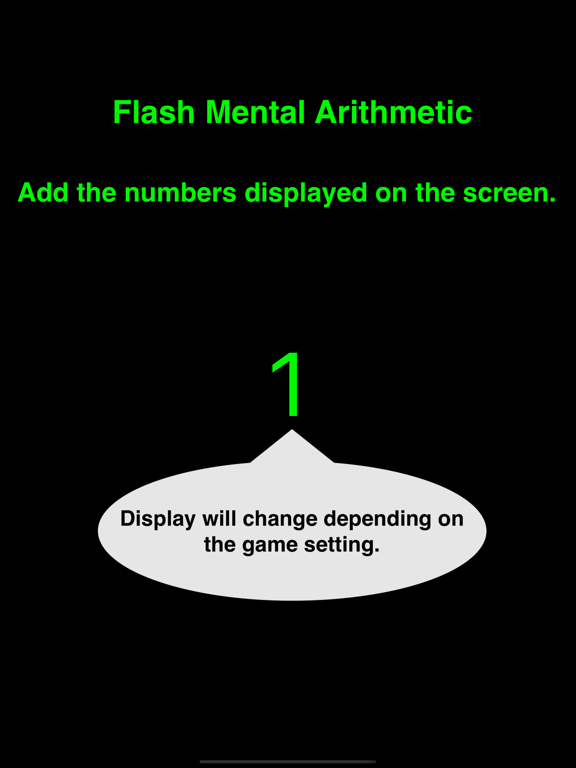
How to play "Flash Mental Arithmetic".
1. Set game setting.
Figure : The number of figures. If 1 is set on this, the displayed number is either of 1 ~ 9.
Item :This means the number of data.
Speed : This means switching speed for the number
2. Select "Start!!"
3. Displaying the number by above setting.
You must add displaying the number.
4. Input you answer.
5. Show result.
If you want to exit the game, you select "Exit" button.
if you want to continue the game, you select "Next" button. And then, displaying the number by same setting.
How to Play the Flash Icon.
1. Set the number of icons to display and the display speed.
2. Select "Start."
3. Memorize the icons that are diplayed.
4. On the answer screen, select one icon that was NOT displayed.